VidFomo
Loading...

A2O LITE NEON AI Dance

Add two separate photos, one adult performer per image. These are the two dance partners, not a first and last frame. Generation is currently unavailable; your selected pictures stay in this form.

References
0 / 2
Required Credits
50

Sample Images

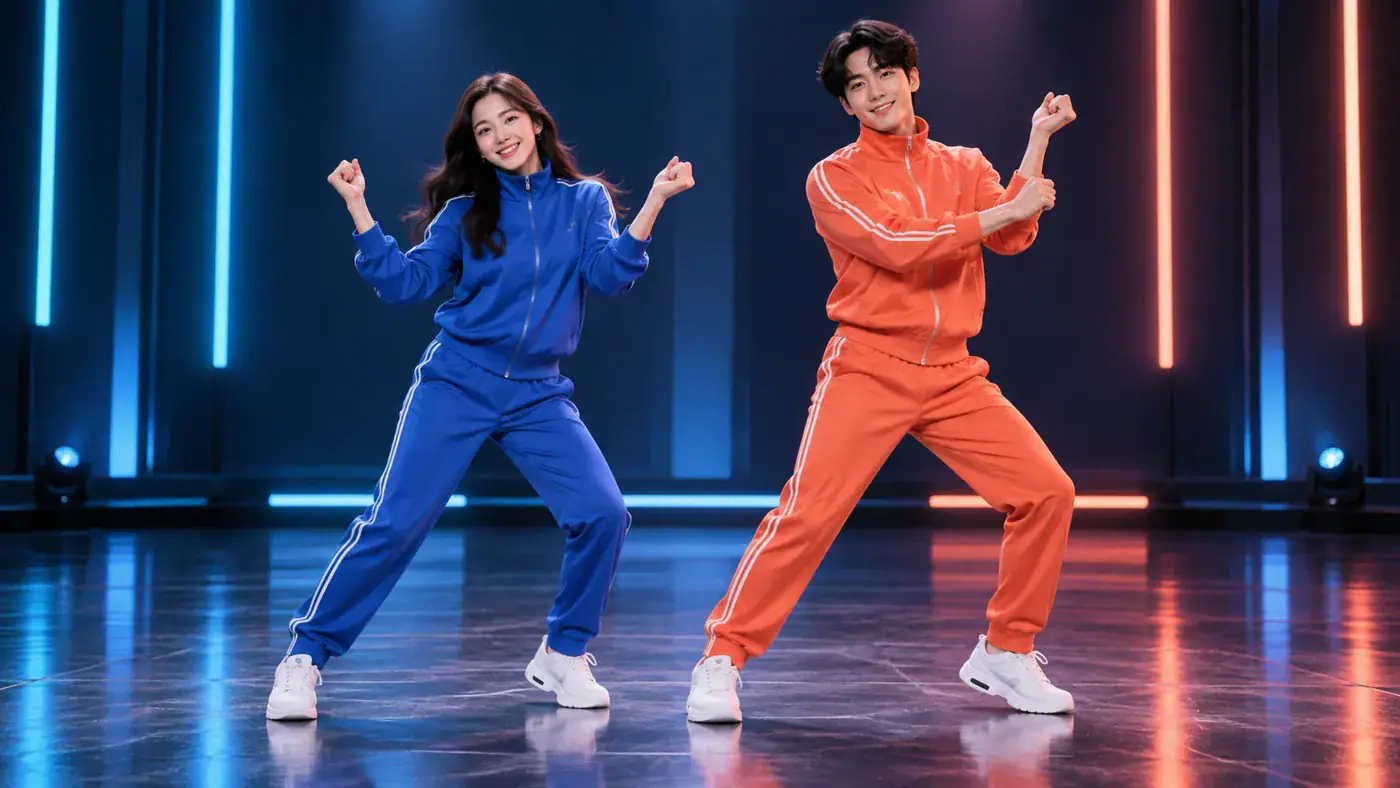
AI concept illustration of two adult dancers in blue and coral tracksuits sharing a playful stage pose

A2O LITE NEON AI Dance

Two familiar faces, one shared dance idea. Explore the A2O LITE NEON duo intro with a photo for each partner, from best friends to your own original characters. Choose the pair that makes you smile, then add their pictures in the dance tool. AI generated concept illustrations.

AI concept illustration of two adult dancers in blue and coral tracksuits sharing a playful stage pose

How to Set Up Your NEON Dance Duo

Start with the people who give the idea its personality. The image form brings both pictures together in one gallery, so you can review the pair before taking the next step. You can choose local files without filming a dance or preparing a motion reference.

  1. Add a photo for each partner

    Select two separate pictures with one person in each. Add both together or choose them one at a time; the counter should read 2 / 2 when the pair is complete. Use photos of yourself and another consenting adult, or original adult characters you control. Keep the faces visible and avoid group photos that leave the intended dancer unclear.

  2. Check the pair and framing

    Open each picture preview and check that you selected the right person. Replace an accidental duplicate, remove an unwanted image, or crop distracting edges with the image controls. Aspect Ratio and Resolution sit in Generation Settings. Use these controls to express your preferred framing and quality; the illustrations below explain composition, rather than previewing those settings on your own photos.

  3. Use Generate and read the feedback

    Check Required Credits beside Generate, then press Generate when both pictures are ready. The form checks that two usable images are present. Read the message in the tool before continuing, and keep your source pictures available if you want to change the cast. A selected image preview is still a photo; a completed dance would appear as a playable video.

Give the Two Person Dance Your Own Personality

The appeal is the partnership: two recognizable characters sharing a performance. These original concept illustrations show casting, coordinated poses, and framing ideas. They help you choose a direction without treating a still image as a finished dance sequence.

Build a pair people recognize

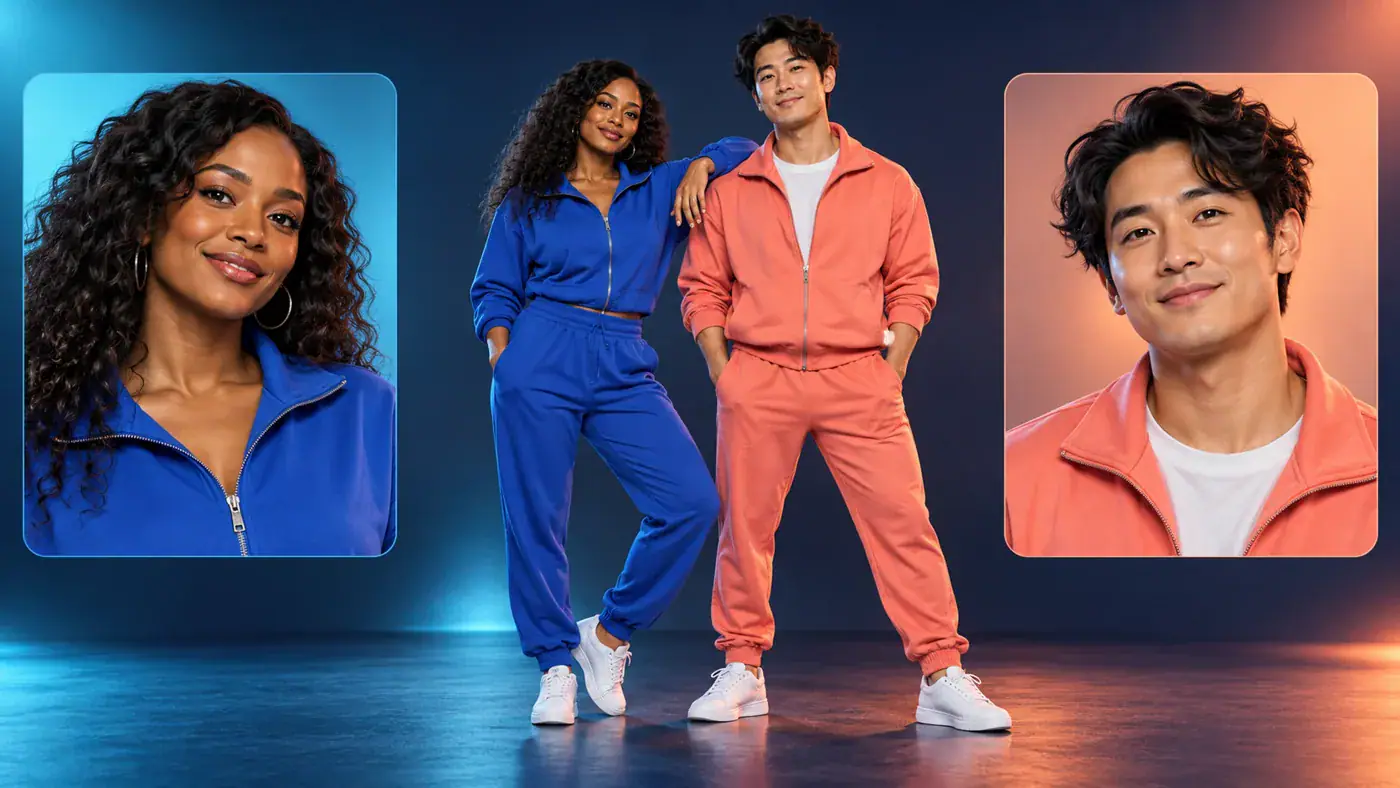
Start with a relationship your audience already understands. Two friends with very different everyday styles can make a playful pairing; adult siblings can turn a shared joke into a dance idea. Choose the cast before choosing a caption, so the joke comes from the people rather than a claim about their abilities. For original characters, keep each design distinct through hair, clothing color, or silhouette. The separate portrait cards in this illustration represent two identity references. They are not before and after images, and they do not ask you to place both people inside a single source photograph.
Pick My Two Performers
AI concept illustration with separate adult portrait cards beside the two intended dance partners

Make the partnership easy to read

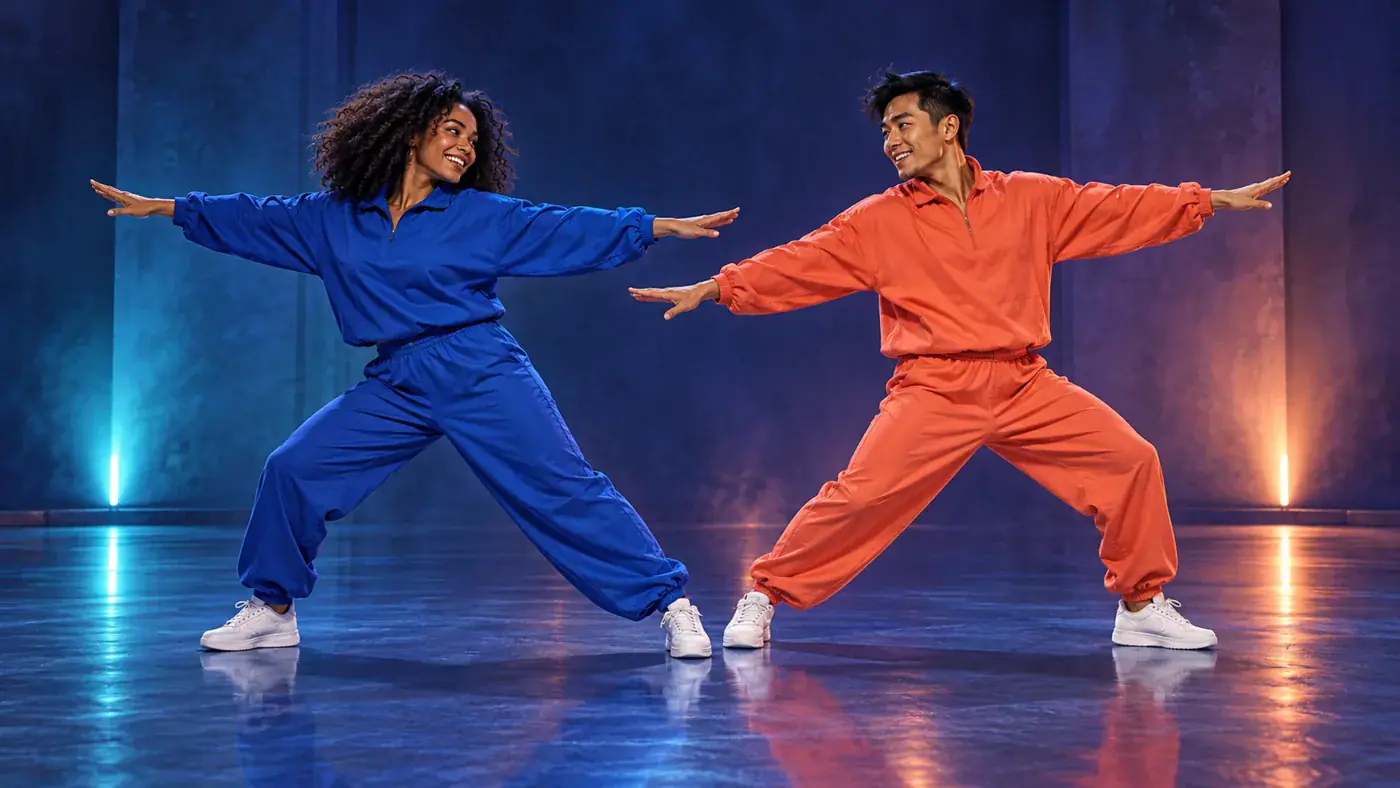
The NEON duo intro gives both performers a place in the idea. Think about how the pair reads together, rather than treating the second person as background decoration. Distinct outfits help you follow each character at a glance. Compare the pair side by side first, then look at each person separately so neither partner becomes an afterthought. The extended arms in this concept image illustrate shared movement and spacing, not a promised step from the song. For a future finished clip, watch both partners through the same moment: does each remain recognizable as they move, and can you follow the interaction without losing one person behind the other?

Review My Dance Pair
AI concept illustration of two adult partners extending their arms with space between their silhouettes

Leave space for both dancers

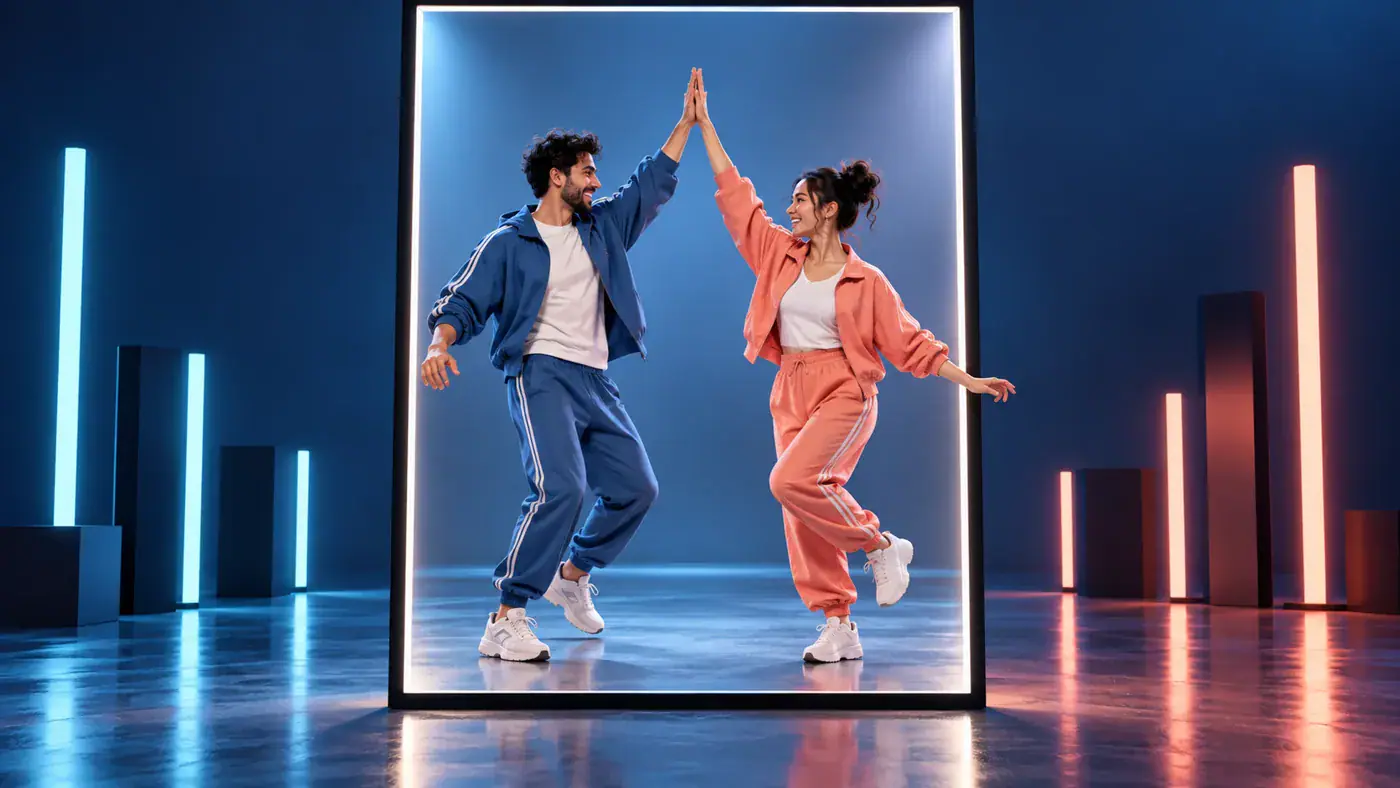
A duo needs room for two faces, two sets of gestures, and the space between them. When planning a vertical post, imagine the pair inside the center of the frame, with hands and feet away from the edges. A wider composition can give side by side movement more breathing room. The framed illustration shows that decision visually; it is not an export preview. Keep any later caption away from faces and important hand gestures. If you make a cover for your post, choose a moment where both participants are visible instead of cropping the entire idea down to one face.

Choose My Framing
AI concept illustration of an adult dance duo sharing a high five inside a vertical frame

Four Decisions Before You Start

A little preparation makes the two photo setup easier to review. Focus on what each source image contributes and on the choices that actually appear in the tool.

Clear faces over heavy filters

Choose evenly lit pictures where eyes, hairlines, and facial outlines are easy to distinguish. Strong beauty filters, sunglasses, or objects across the face remove useful detail. Open the original file rather than taking a screenshot of a tiny social profile image.

One subject per reference

The two images describe two separate performers. A start frame and an end frame describe a different task, so avoid using two moments from the same scene to explain a transition. If you only have a group photo, prepare a separate clear crop of each intended person.

Cost at the point of action

Use the Required Credits card next to Generate as the place to check the displayed cost. Choosing a local picture is a separate action from requesting a video. Opening your account asset library uses the sign in flow shown in the tool.

A caption that names your idea

Describe the pairing in your own words: a reunion with your best friend, a sibling joke, or two original characters meeting on a dance floor. Label generated media clearly when you share it, and keep the focus on your own cast rather than implying an official artist collaboration.

A2O LITE NEON Dance Questions

Understand the name, the photo setup, and what belongs in a dance clip before choosing your pair.

In this dance challenge context, NEON AI Dance is a shorter name for the photo based take on A2O LITE’s NEON performance, especially its two person opening. The word neon alone can also describe a lighting style. This page focuses on the named duo dance idea, rather than a general glowing light filter.

The gallery collects the two participants together. It has no left dancer or right dancer control, so image order is not a promise of a particular screen position. Keep the two references visually distinct and check the cast together. A specific role assignment needs an explicit control before you can rely on it.

Find Your A2O LITE NEON Dance Pair

Bring two people with a shared story into the same dance idea. Choose their pictures, review the pair, and return to the tool with a clear cast in mind.