VidFomo
Loading...

Burning Bridges AI

Add one portrait for the Burning Bridges party effect. Images shown are original AI concept illustrations, not generated video results.

References
0 / 1
Required Credits
50

Sample Images

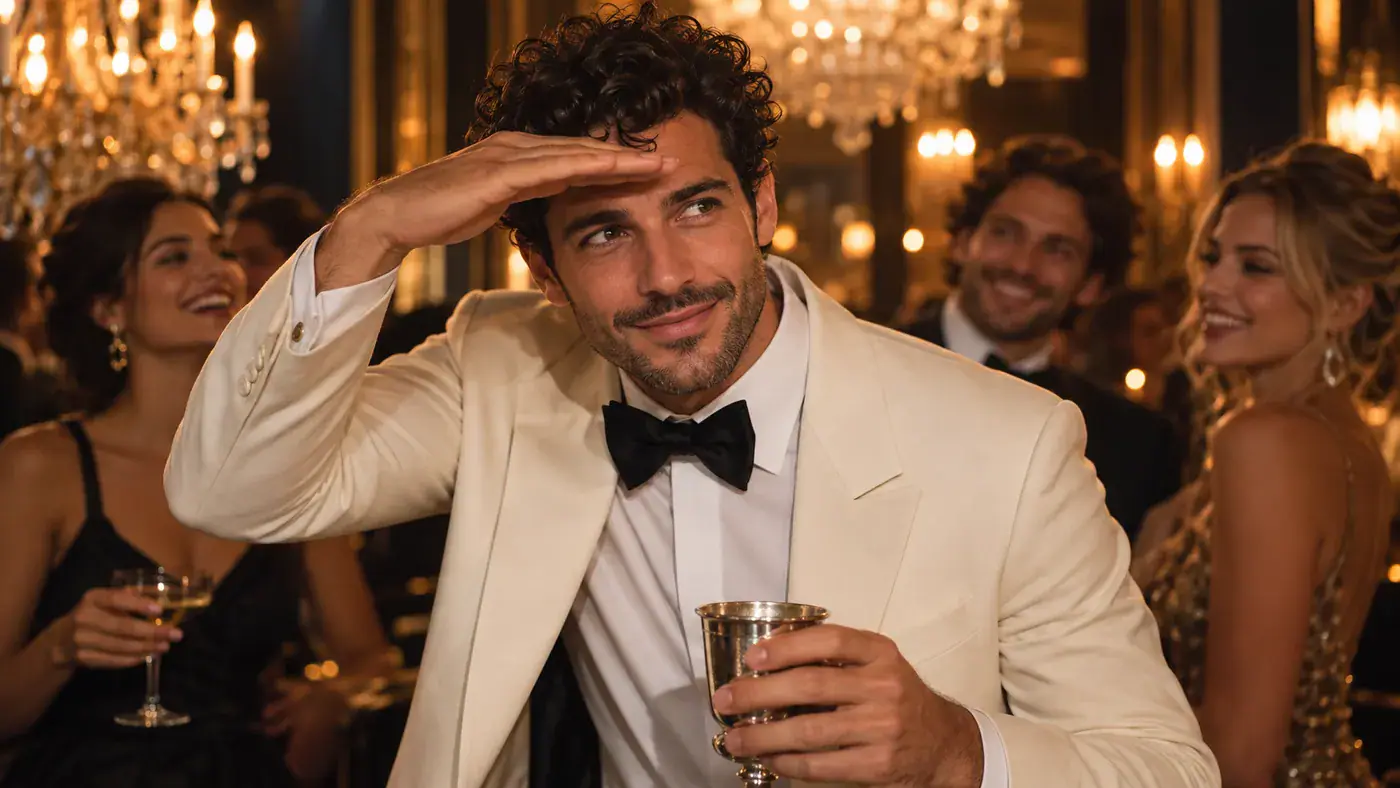
Original AI concept of a man holding a silver cup and shading his eyes at a chandelier party

Burning Bridges AI: Step Into the Party

A silver cup, warm chandeliers and that playful hand above the eyes: Burning Bridges AI puts a familiar party performance around a new leading face. Start with one portrait of yourself or an adult who has agreed to the edit. Explore the scene, choose your framing and give the entrance your own personality. All four illustrations on this page are original AI concepts, not video outputs from this effect.

Original AI concept of a man holding a silver cup and shading his eyes at a chandelier party

How to Start Your Burning Bridges AI Video

Use the effect workspace above for your photo and framing choices. The scene idea is already defined, so there is no prompt to write or dance routine to record.

  1. Choose one clear portrait

    Add a photo with one adult facing the camera, eyes visible and shoulders in frame. A relaxed expression and even light make it easier to read the face. Use the local preview to check your crop; replace a tiny screenshot with the original photo when you can. You do not need to hold a cup or pose with a hand above your eyes in the input.

  2. Set the frame for your audience

    Choose Aspect Ratio in the workspace: 9:16 for a vertical post, 16:9 for a wider view or 1:1 for a square composition. Choose 720p or 480p under Resolution. These controls record your preferred format. Think about where the face and raised hand will sit, especially if you plan to place a caption near the top of a vertical post.

  3. Check the selection and continue

    Confirm that the selector reads Burning Bridges AI, the counter shows 1 / 1 and the preview contains the person you intended. Select Generate and follow the feedback beside the form. Keep the original file so you can return with the same portrait later; refreshing or leaving the page can clear a local selection.

The Moments That Define the Party Scene

The Burning Bridges AI trend is recognizable through its setting and small performance beats. These original concept images illustrate three moments to look for, rather than a timed sequence or a promised final take.

The entrance and the silver cup

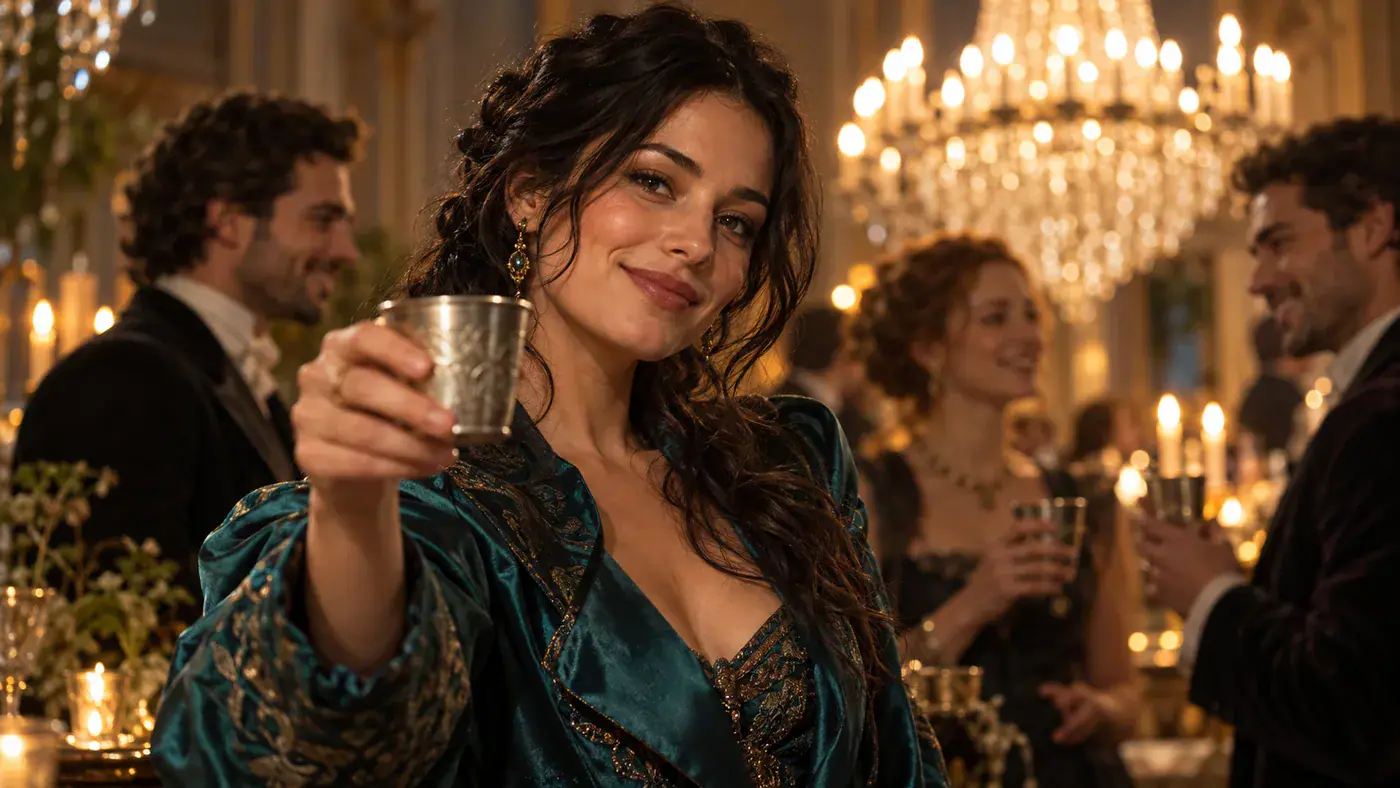
The opening idea is social: the lead acknowledges the camera as though a friend has just joined the table. A lifted silver cup gives the gesture a clear focal point, while the warm room and background guests establish the party. This is a useful concept for an imagined birthday entrance or a dressed-up group-chat reaction. Pick a portrait whose expression suits that greeting. A slight smile reads differently from a deliberately serious face; the contrast between your everyday expression and the grand room can carry the joke without a long caption.
Choose an Entrance Portrait
Original AI concept of a woman raising a silver cup toward the camera at a party

The playful search across the room

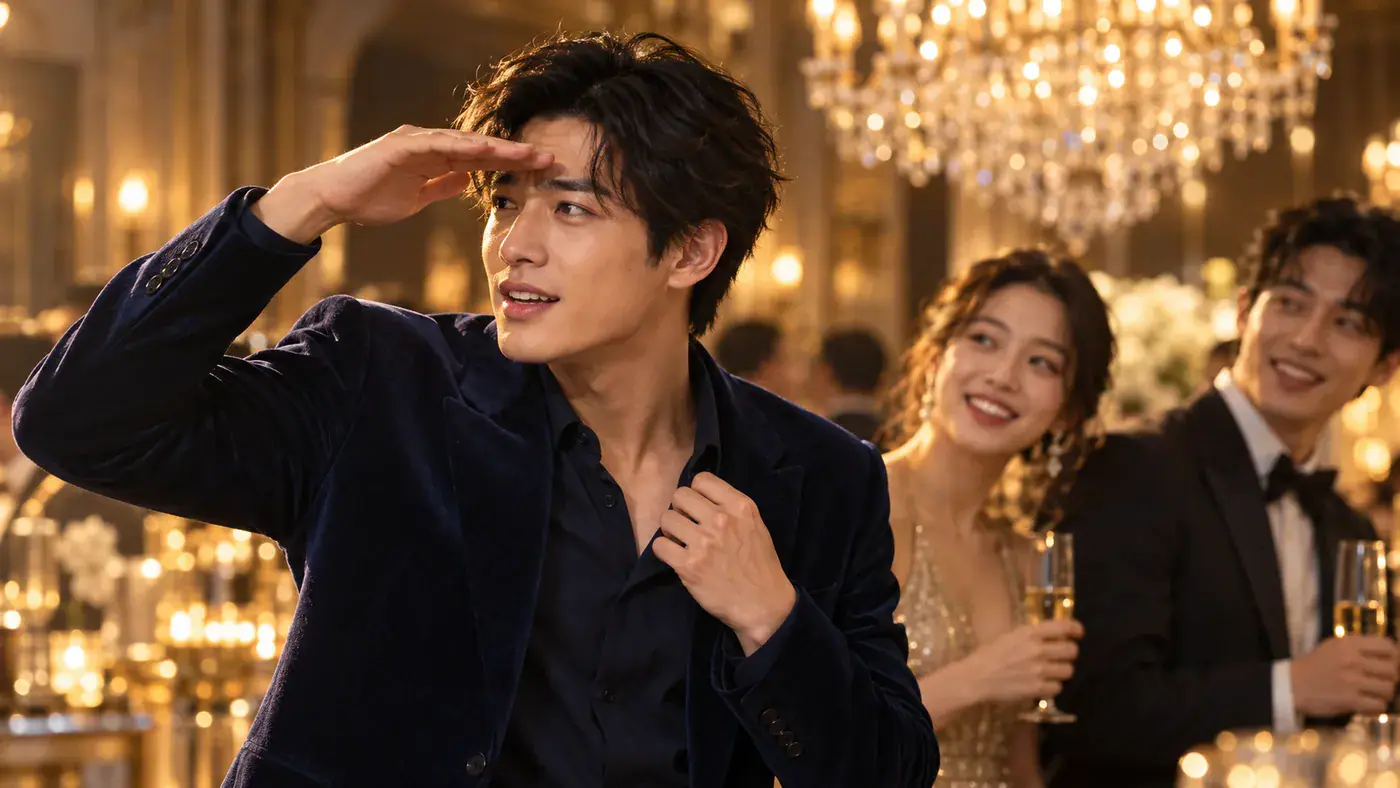
A flat hand above the eyebrows turns a simple glance into a recognizable searching gesture. It gives the viewer a question to answer: who has the lead spotted? For a personal remix, build the caption around that situation, such as looking for the friend who said they were five minutes away. Keep any added text clear of the forehead and eyes. The illustration shows the gesture at rest; when reviewing a moving clip, watch how the hand approaches the face and whether the eyes remain readable through the turn.

Frame My Party Moment
Original AI concept of a man looking across a party with a flat hand above his eyebrows

The laugh that includes the room

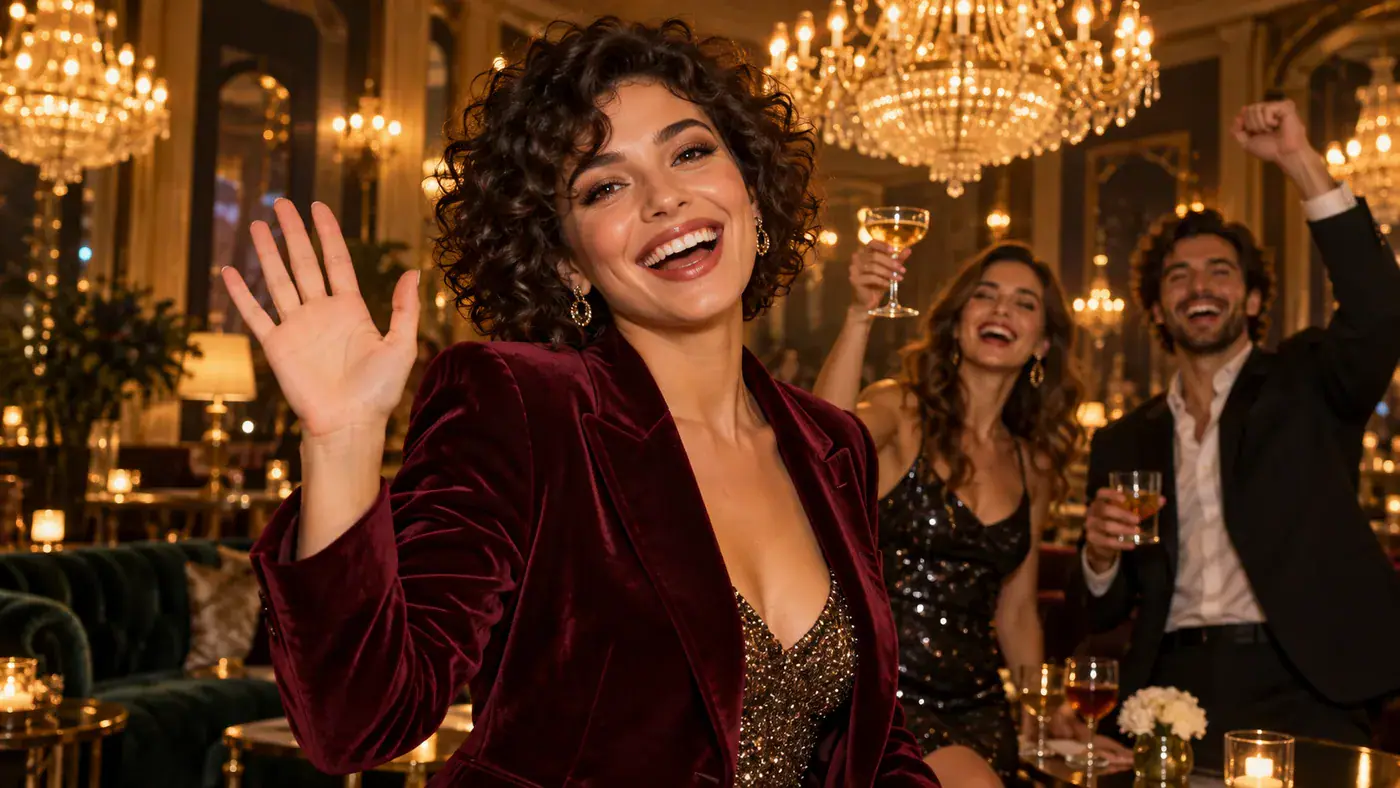
A laugh or wave gives the scene a friendly ending instead of leaving the lead frozen in a pose. Background reactions help make the moment feel shared, even when the portrait supplies only one person. For a celebration post, let the caption name the occasion rather than claiming the depicted gathering really happened. Look at the ending as carefully as the entrance: the expression, raised fingers and surrounding faces should remain easy to understand. A closing frame with space around the hand also gives you room for a short message without covering the gesture.

Plan My Celebration Scene
Original AI concept of a woman laughing and waving with friends behind her

Make the Portrait Work for the Scene

Four practical choices help you prepare a readable lead and keep the visual joke focused. They are photo and sharing tips, not additional effect settings.

Light the whole face

Stand near a window with the light in front of you. Avoid a bright window directly behind your head or a deep shadow across one eye. Before choosing the file, zoom in enough to see the eyes and mouth clearly.

Leave room around the shoulders

Choose a chest-up portrait instead of a face cropped tightly at the chin. A little space around the shoulders gives the input a clearer outline. Crop away unrelated people, while keeping the top of the head and both sides of the face intact.

Keep the background simple

A plain wall or quiet room makes the intended person obvious. You can use an everyday portrait; finding a chandelier or hiring a party venue is unnecessary. Save the scene design for the effect and let the input concentrate on the person.

Choose a readable outfit

A jacket or top that separates from the background helps define the shoulders. Avoid covering the face with a collar, sunglasses or a hand. Treat wardrobe in the concept images as creative direction, rather than a clothing item that your photo must match.

Burning Bridges AI Questions

Understand the trend, the photo input and the practical differences between a party concept and a finished video.

Yes, this page explores the party-scene remix commonly described as Drake Burning Bridges AI. The name connects the trend to the music-video reference; it does not make this an official Drake product. The focus here is recasting the lead with your portrait, rather than creating a literal burning bridge.

No. This effect accepts one portrait for one lead. There is no reference-video upload, second-person slot or prompt field. A group photo leaves the subject ambiguous, so crop to the intended adult before adding it. The background guests in the concepts do not represent additional people supplied by the user.

Bring Your Face to the Burning Bridges AI Scene

Choose the portrait that makes the entrance feel like you. Return to the workspace, check the face and framing, and use the party concept as a starting point for your own celebration or reaction.