VidFomo
Loading...

I Wanna Love You

Choose one photo of one person or one pet. Planned preset: 15 seconds, 9:16. Generation is not available yet; selecting a photo keeps it local.

References
0 / 1
Required Credits
50

Sample Videos

My Videos

I Wanna Love You AI Effect

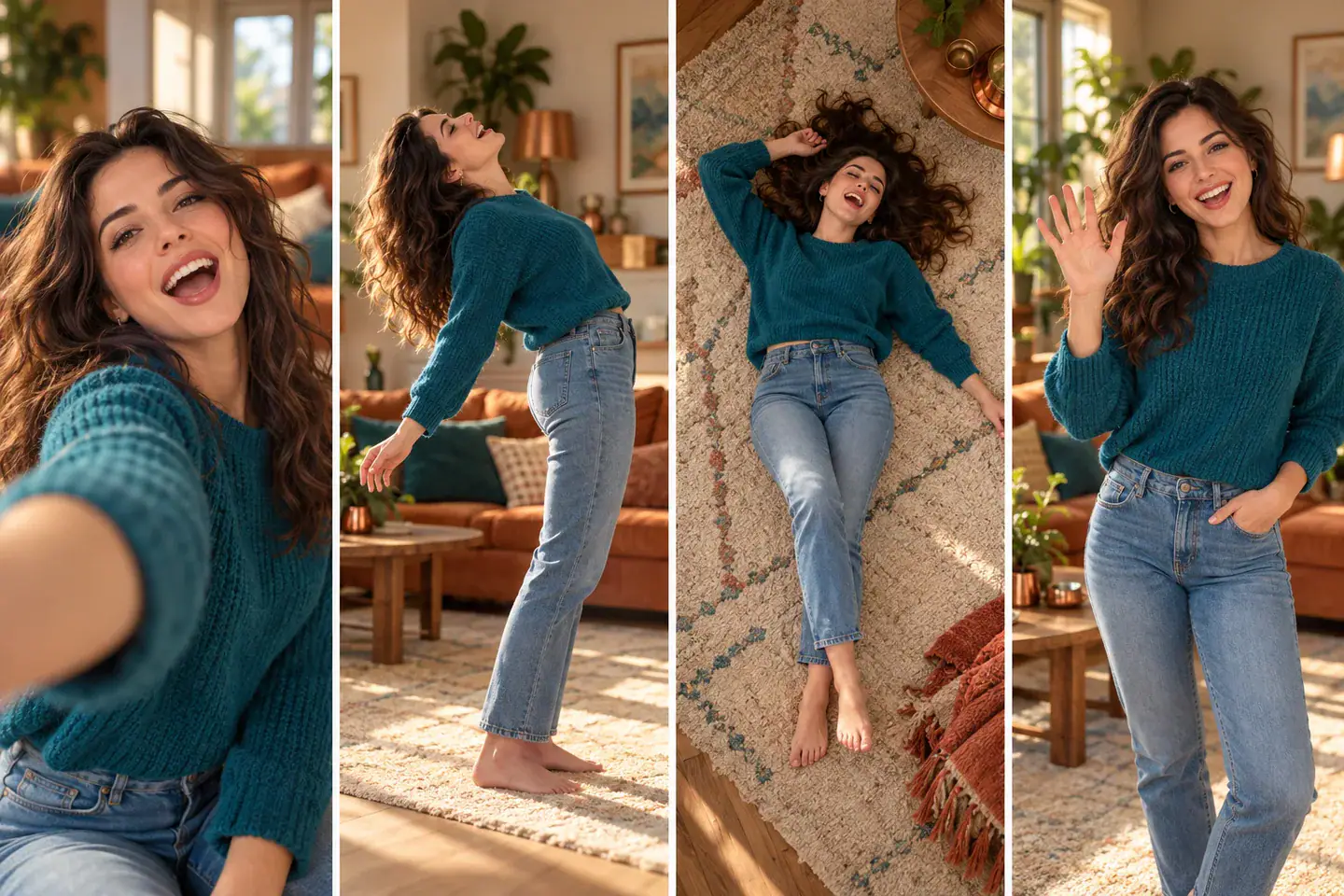
A selfie serenade with an unexpectedly dramatic finish: look into the lens, lean farther and farther back, sing upward from the floor, then bounce back into view with a wave. I Wanna Love You AI takes its creative cue from the Akon song and puts one person or one pet at the center of that playful sequence. The intended format is a 15 second vertical clip in 9:16. The illustrations below are original AI concept artwork, not videos generated by this effect.

Four-panel concept storyboard of an adult selfie, lean back, floor pose and return wave

Start Your I Wanna Love You Selfie

The photo supplies the performer. The effect defines the intended sequence, so there is no choreography prompt to write and no second character to add. Use the photo selector above to explore the current setup.

  1. Choose a Single Subject

    Pick one photograph containing either one person or one pet. For a person, choose an unobstructed face with the head, shoulders and some upper body visible. For a cat or dog, include the ears and muzzle instead of cropping tightly around the eyes. Start with a normal portrait; you do not need to photograph a backbend or ask an animal to perform a stunt.

  2. Check the Photo and Preset

    Add the image from your device and check its local preview. Replace it if another face is visible, or remove it to try a different subject. The intended framing is fixed at 9:16 and the planned duration is 15 seconds. Resolution choices remain preview preferences rather than confirmed output specifications. Keep the same subject throughout the idea: a solo performance needs one recognizable face from opening glance to final wave.

  3. Use Generate to Check Readiness

    Generate checks that the required image is present. At present, this effect then displays an availability message and keeps your selection in place; it does not render a video, upload the photo or deduct credits. The Required Credits card shows the shared temporary value of 50, not a completed charge or a confirmed production price. You can still replace, crop or remove your local image without starting a video task.

From Close Selfie to the Final Wave

These three moments explain the intended performance and the visual choices behind it. Read the concept images as a storyboard: they show the idea, while the actual movement, timing and pet animation still require a working video effect.

Make the Opening Feel Personal

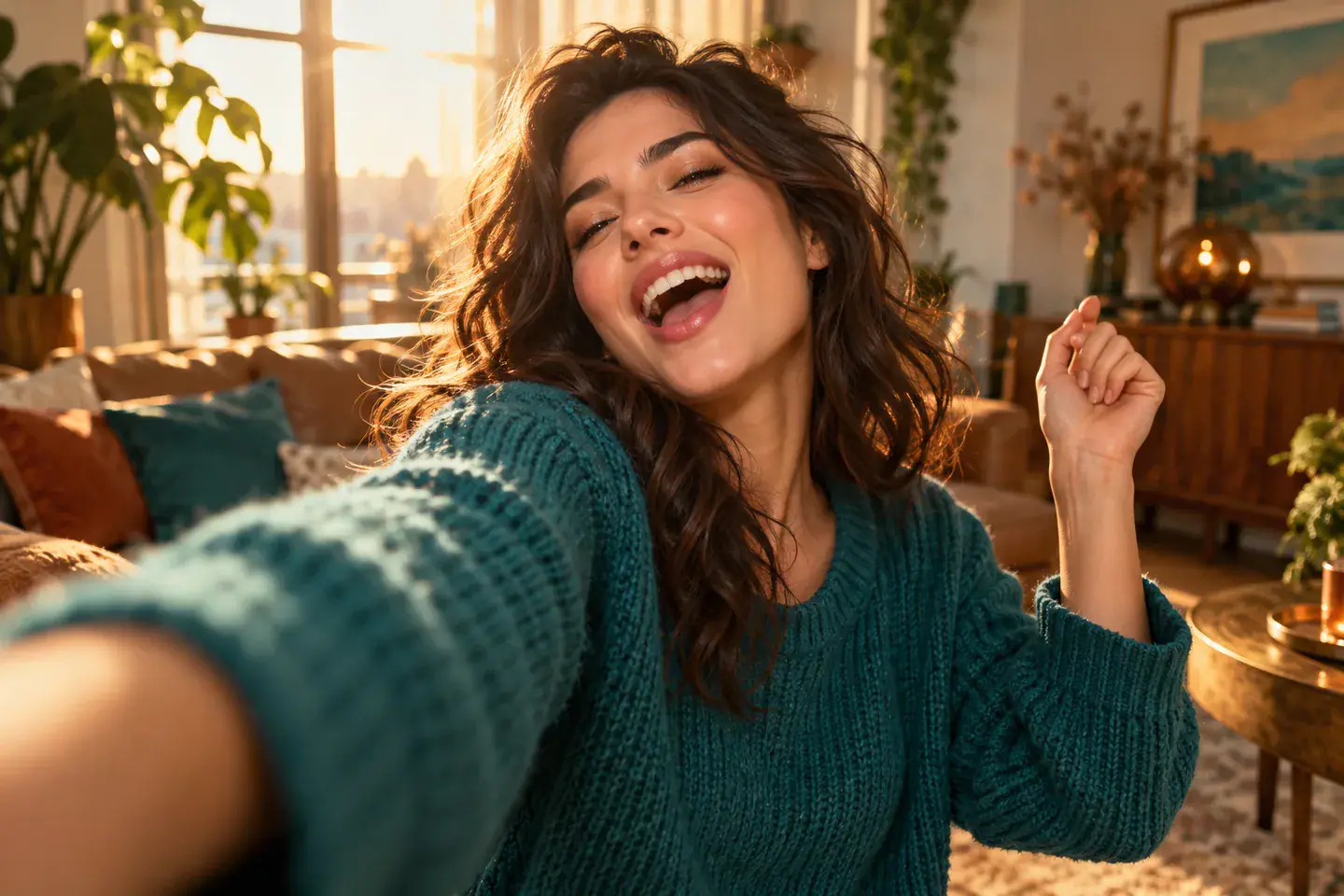
The opening is a direct conversation with the lens. A relaxed expression and an ordinary room give the later exaggeration something to play against: a familiar selfie suddenly becomes a much bigger performance. Choose a photo whose face remains readable at phone size, with light on both eyes and a clear outline around the head. A plain shirt or sweater can help the expression stand out. The illustrated adult here is an invented character, showing a possible mood rather than a required outfit or a face you must copy.
Choose a Selfie
Original adult character singing toward the selfie camera, concept illustration

Give the Floor Moment Its Own Beat

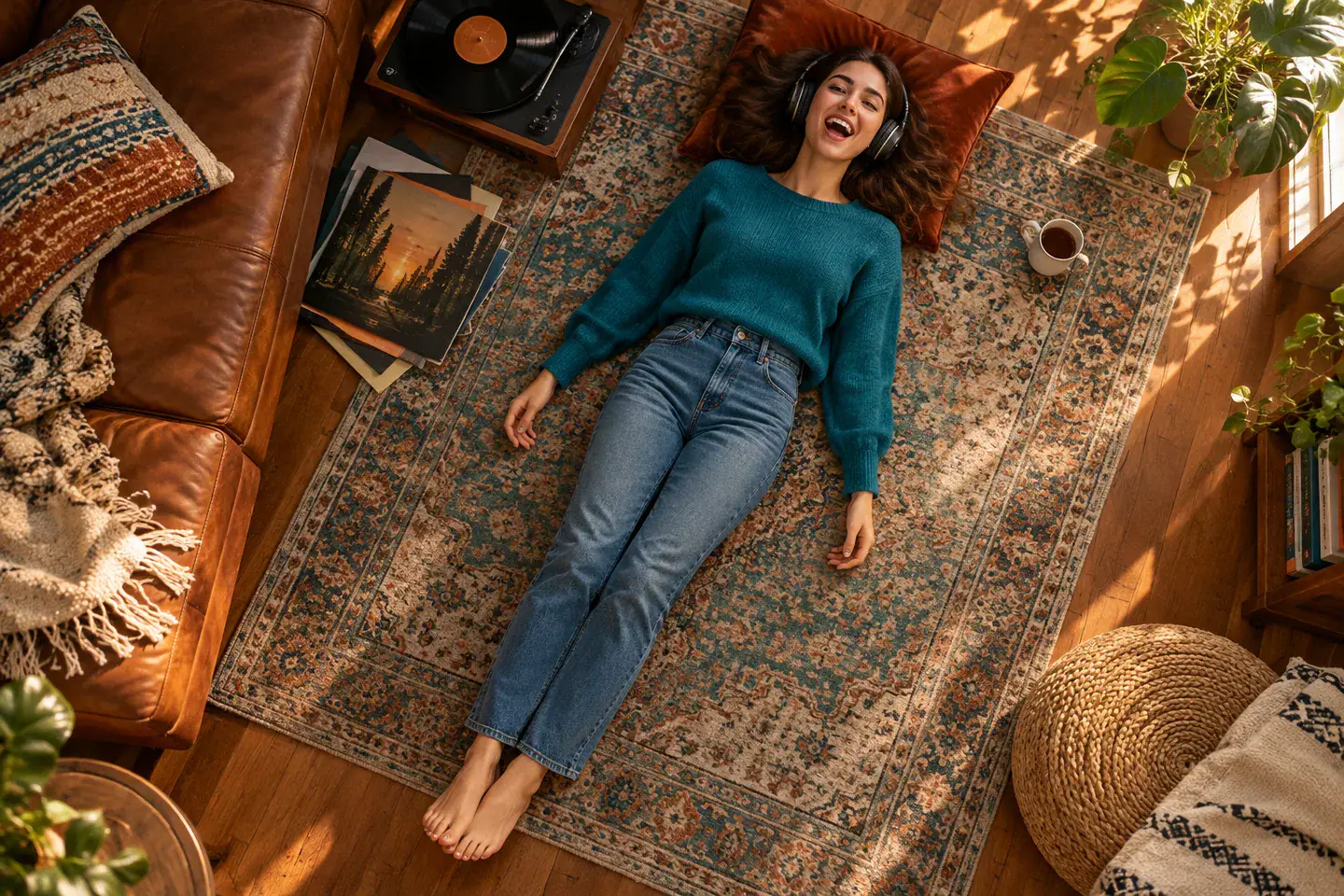
The defining turn is the growing lean, followed by a face looking upward from the floor. In the requested sequence, the camera relationship changes with the performer, so the floor moment should feel like the payoff to the earlier movement. It is more specific than simply rotating a portrait or cutting to someone lying down. Think of the overhead concept image as a composition reference: face visible, body resting on the ground, room still recognizable. The final rebound needs space after that pause so the wave reads as a deliberate comic finish.

Set Up the Solo Scene
Original adult character lying on a rug looking upward, concept illustration

Keep the Pet Version Unmistakably Animal

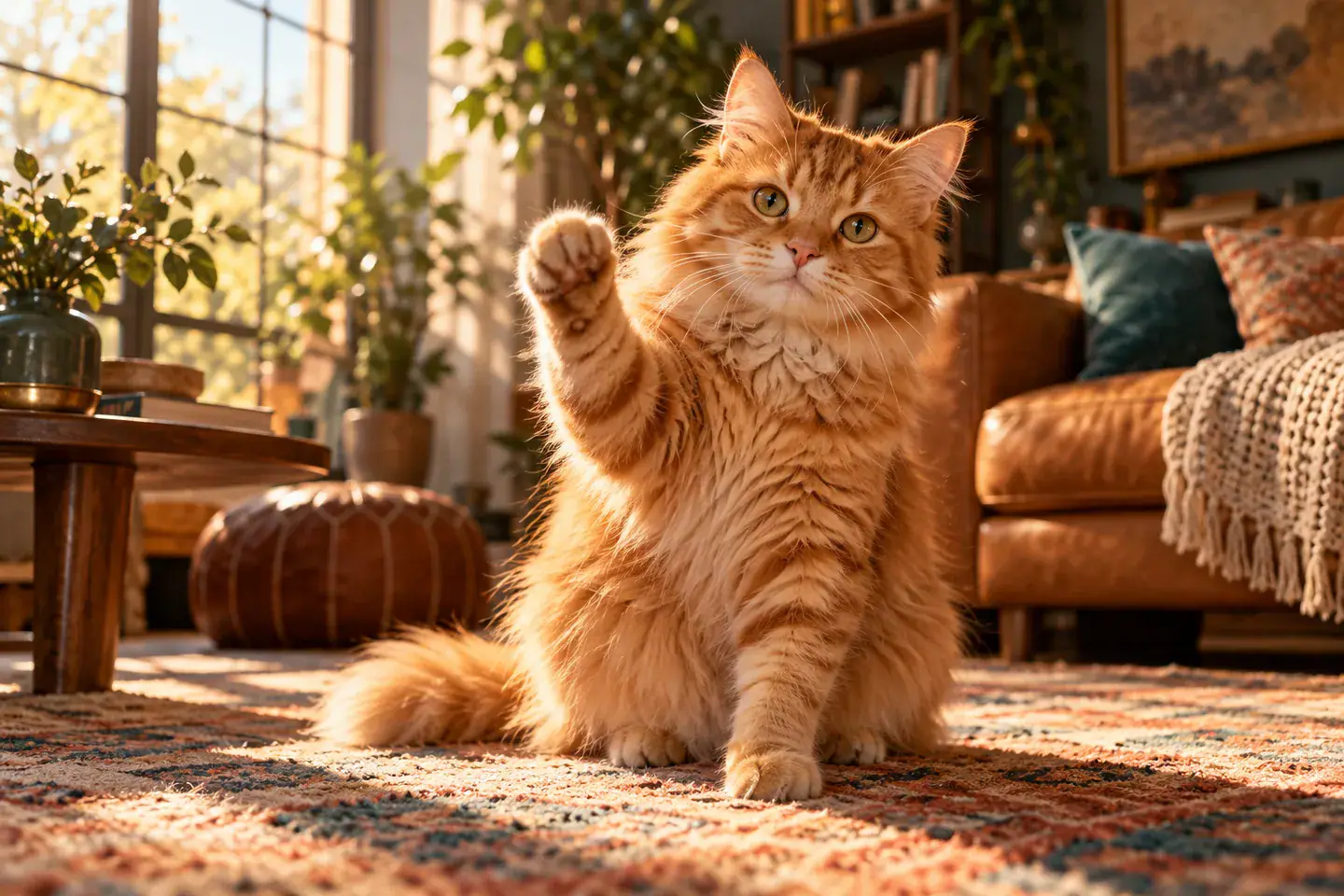
An I Wanna Love You AI pet video idea uses the same dramatic arc with an animal as the only star. A familiar muzzle, ear shape and coat pattern are the details that make the joke personal. For the finishing gesture, imagine a small paw lift instead of a human hand. The cat illustration demonstrates that distinction with a natural seated pose. Choose a relaxed pet portrait taken at its eye level, and leave enough room around its head to read the silhouette. A human body, human lips or an extra animal would change this single pet concept.

Choose a Pet Portrait
Orange cat lifting one natural paw, original pet concept illustration

Four Choices That Shape the Selfie

A useful source photo gives the intended performance a clear starting point. These choices concern the image you bring, rather than extra controls or promises about a finished render.

Readable Expression

Prefer a face you can recognize without zooming in. Heavy sunglasses, a hand across the mouth or deep shadow hide the features that carry a singing expression. A small, natural smile is enough; an exaggerated open mouth in the source photo is optional.

Simple Surroundings

A calm background makes it easier to read a person moving from close selfie to floor level. Avoid a crowded scene with several possible performers. Keep a recognizable room detail if it matters to your idea, but remove private information from the photo before selecting it.

Room Around the Subject

Leave a little space above the head and beside the shoulders. A tight face crop can communicate identity, but a broader portrait also supplies useful clothing and posture context. For a pet, prioritize the complete head and front of the body over a distant full room view.

A Clear Comic Ending

The wave is the punctuation mark after the floor moment. When evaluating a future clip, look for an upright return, a readable hand or paw gesture and a stable final face. A sudden cut before the wave would leave this particular sequence feeling unfinished, even if the opening selfie looked convincing.

I Wanna Love You AI Questions

A few distinctions help you choose the right photo and understand what this effect is intended to do.

No. This page is for one person or one pet performing toward the camera. The viewer is the implied audience, so a second singer is unnecessary. Choose a solo photo even if you plan to share the idea with a partner. A photograph of two people would not match this single subject setup.

No original recording is supplied here. The song title and artist identify the creative reference; they do not imply a music license, an audio download or an endorsement. This page also has no audio upload control. Treat music selection as a separate step using audio you are entitled to use.

Find Your I Wanna Love You Starting Photo

Choose the face that makes the overdramatic serenade feel like yours: a clear solo portrait or a favorite pet looking toward the camera. Return to the I Wanna Love You photo selector to preview that starting image and check the planned vertical preset.