VidFomo
Loading...

AI Thriller Dance

Add one photo for a playful zombie dance. Choose your framing, then select Generate.

References
0 / 1
Required Credits
50

Sample Videos

My Videos

AI Thriller Dance from One Photo

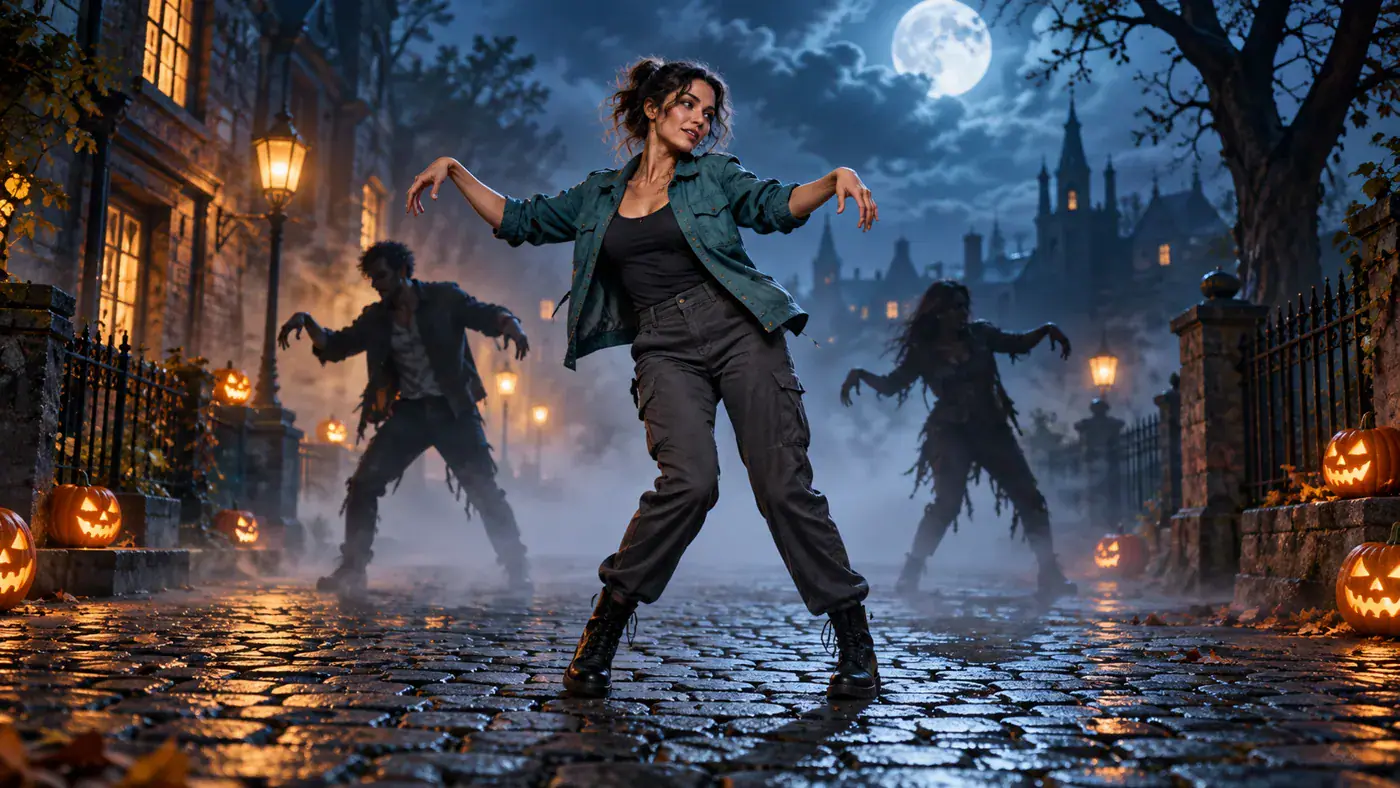
Give your everyday portrait a playful undead alter ego. AI Thriller Dance puts one character at the heart of a zombie dance idea: raised hands, stiff shoulders and a mischievous Halloween mood. Start with a photo of yourself or an original adult character, then choose a frame that gives the dancer room to move. All four images on this page are AI concept illustrations, not videos generated by this site.

AI concept illustration of an adult woman in a teal jacket leading a playful zombie dance on a moonlit street

How to Set Up Your AI Thriller Dance

Keep the setup focused on one dancer. The Effect selector identifies the routine, while the image area and settings below it hold your choices. There is no choreography video to upload or prompt to write in this form.

  1. Add a Clear Character Photo

    Choose a photo with one visible person, an unobstructed face and space around the body. A standing view that includes both feet gives you a useful reference for the dance silhouette. Add it to the image area and inspect the local preview. If a hand or shoe touches the edge, use a wider original rather than stretching the picture. Replace the image to try a different outfit.

  2. Choose the Frame for Your Post

    Use Aspect Ratio to select 9:16, 16:9 or 1:1. A vertical frame suits a phone screen; a landscape frame leaves more horizontal room; a square frame works well beside other feed images. Resolution offers 720p and 480p in the form. Treat these as your selected settings, then check the image preview again so the face, hands and feet remain easy to see.

  3. Review Your Selection and Generate

    Confirm that AI Thriller Dance is still selected and that the image counter reads 1 / 1. Read Required Credits, then choose Generate. The form checks the required photo and shows its response beside your inputs. Follow that message before trying again; clicking repeatedly is not a way to finish a dance. Keep the original photo available if you plan to compare another character later.

Give Your AI Zombie Dance a Personal Reason

The fun starts with a recognizable person in an unexpected role. These three ideas focus on character, occasion and presentation, so you can choose an approach before picking a photo. The accompanying artwork illustrates possibilities rather than selectable scenes.

Let Everyday Clothes Carry the Joke

A familiar sweater, jacket or pair of trainers can make a zombie dance feel more personal than an elaborate disguise. Pick the outfit your friends associate with you, and let the contrast between an ordinary look and theatrical movement carry the idea. For a character project, choose one distinctive detail, such as a bright collar or silver hair, that reads clearly at a glance. Avoid putting every accessory into the same image: a bag across the torso or a coat wrapped around the arms can hide the body outline you want to emphasize.
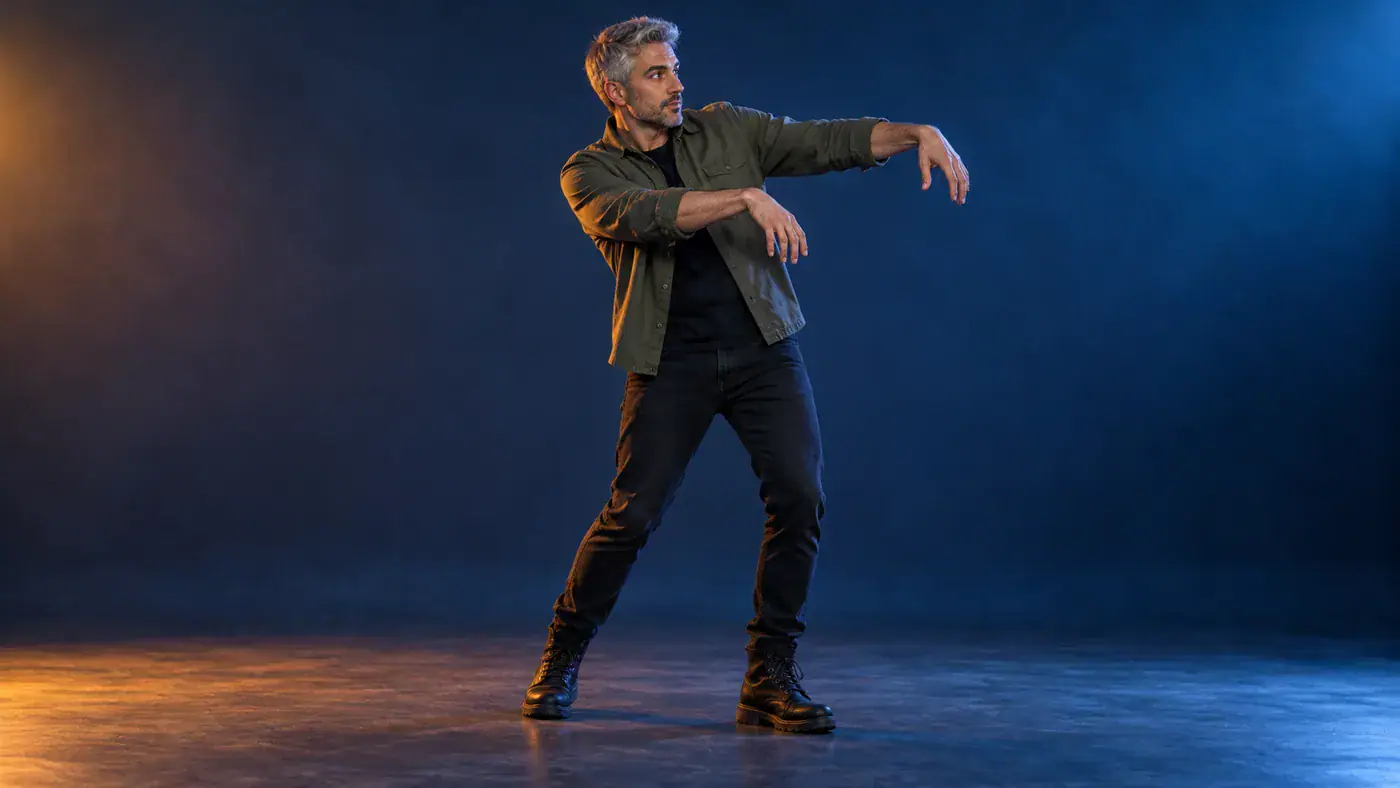
Pick Your Character Photo
AI concept illustration of an adult man in everyday clothes holding a zombie dance pose in a studio

Plan a Halloween Invitation with Personality

Use a zombie dance concept as the opening idea for a costume party invitation or a friendly Halloween greeting. Decide who the message is for before choosing the character: the host makes a natural lead for an invitation, while your own familiar outfit suits a personal greeting. Keep event details in a separate caption or add them later in an editor, where names and times can stay readable. Leave space around the dancer when planning that caption. A playful pose and warm party styling can communicate the occasion without adding blood, injuries or a frightening close-up.

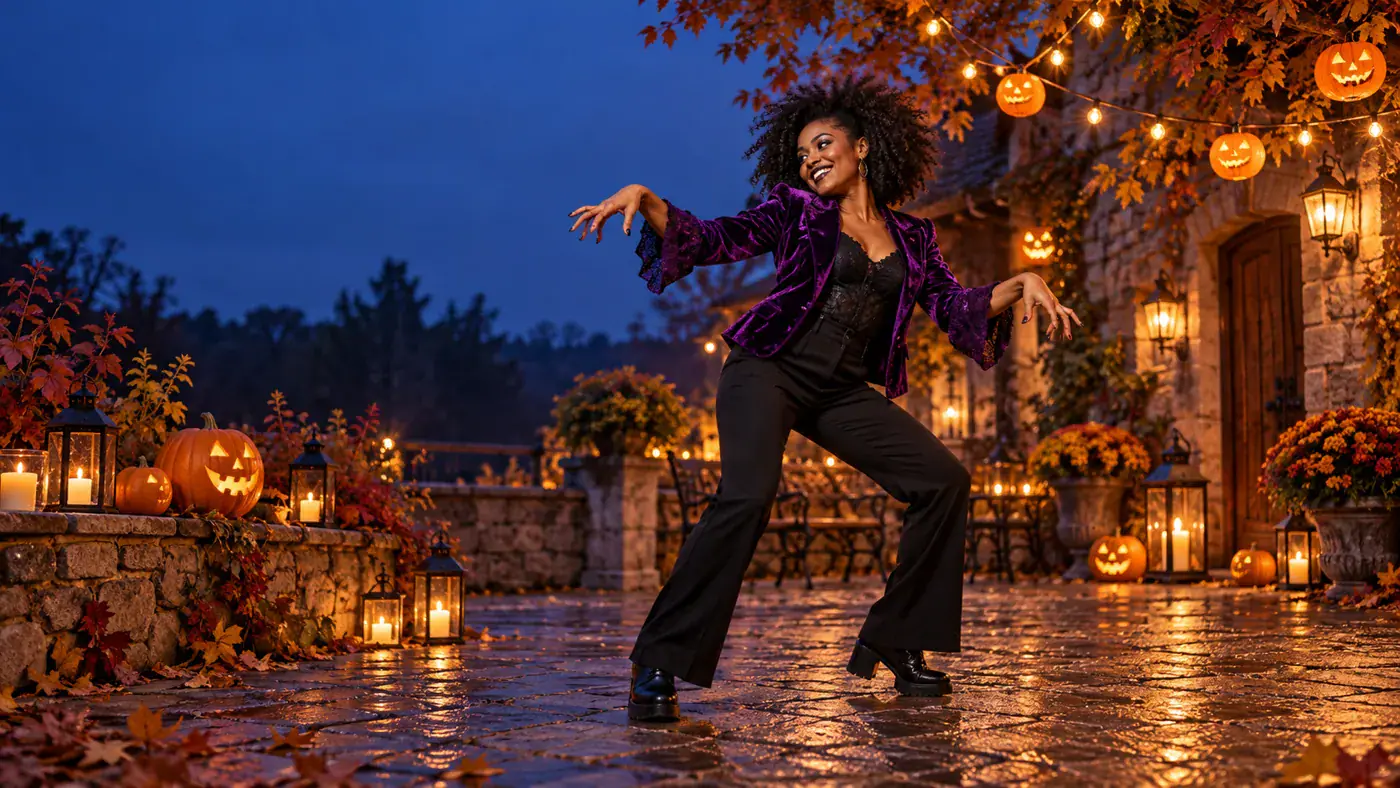
Start with the Host Photo
AI concept illustration of an adult woman dancing beside Halloween lanterns in a courtyard

Make the Dance Read on a Small Screen

For a short social post, think about the silhouette before the decoration. Raised arms and a sideways stance should be distinguishable when you view the image at phone size. A jacket that contrasts with the surroundings helps separate the torso from the scene; visible shoes make the direction of a step easier to follow. Plan your caption away from the face and hands, and keep the main idea understandable with the sound off. When you have a finished clip to edit, choose an opening frame that introduces the dancer before adding stickers, titles or other visual layers.

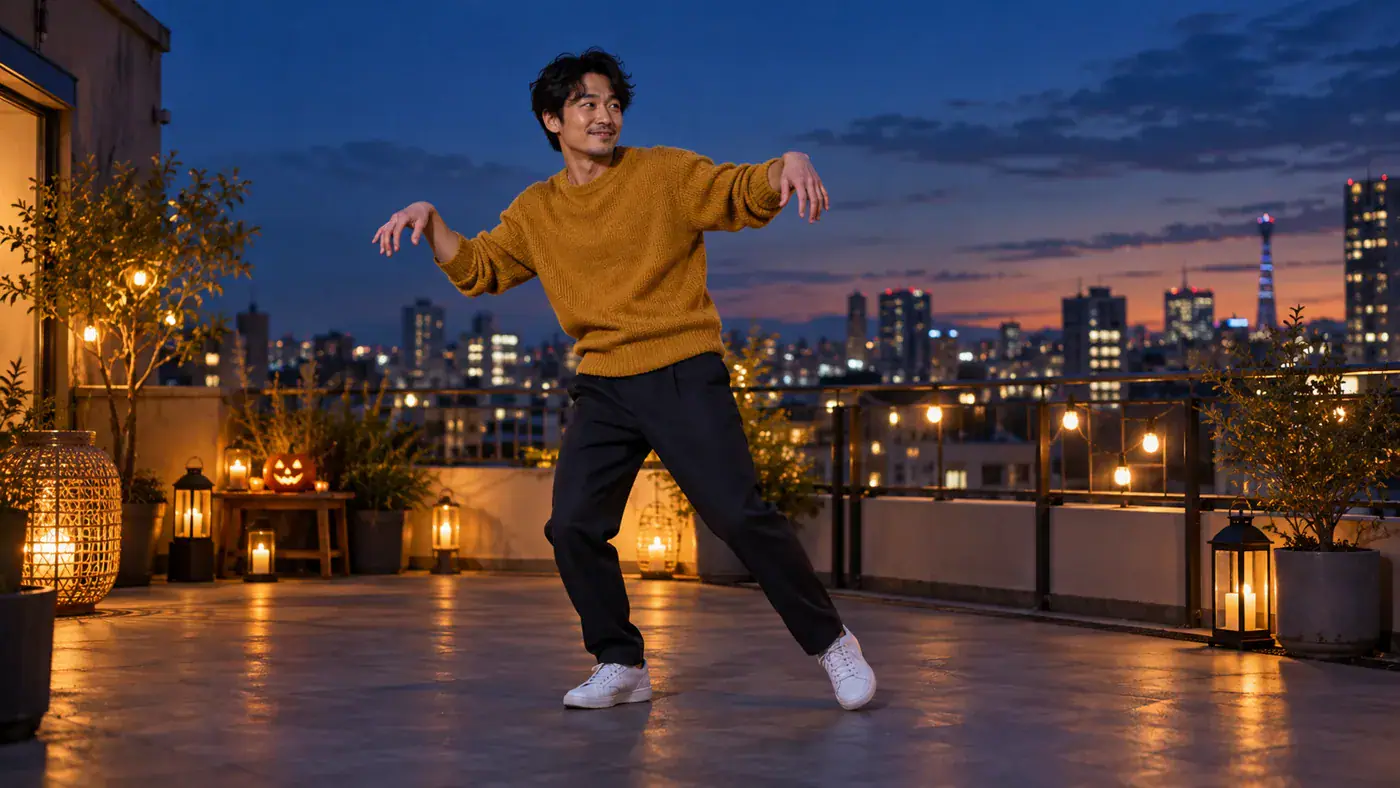
Frame Your Dance Idea
AI concept illustration of an adult man in a mustard sweater taking a sideways dance step on a rooftop

Four Decisions Before You Share

A photo to zombie dance idea involves more than choosing a spooky look. Use these practical decisions to keep the person, movement and final message working together.

Choose a Willing Lead

Use your own photo or ask the pictured person before making them the subject of a zombie dance. For a shared invitation, agree on the joke and the intended audience first. An original adult character is another way to build a distinctive look without suggesting a real person performed the scene.

Keep One Visual Priority

Choose whether the face, costume or whole-body pose is the main attraction. If the outfit matters most, favor a clear standing photo; if the joke depends on recognition, give the face enough space. This choice also helps you decide what to keep when you later crop a cover image for a post.

Read the Credit Display

The form currently displays 50 under Required Credits, matching the shared Effect interface. That display is not a free offer or a completed charge. Read the Generate response for the current submission status. Photo selection and local preview do not themselves create a video task or spend credits.

Watch the Movement, Then the Details

When reviewing a finished dance clip, watch once at normal speed for the overall gesture, then pause where hands cross the body or feet change direction. Check that those moments support the joke you intended. Choose a cover frame with a readable expression and an open pose so the still image introduces the movement clearly.

AI Thriller Dance Questions

Answers about the dance concept, the image you provide and the choices this Effect form makes available.

The focus is a zombie dance: the character expresses the theme through posture and movement. It is different from a transformation story built around changing a face or body, and from Zombie Love Story, which centers on two people and a romantic encounter. Choose this page when the dance itself is your main idea.

No dance recording is required in this form. You provide one character photo, and the Effect identity supplies the intended dance direction. There is no video reference upload or move-by-move editor here. If you want to practice a particular routine yourself, use a choreography tutorial alongside your own rehearsal.

Choose the Face of Your AI Thriller Dance

Start with the person who makes your zombie dance idea feel personal. Bring one clear photo to the form, choose a frame for your intended post, and keep the character at the center of the fun.