



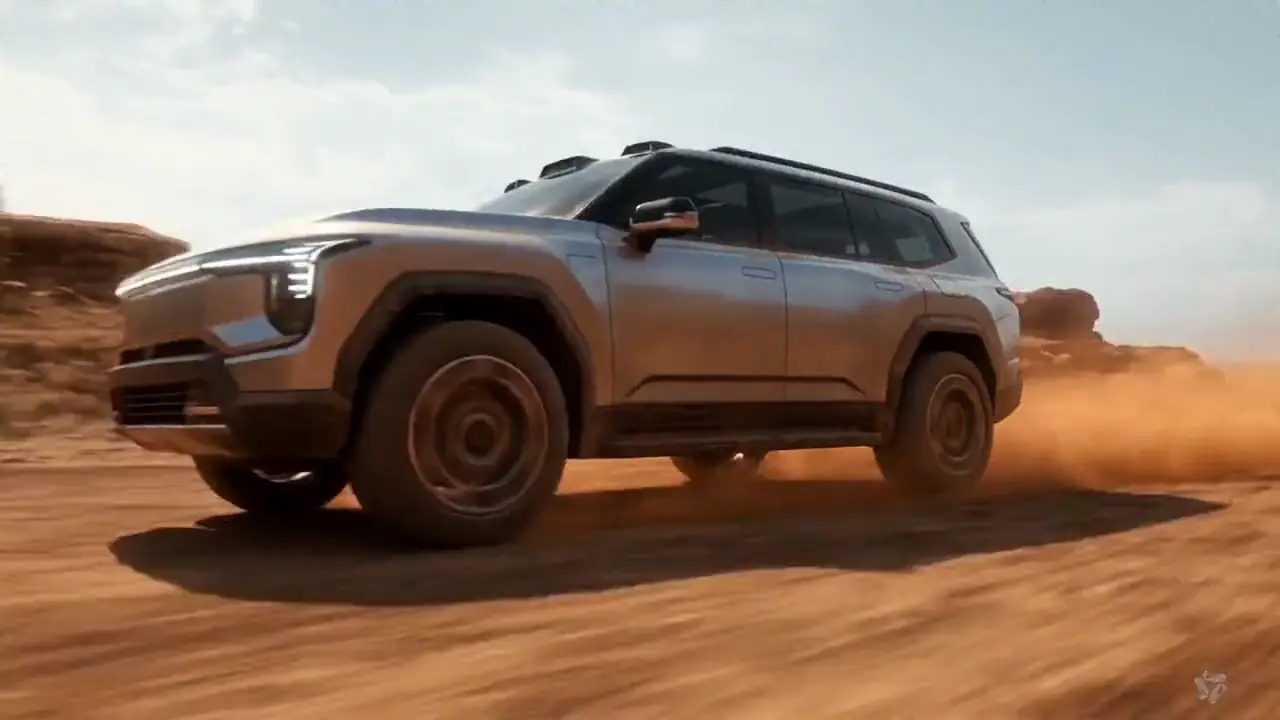

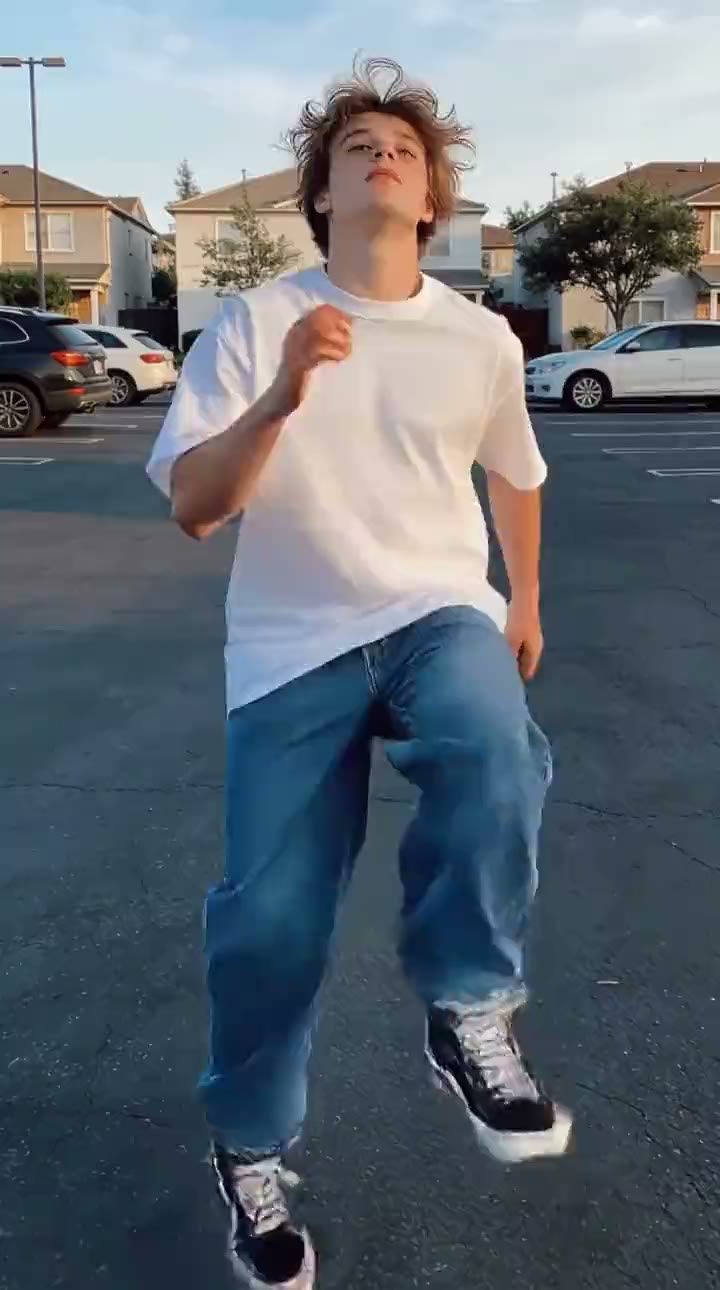

Slowly push the camera toward the product as soft light moves across the surface. Add subtle reflections, gentle background motion, and a premium cinematic atmosphere. Keep the product shape and branding consistent throughout the shot.


Turn text and images into videos with Veo, Kling, Seedance, Hailuo, and more. Choose the right AI video model for every idea, all from one place.
An image already defines the subject, composition, and visual style. Use the prompt to direct what moves, how the camera behaves, how quickly the moment unfolds, and which details need careful review in the finished clip.
Slowly push the camera toward the product as soft light moves across the surface. Add subtle reflections, gentle background motion, and a premium cinematic atmosphere. Keep the product shape and branding consistent throughout the shot.
This AI video creator is built around decisions, not a wall of model names. Start with the input you have, identify the controls the shot needs, check the credit cost, and change direction when a result misses the brief.
Use text when you want the model to invent the scene. Define one subject, one main action, the setting, and the camera behavior; then choose a model whose available duration, format, and quality controls fit the shot.
Start from an image when the subject, framing, or product appearance already matters. Describe motion instead of repeating what is visible, and inspect the result for changes to faces, lettering, shape, and composition.
Use a product image or written concept to explore camera movement, pacing, lighting, and visual direction. Treat the result as a motion study to review and refine, not a guaranteed replacement for a finished campaign edit.
Short-form video works best when the clip has one visual job: reveal a product, establish a mood, or deliver a strong opening moment. Choose the format deliberately and review the complete clip before publishing.
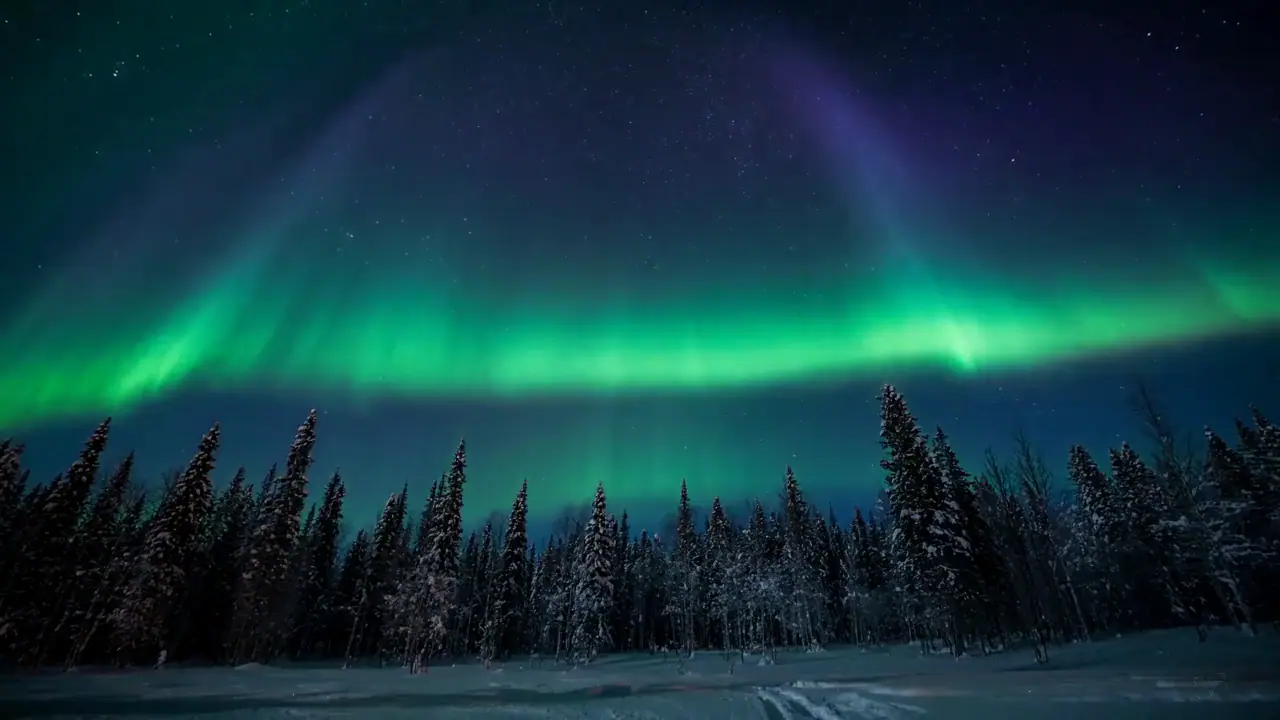
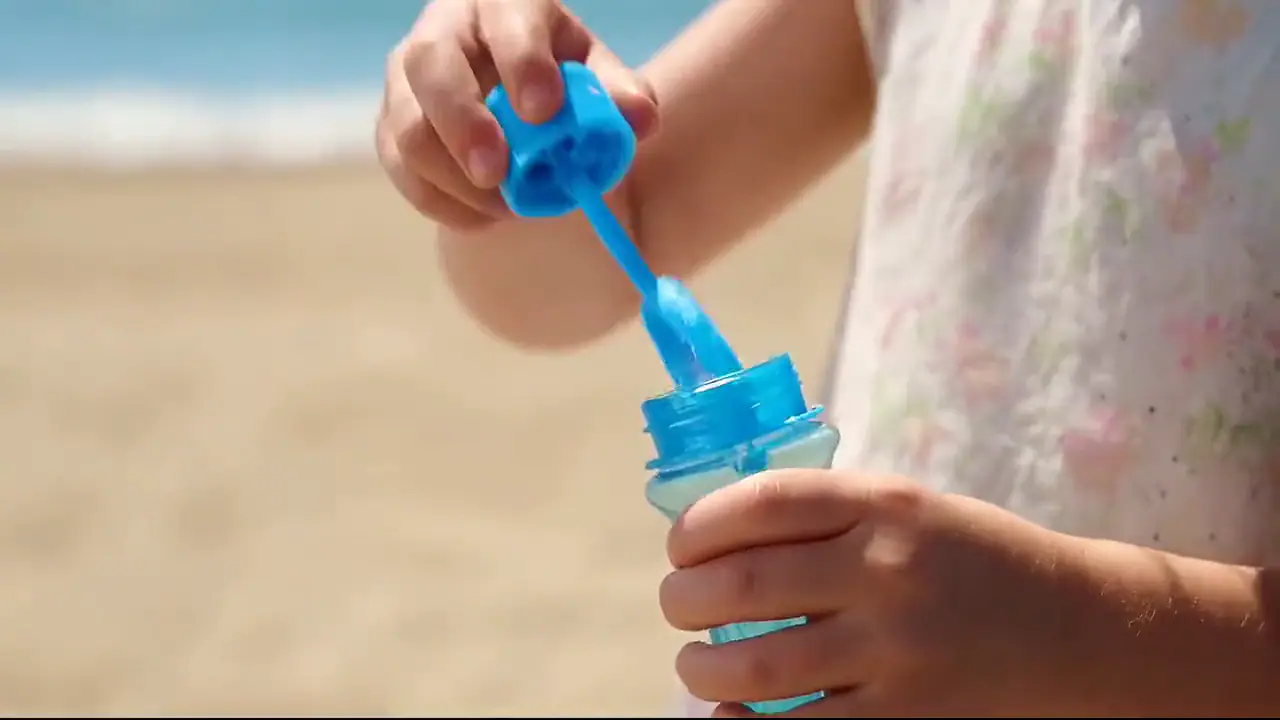
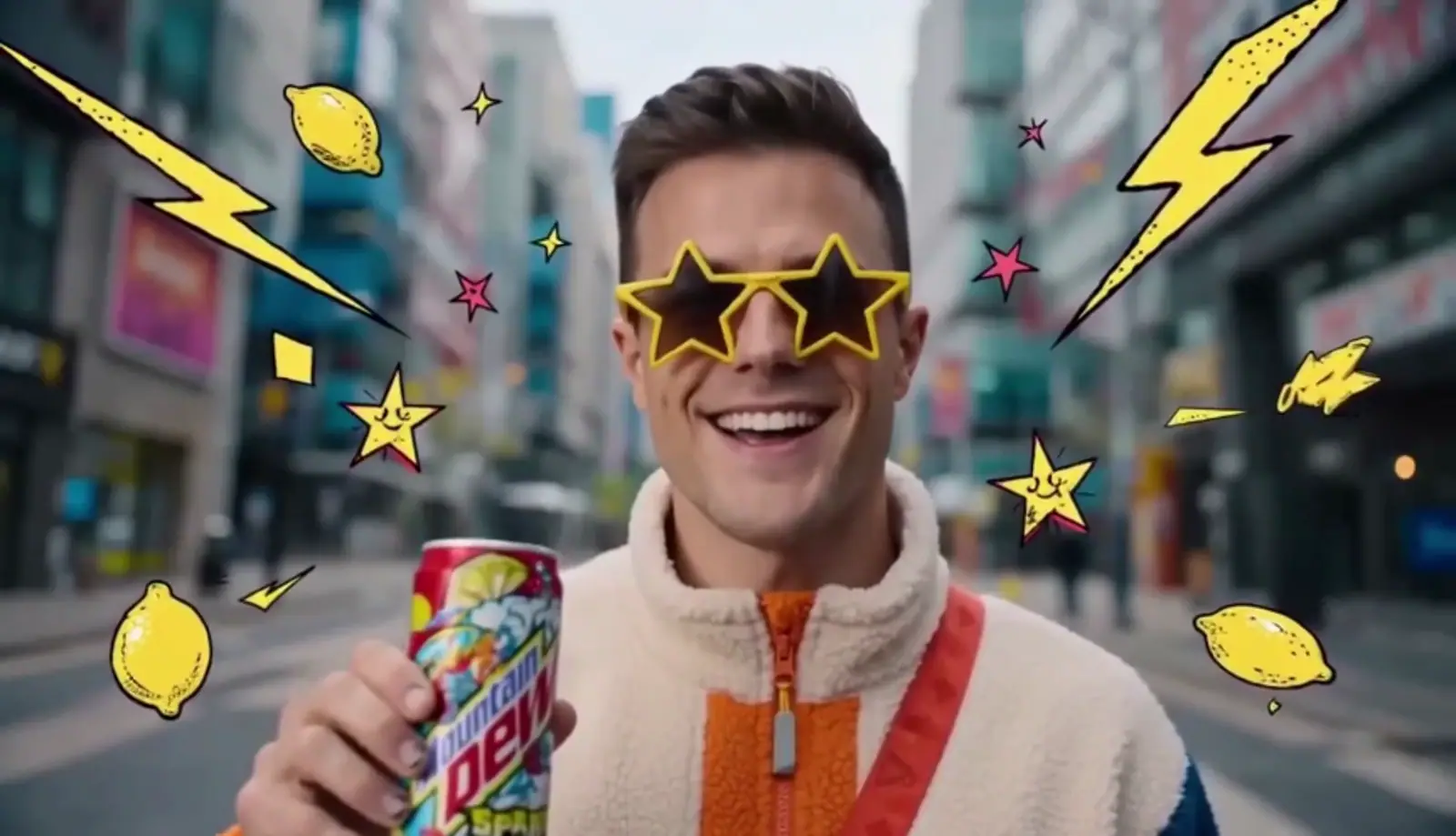
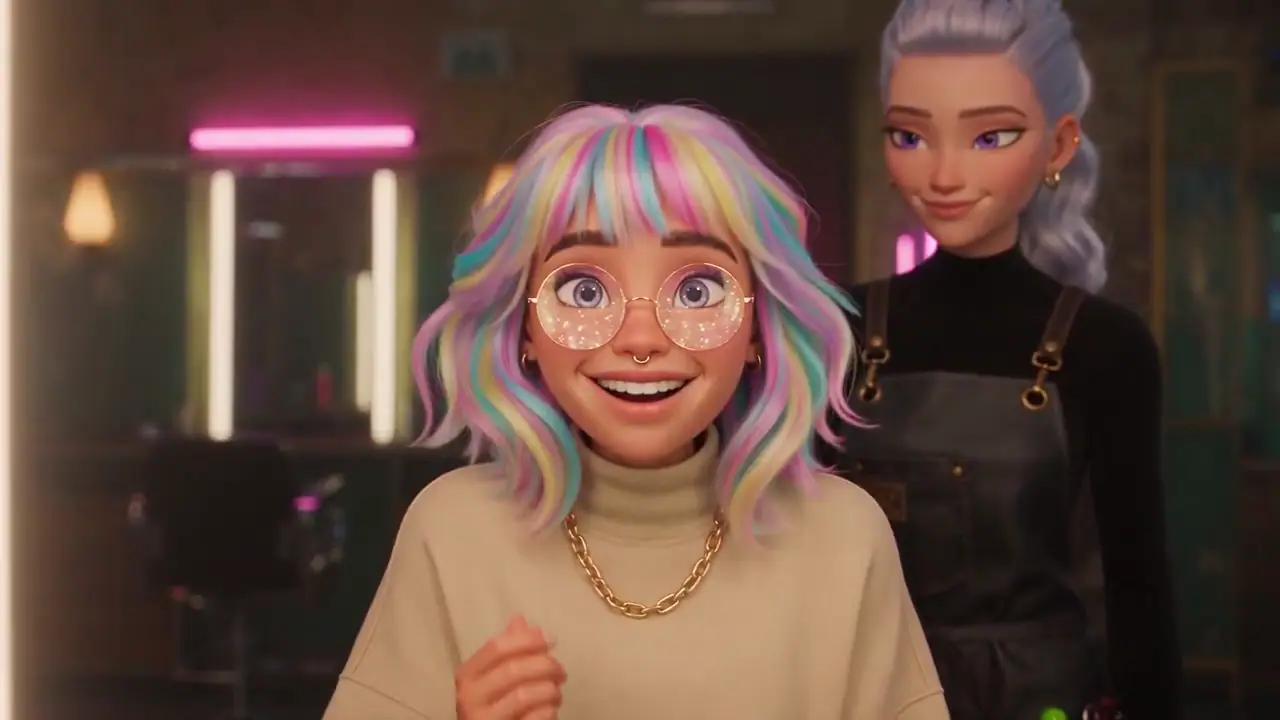
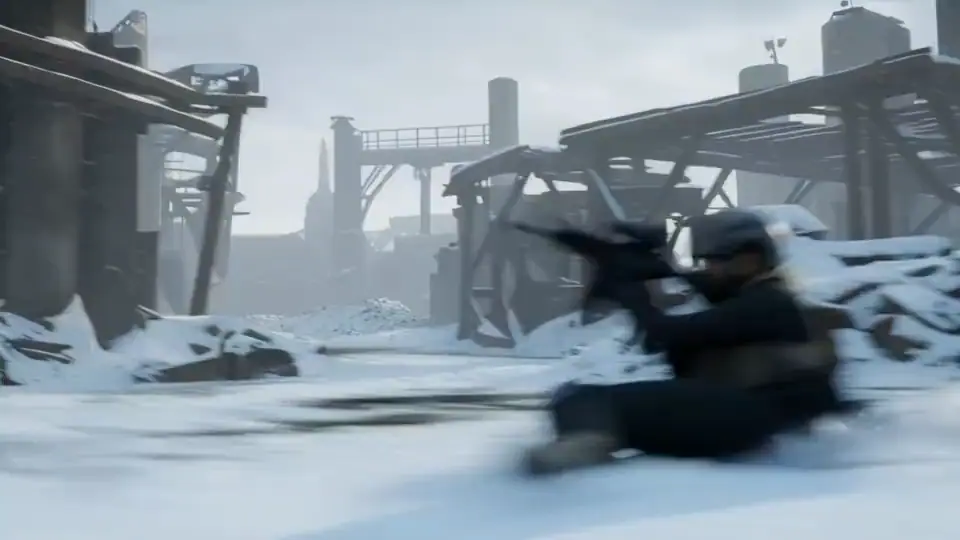
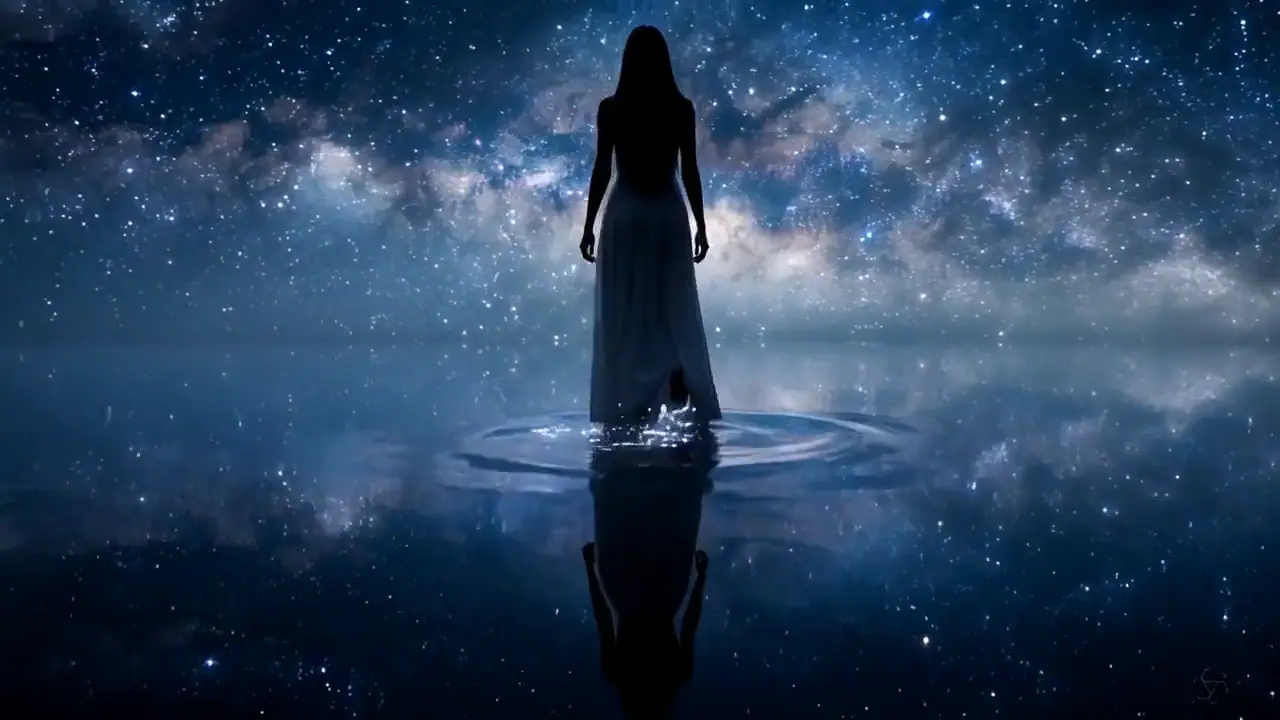
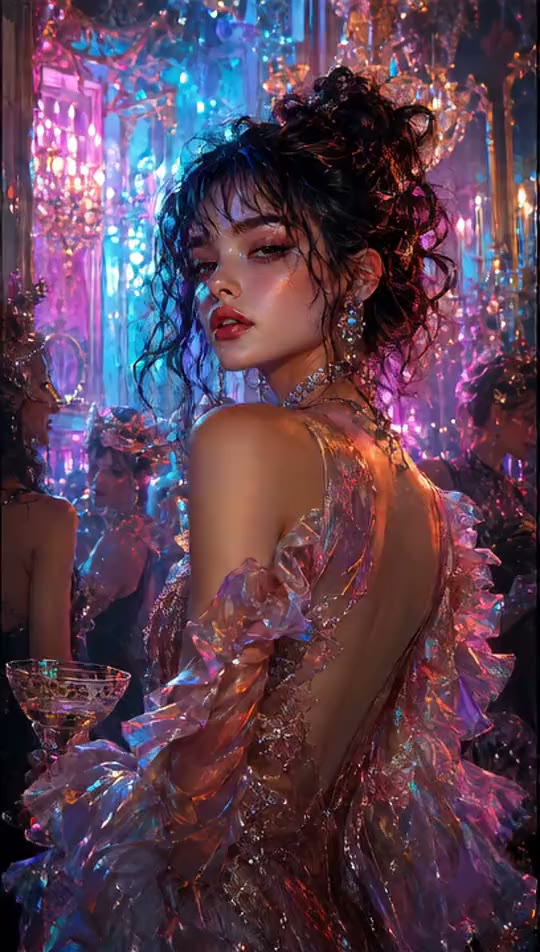
Use the examples to separate visual direction from model choice. Decide whether the shot needs realistic motion, a cinematic atmosphere, or a stylized look first, then choose a model and settings that support that direction.
Start with text when the model should invent the scene. Upload an image when you already care about the subject or composition. Sign in when prompted to upload or generate.
Describe the subject action and camera behavior, then choose an available model. Compare only the controls it actually supports and review the required credits before submitting.
Review motion, subject consistency, faces, lettering, and product details. Change the prompt, input, model, or one setting for the next attempt, then download the take that best matches the brief.
Choose the visual starting point, direct the motion, inspect the model-specific settings and credit cost, then generate one take you can evaluate and refine.