VidFomo
Loading...

AI Moonwalk Dance

Add one person photo for the moonwalk dance effect. Generation is not available yet; selecting a photo and settings stays local.

References
0 / 1
Required Credits
50

Sample Videos

My Videos

AI Moonwalk Dance from Your Photo

AI Moonwalk Dance is a photo animation idea built around one unmistakable move: a person appears to step forward while gliding backward. Start with one photo of yourself or someone who has agreed to take part, then use the studio to choose the framing for that dance. A familiar face and an ordinary outfit can make the contrast funnier than a stage costume. Focus on the feet, the open floor, and the surprising slide.

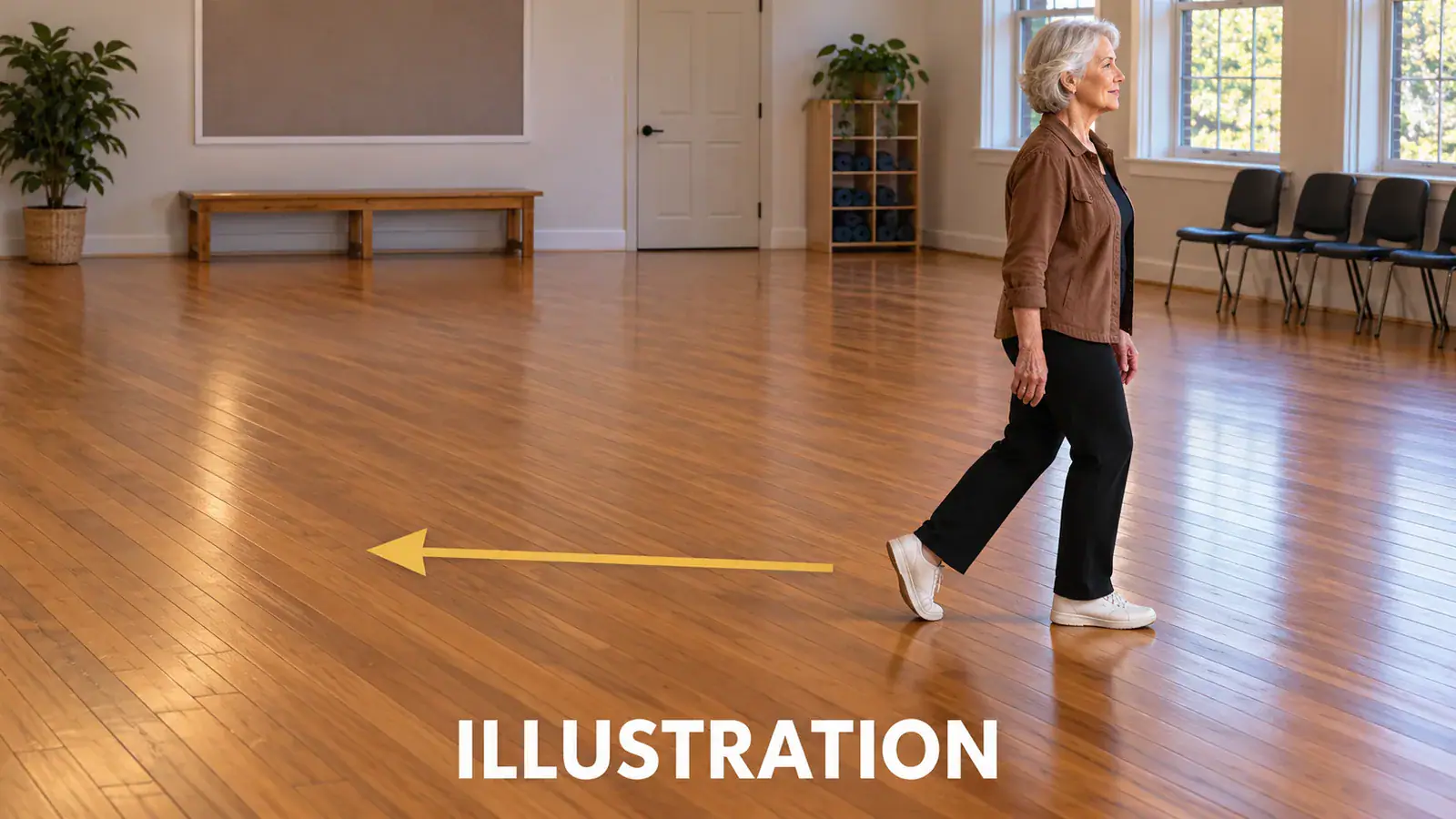
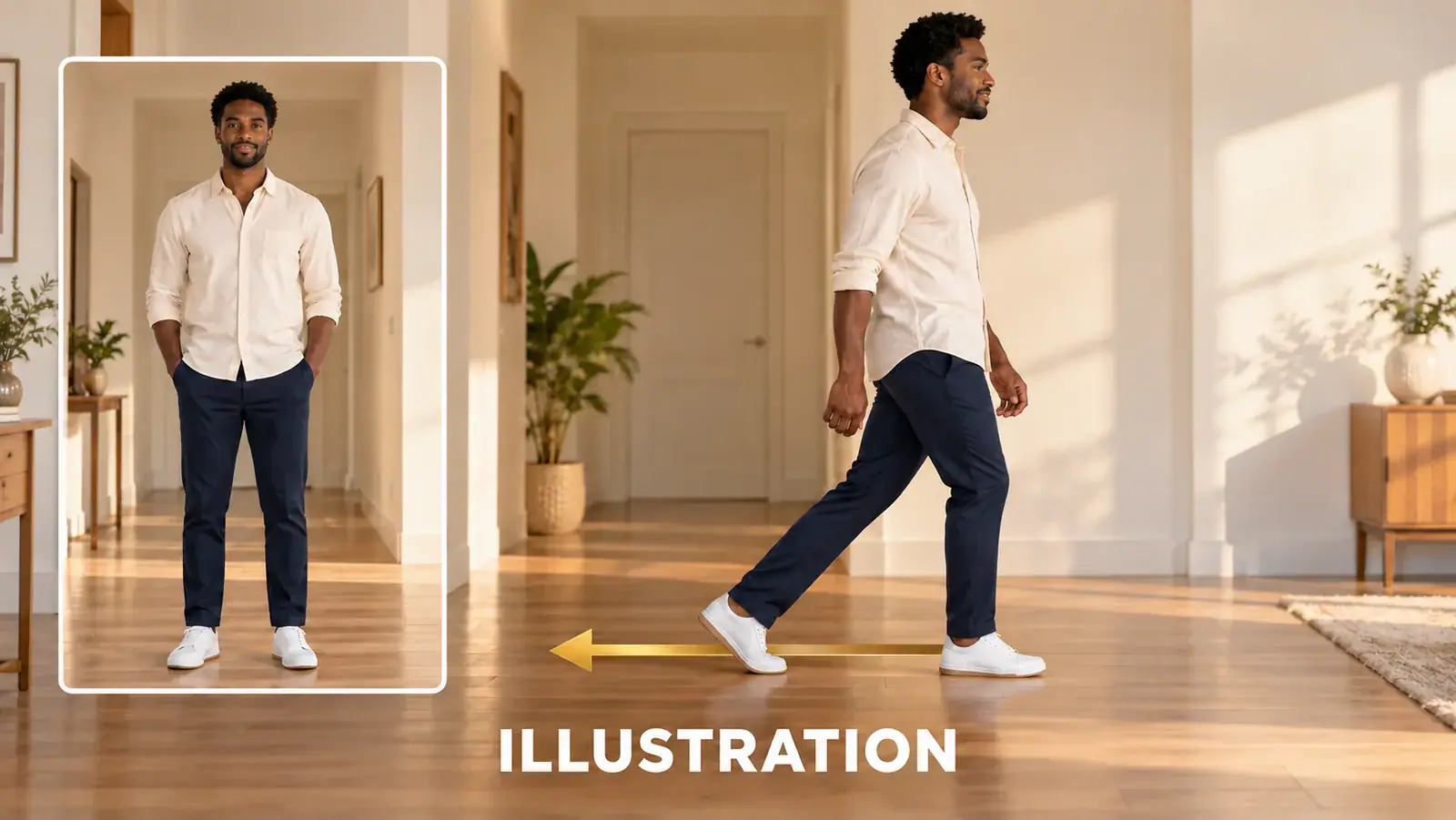
Illustration of one person photo and a backward moonwalk glide with a direction arrow

Set Up a Moonwalk Video from One Photo

The effect uses a single image rather than a dance recording. Work through the photo and framing choices below before pressing Generate. Keep the original photo nearby so you can replace a crop without searching for the source again.

  1. Choose one clear person

    Add a photo in Reference Images. Pick a standing person with a readable face, separate legs, and visible shoes when possible. A chair, table, or second person covering the lower body removes useful clues about the stance. Use the local preview to check the image, replace an unsuitable choice, or crop away distractions while keeping the whole figure.

  2. Select the space around the dancer

    Use Aspect Ratio to choose 9:16, 16:9, or 1:1. A vertical frame suits a full standing figure; a wider frame leaves more room beside the dancer. The Resolution selector offers 720p and 480p as preparation settings. Choose the composition for the place you intend to share the clip, rather than cropping the shoes off to fill the screen.

  3. Check the selection before Generate

    Confirm that AI Moonwalk Dance is selected and that the image counter reads 1 / 1. Generate checks for the required photo. Generation is currently unavailable, so a complete selection receives a status message and stays in the form; it does not create a video or charge credits. You can still replace the image and compare framing choices without submitting it.

Make the Backward Glide the Main Event

A moonwalk idea works when viewers can read the contradiction between a walking pose and backward travel. These three choices address different parts of that effect: the motion itself, the starting picture, and the space used to present it.

Recognize the slide, not just a dance pose

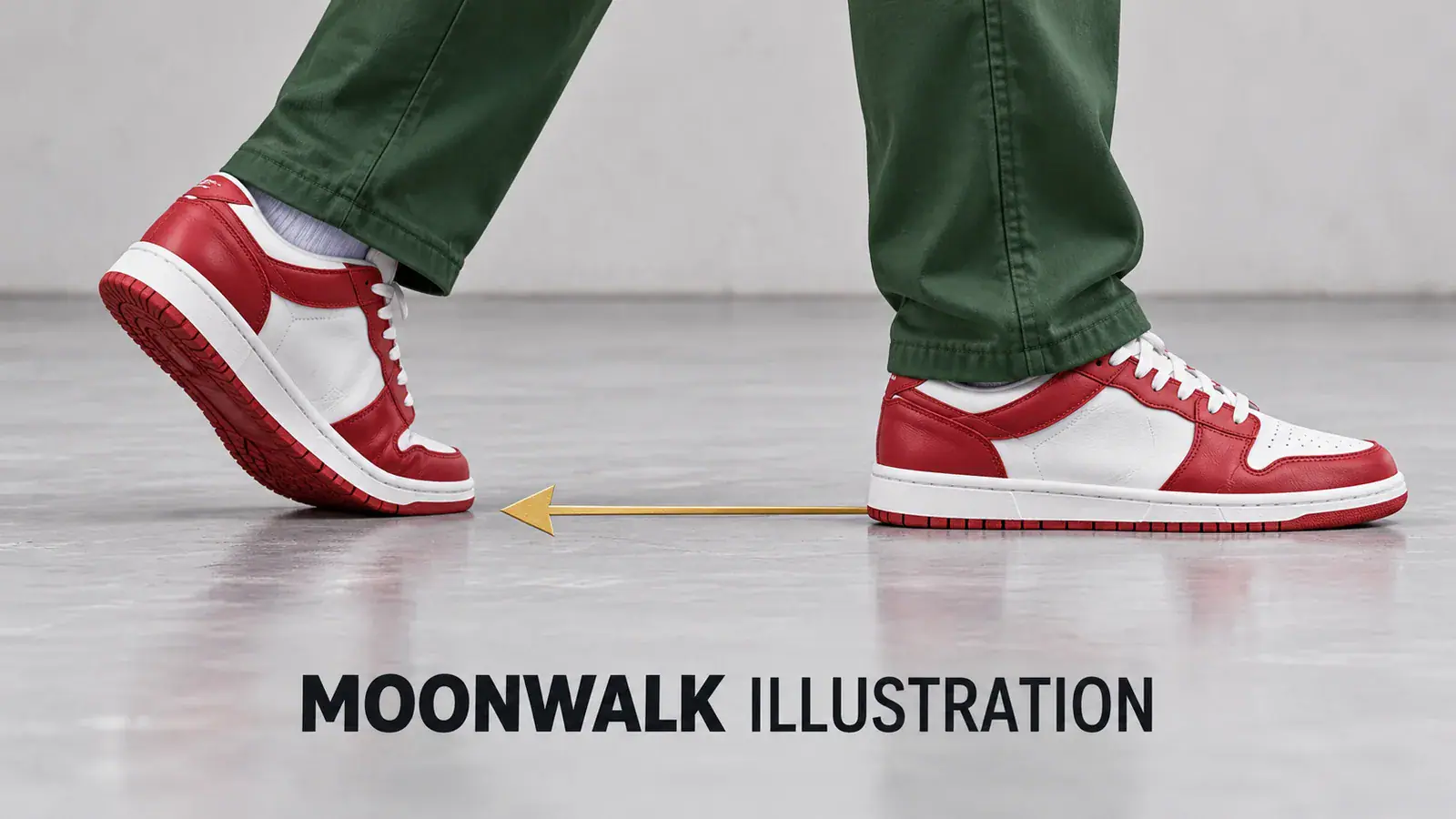
The moonwalk is also called a backslide. Its visual signature is a backward glide with alternating heel and foot positions, while the upper body suggests an easy forward walk. When reviewing a moonwalk clip, look for travel relative to the floor: a dramatic pose alone does not communicate the move. A side or three-quarter view can make that relationship easier to see than a tight face shot. Keep attention on the supporting foot and the sliding foot instead of adding unrelated spins, jumps, or camera moves. The point is a readable illusion, not a collection of dance tricks.
Choose a Moonwalk Photo
Moonwalk illustration showing a raised heel, a flat sliding shoe, and a backward arrow

Give an everyday portrait room to move

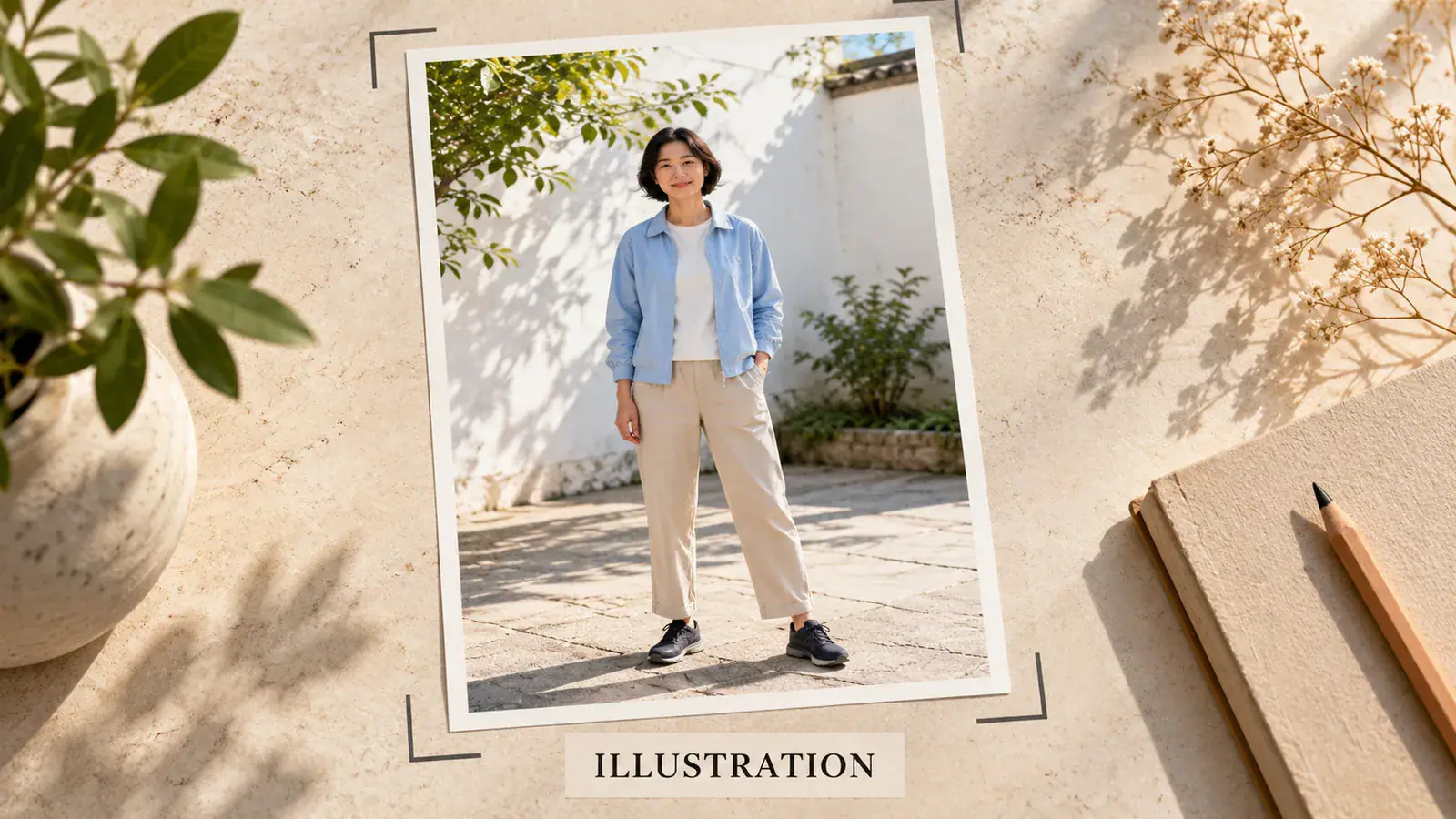
An ordinary standing photo can suggest a stronger personal joke than an anonymous performer on a stage. Think of a friend in their usual jacket, a birthday guest in a smart outfit, or your own casual weekend picture. The useful detail is recognizability: a clear expression, a distinctive outfit, and an uncluttered outline. Prefer a photo where the legs are not crossed and the feet are not hidden behind a bag. If the only picture is a close portrait, finding a wider original is a better starting choice than enlarging the face crop and expecting it to reveal the missing body.

Pick Your Starting Portrait
Illustration of a full-body source photograph with visible shoes and clear space

Leave a visible path across the floor

A hallway, rehearsal room, or simple courtyard provides a useful visual anchor for the glide. Straight floor lines help a viewer judge which way a person moves; a crowded background can compete with the feet. When choosing a source, leave space behind the person as well as above their head. For a vertical social post, protect the shoes from captions and interface overlays when you later edit the clip. For a horizontal greeting or presentation, use the extra width to show the travel path. Choose the scene already present in your photo; this studio does not offer a separate background replacement control.

Frame the Backward Glide
Illustration of a dancer with open floor space behind her for a backward glide

Four Choices That Shape the Dance Idea

Use these checks to decide whether a source photo fits the moonwalk theme before spending time on a version. They cover different practical decisions, from a legible silhouette to the context in which someone sees the clip.

Separate the shoes from the floor

Look for enough contrast to distinguish each shoe from the surface underneath. Dark shoes against a dark floor can hide the contact point. Even lighting around the ankles helps you inspect the starting pose without relying on a bright spotlight or a costume.

Keep clothing clear of the ankles

A familiar outfit is part of the joke, but a long skirt or oversized coat can conceal the footwork. When choosing between otherwise similar photos, prefer the one where the lower legs are visible. There is no need to imitate a particular performer’s wardrobe.

Give the person a reason to dance

A birthday message, a playful entrance, or a reaction to good news gives the visual a context. Decide on that occasion before writing the caption. A short setup such as celebrating the end of a busy week can make an ordinary photo feel personal.

Present the animation as an edit

Share the idea with the person pictured before using their face in a joke. When posting an AI animation, describe it as an edit so viewers understand the context. Keep private details in the source background out of the final framing.

AI Moonwalk Generator Questions

Answers for choosing an image, understanding the effect controls, and planning the sound and presentation of a moonwalk dance video.

You can select a person photo, but a close selfie leaves the legs and shoes outside the image. A full-body original gives the dance idea a more useful starting pose. If you have both versions, choose the wider one and keep the feet in frame. The page does not offer a body reconstruction guarantee.

No. This effect form asks for one image and presents framing settings. It has no dance video input or prompt box. If you want to copy choreography from a specific recording, that is a different task from choosing the moonwalk theme here. Keep that recording for a tool that explicitly supports motion reference.

Start with Your Moonwalk Photo

Find the picture where the person, shoes, and open floor are easiest to read. Bring that photo to the AI Moonwalk Dance studio and choose a frame that gives the backward glide room to make sense.