VidFomo
Loading...

AI Tornado Video

One photo, one person, a tornado sweep-away concept. Generation is not available yet.

References
0 / 1
Required Credits
50

Sample Videos

My Videos

AI Tornado Video: A Photo Character Swept Away

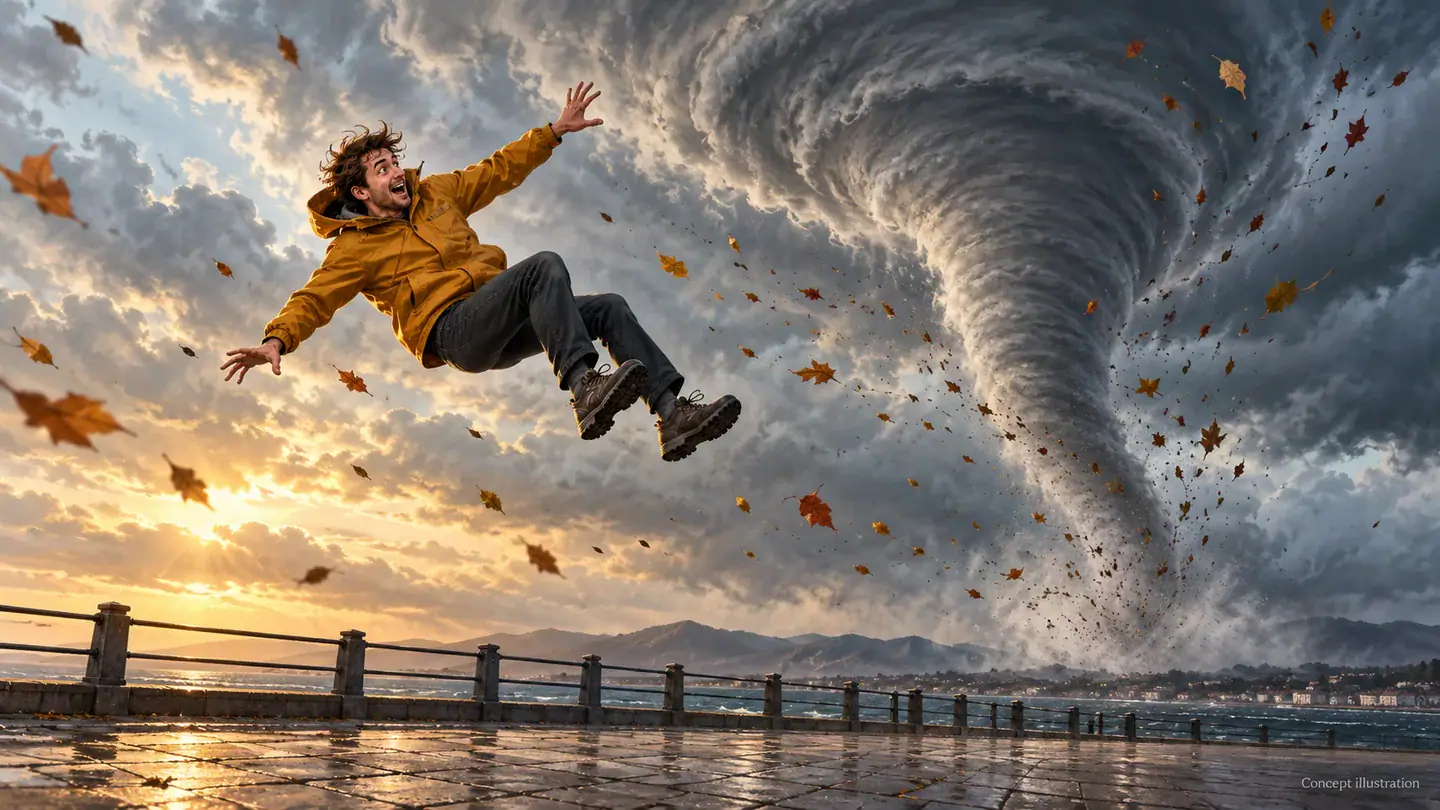
The AI tornado effect puts a familiar person at the center of an impossible storm scene: a funnel gathers nearby, the wind catches them, and they rise out of the picture. Start with one standing photo and give the upward exit room to read. The artwork on this page is concept illustration, not generated video. You can select a photo and explore the controls now; tornado video generation is not available yet.

Concept illustration of a person lifted above a promenade beside a tornado

Set Up Your Tornado Photo

The workbench keeps the setup focused on your picture and framing. You do not need to select a model or write a storm prompt.

  1. Choose one standing photo

    Use a photo you have permission to edit, with one person visible from head to shoes. Choose a relaxed pose with arms separated from the body and a face large enough to recognize. Add the file in the image area, then inspect the local preview. If a shoulder or foot is already outside the picture, replace the file with a wider original before continuing.

  2. Choose the frame for the exit

    Use Aspect Ratio to compare the available vertical, wide and square choices. A vertical layout suits a person rising toward the top; a wide layout gives the surrounding storm more space. Resolution is a separate control. These selections currently stay in the form as preferences, so choosing an option is not a promise of a finished output in that format.

  3. Check the photo before Generate

    Confirm that the preview shows the intended person and that AI Tornado Video remains selected. Generate checks for the required image. With a picture selected, it currently shows an unavailable message and keeps your input; it does not create a video or deduct credits. You can replace or remove the image and try another composition without treating an empty result panel as a finished clip.

Give the Sweep Away Scene a Clear Shape

Think about three different parts of the visual joke: the ordinary starting point, the route through the air, and the moment the person disappears. The illustrations explain these choices.

Keep the ordinary moment recognizable

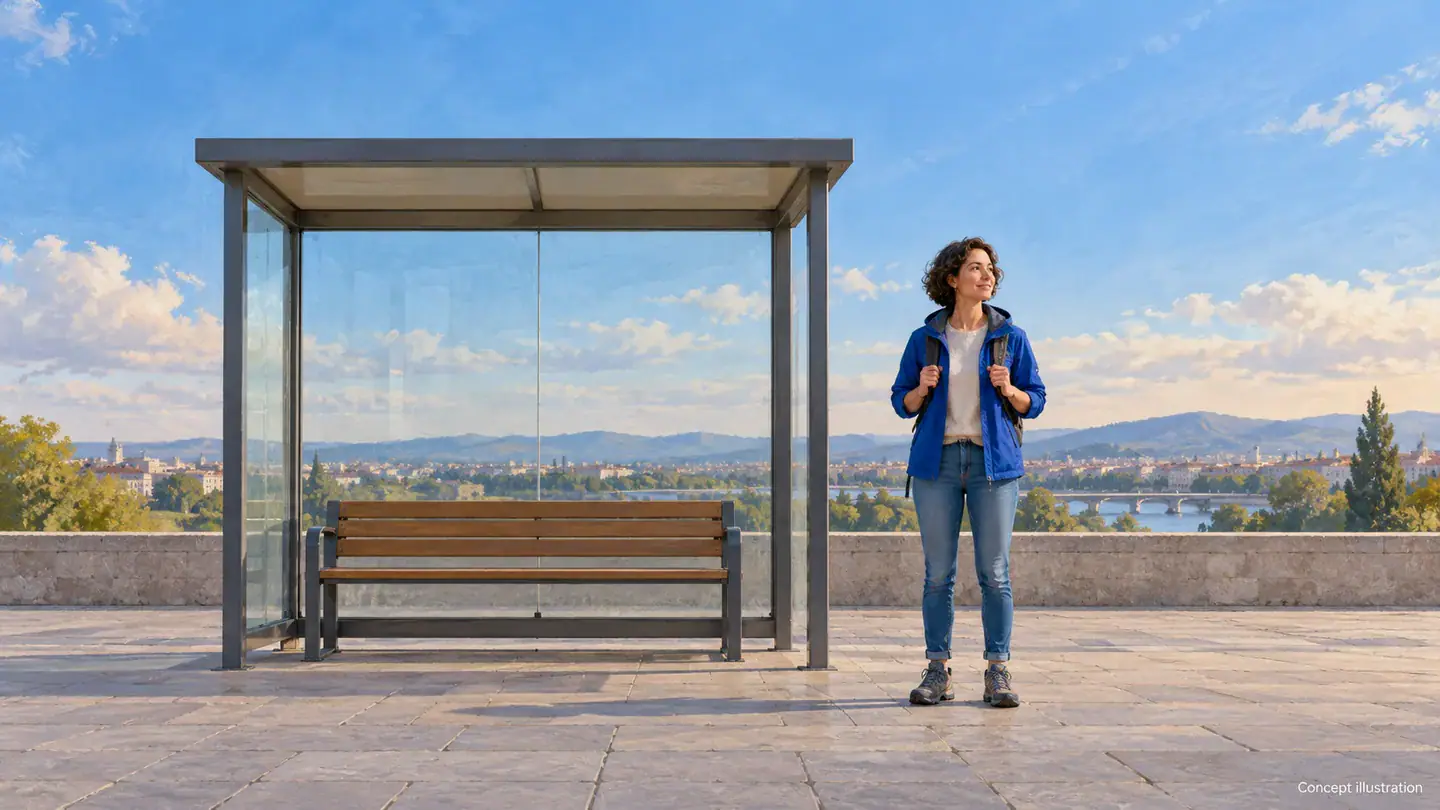
A person waiting beside an empty bus shelter gives the storm a simple contrast: an everyday pause interrupted by absurd weather. Choose a setting with one recognizable landmark rather than a crowd of competing details. A bench, path or fence can anchor the opening composition. Keep the person visually separate from that landmark, especially around their head and hands. The purpose is to establish who the scene is about before the imaginary tornado becomes the main attraction. A dramatic costume is optional; a familiar coat or backpack can make the joke more personal.
Choose a Starting Photo
Concept illustration of a full body starting photo beside a bus shelter

Leave a visible path into the storm

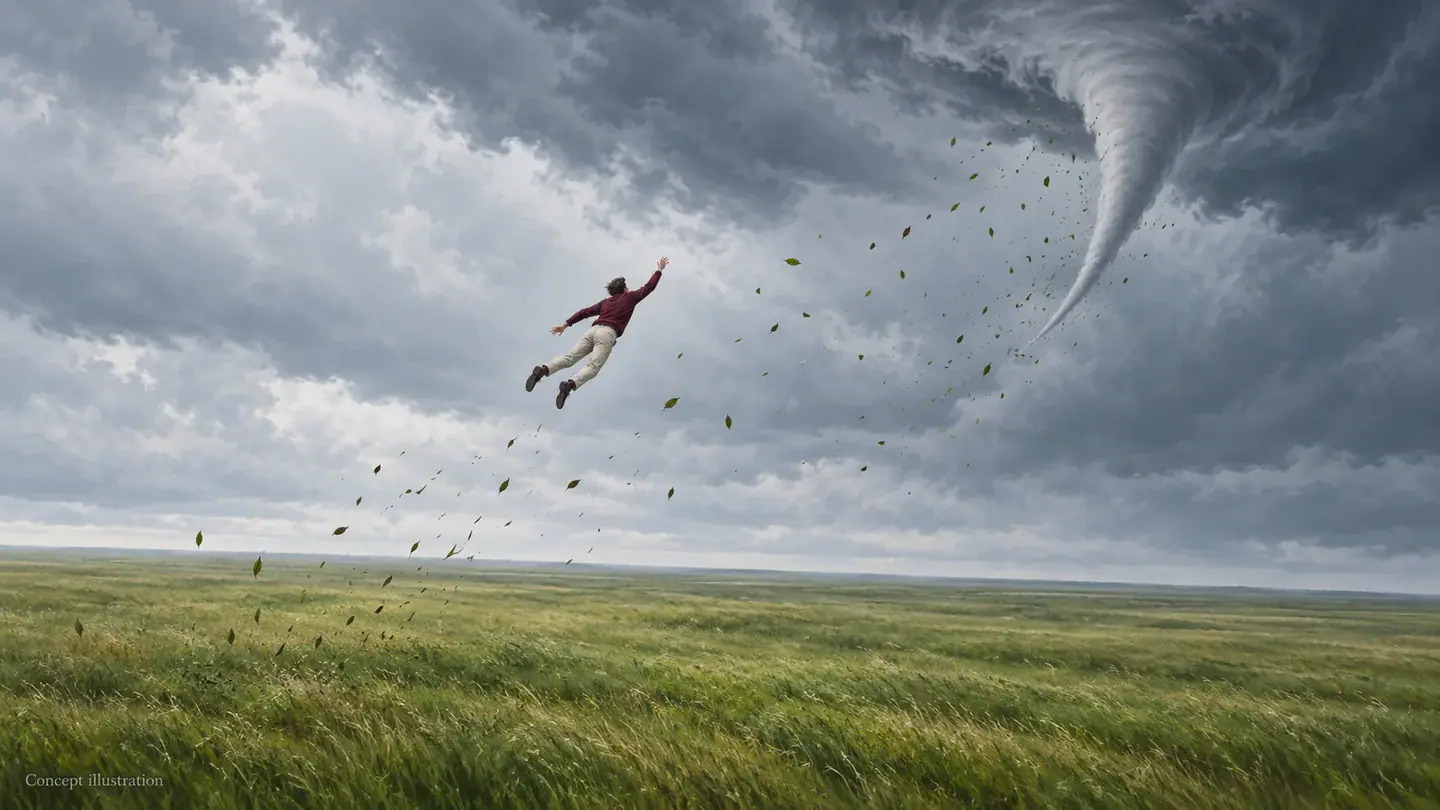
The important action is the change from standing on the ground to being carried upward. A tight face crop cannot explain that movement as clearly as a full figure with space above it. Look for a source photo where the shoes, ground line and open sky are all visible. Imagine a curved route from the person toward the funnel and check that a tree trunk or roof does not fill that space. This is a composition guide, not a control for drawing an exact motion path. The illustration isolates the lift so you can see why headroom matters.

Frame the Tornado Scene
Concept illustration of an open upward path from a field toward a funnel cloud

Make the empty ending part of the joke

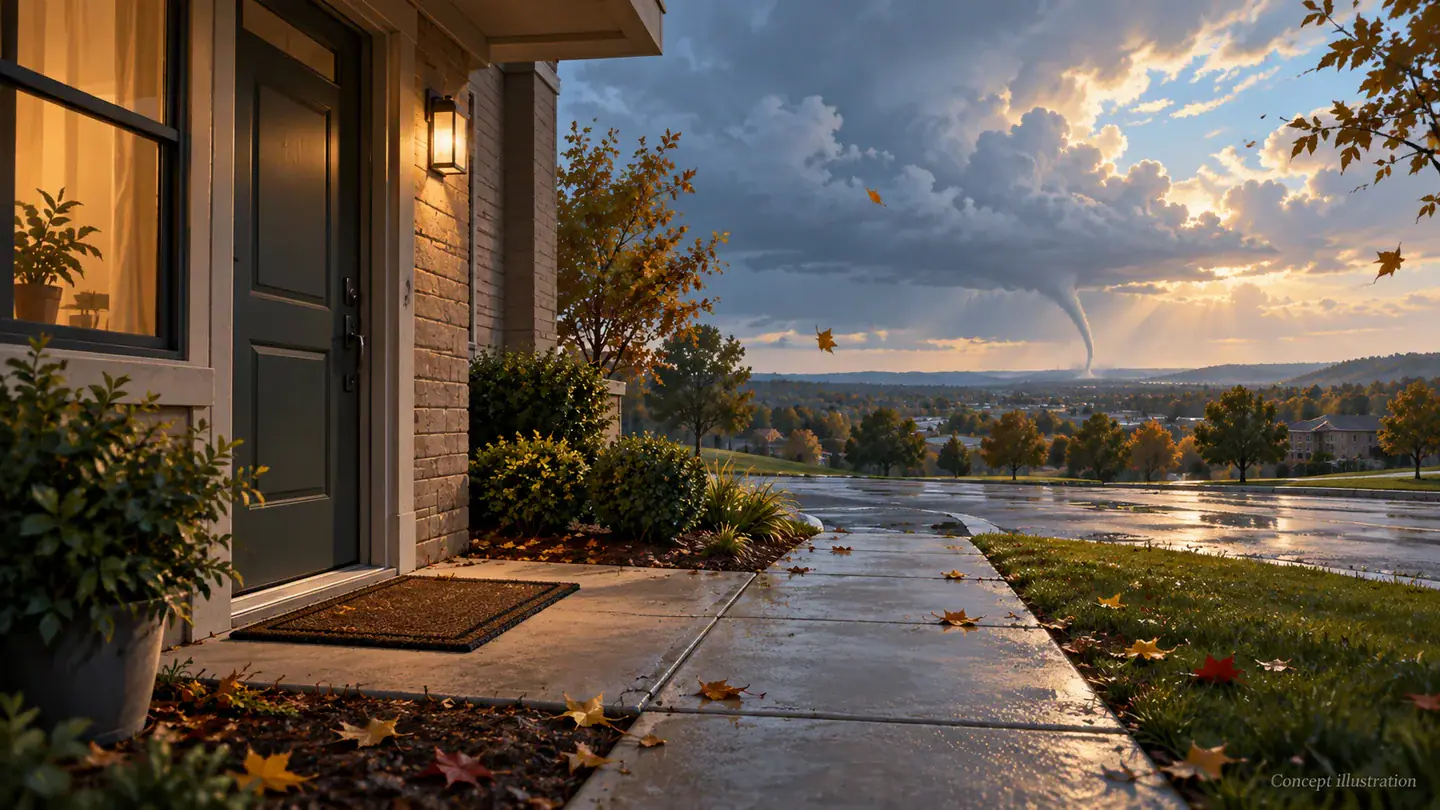
An empty patch of pavement can be the punchline after the person leaves. When planning the scene, notice what will remain in view: a doorway, a door mat, or the same quiet bench from the beginning. Keep that visual anchor simple. For a future finished edit, compare the opening and ending without sound to see whether the disappearance makes sense on its own. A caption can add a personal joke, but it should not be needed to explain which person vanished. The ending illustration shows a scene design, not a frame extracted from a completed video.

Explore the Tornado Setup
Concept illustration of an empty doorway scene with a receding tornado

Four Choices Before You Pick a Photo

Small decisions about the source picture determine how easily someone can understand this storm scene at a glance.

A single, obvious main character

Choose a solo portrait rather than a group shot if you want one clear sweep away gag. A second person creates another question for the viewer: are they staying or leaving too? The upload accepts one image, which is a file count rather than a promise to animate every person inside it.

Contrast around the silhouette

A dark jacket against a dark hedge makes the body harder to read. Favor a background that separates the outline of the arms and legs. You can check this by shrinking the photo on your screen: if the standing pose disappears into the scenery, choose a cleaner picture rather than relying on dramatic storm lighting to reveal it.

Room for a caption later

If the concept is intended for a short social post, consider where a caption would sit without covering the face or the lift. Keep the main action away from the edges, where viewing interfaces may overlap it. Caption placement belongs to your later edit; this photo workbench does not add text or offer a timeline editor.

A fictional scene people can recognize

Treat the tornado as an exaggerated story device. A playful caption such as an imaginary excuse for leaving early sets a different expectation from a local weather alert. Use your own likeness or an agreed subject, and present any eventual clip as an AI effect. The scene should communicate a joke without suggesting someone was actually caught in a disaster.

AI Tornado Video Questions

Answers about the photo setup, current availability and what this particular effect is meant to show.

You can use the photo selection, preview and framing controls today, but tornado video generation is not available yet. Clicking Generate with a valid photo returns a message and retains the image. There is no completed tornado clip to download from this page at present. The illustrations describe the intended scene, rather than proving a working generation result.

For this concept, prefer a standing photo with visible ground and space above the head. An indoor full body photo may help you explore a composition, but an outdoor setting makes the storm easier to imagine without replacing the surroundings. A close selfie leaves out the legs and takeoff point. If that is your only picture, choose another source rather than expecting this page to reconstruct a full body.

Find Your AI Tornado Video Starting Point

Choose the ordinary moment you would like the storm to interrupt. Open the effect, compare a photo with the composition guidance, and leave room for the person to be swept away.