VidFomo
Loading...

AI Falling Filter

Add one standing photo for a fictional, comic plank fall.

References
0 / 1
Required Credits
50

Sample Videos

My Videos

AI Falling Filter for a Comic Plank Fall

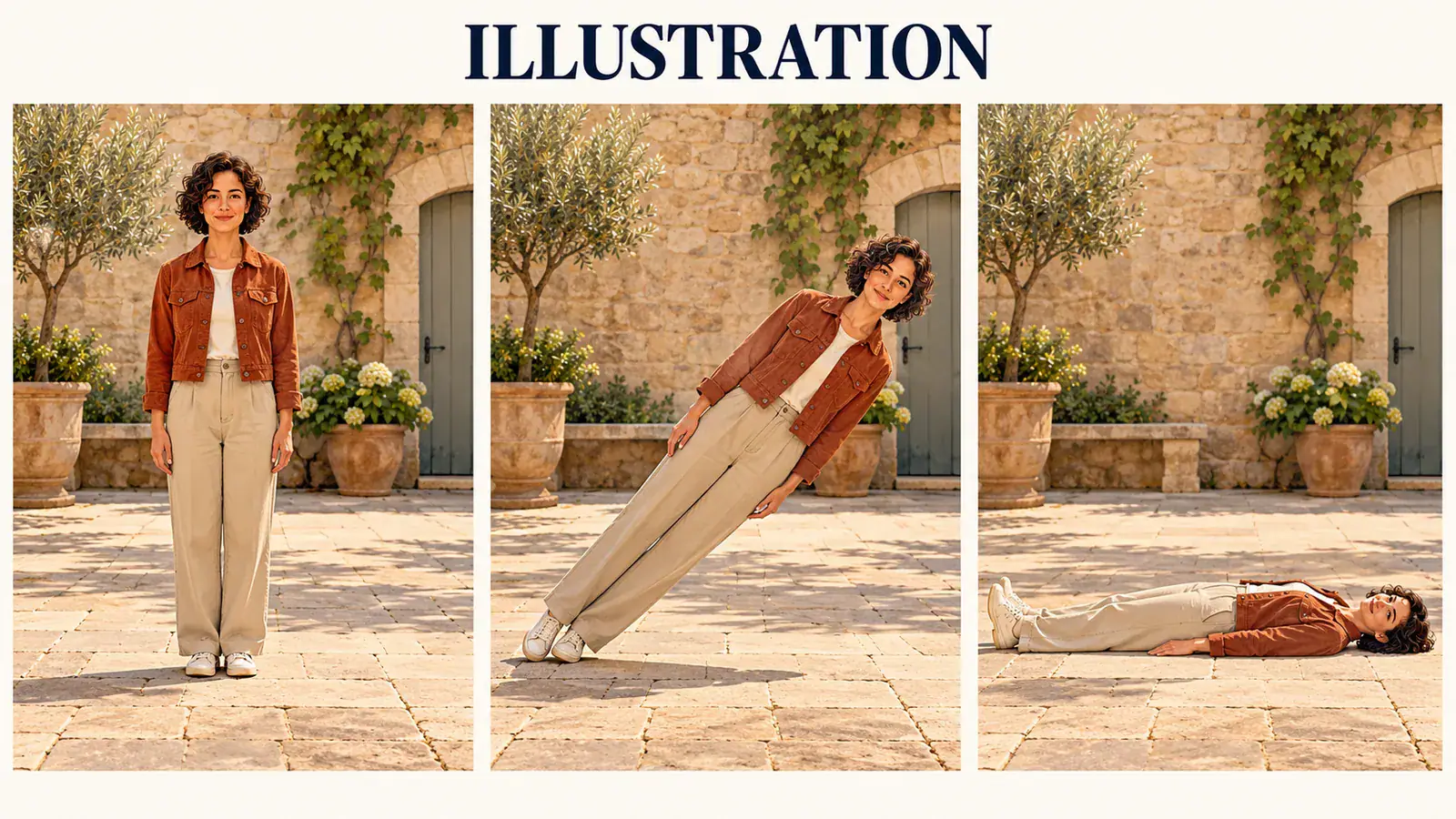
A perfectly ordinary pose, then a completely ridiculous topple: the AI Falling Filter is built around a person falling as one stiff piece, like a cardboard standee. Start with one standing photo and picture the whole body tipping toward the ground while the knees and hips stay straight. The joke is the sudden change from upright confidence to flat disbelief. The illustrations below explain that fictional effect; they are not generated video results.

Illustration: a standing adult tips sideways as a rigid plank in a three panel courtyard storyboard

Set Up Your Falling Filter Photo

Use the studio above to choose your picture and framing. This effect has a single photo input, so the useful preparation happens in your source image rather than in a long motion prompt. Keep the intended joke simple enough to understand from the opening pose.

  1. Choose one standing character

    Select a photo with one person visible from head to shoes. Look for a readable face, separated legs, and a clear outline against the background. A neutral standing pose gives the imagined fall a clean starting point. Use a picture you own or have permission to edit, and keep the stunt fictional: nobody needs to fall for the camera.

  2. Leave space for the topple

    Add the image in the studio and inspect its local preview. Keep the feet and the nearby ground inside the crop, then choose Aspect Ratio and Resolution from the available controls. A tall composition emphasizes the opening stance; a wider composition gives a sideways fall more room. Replace or recrop the photo if a wall, chair, or frame edge cuts across the intended movement.

  3. Check the submission message

    Choose Generate after adding your image. The studio checks the required photo and shows the current submission status in its feedback area. If generation is unavailable, your selected image remains in the form; no finished clip is created. When a completed video is available, watch the opening stance, the straight body line, and the final position before saving or sharing it.

Make the Fall Read as a Visual Joke

A falling down filter works as comedy when the action has a clear setup and a readable finish. These three illustration studies separate photo choice, movement, and storytelling so you can plan one concise scene without turning it into a complicated stunt sequence.

Show the person and the landing space

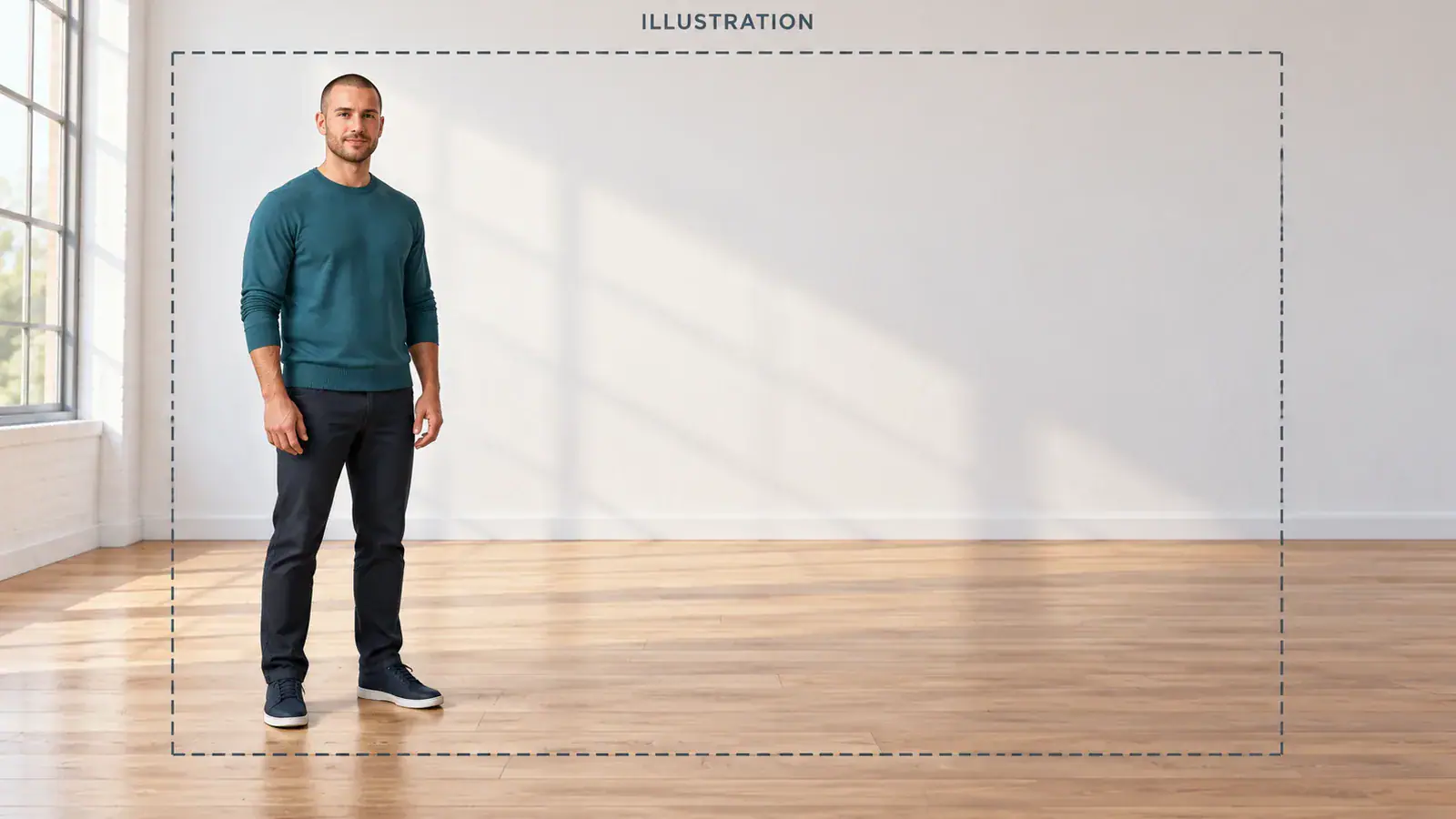
Treat the floor as part of the subject. A portrait can show a great expression and still leave nowhere for the full body to go. For this effect, choose a standing photograph with visible ground beside the feet and enough distance from furniture to read the silhouette. A simple courtyard or uncluttered room is easier to understand than a tightly packed party scene. Check the shoes at the bottom edge and the head at the top before you choose a crop. This illustration highlights the relationship between the standing figure and the open space; it is a composition guide, not an output comparison.
Select Your Standing Photo
Illustration: a full body standing portrait with open ground beside the feet

Keep the plank fall distinct from a tumble

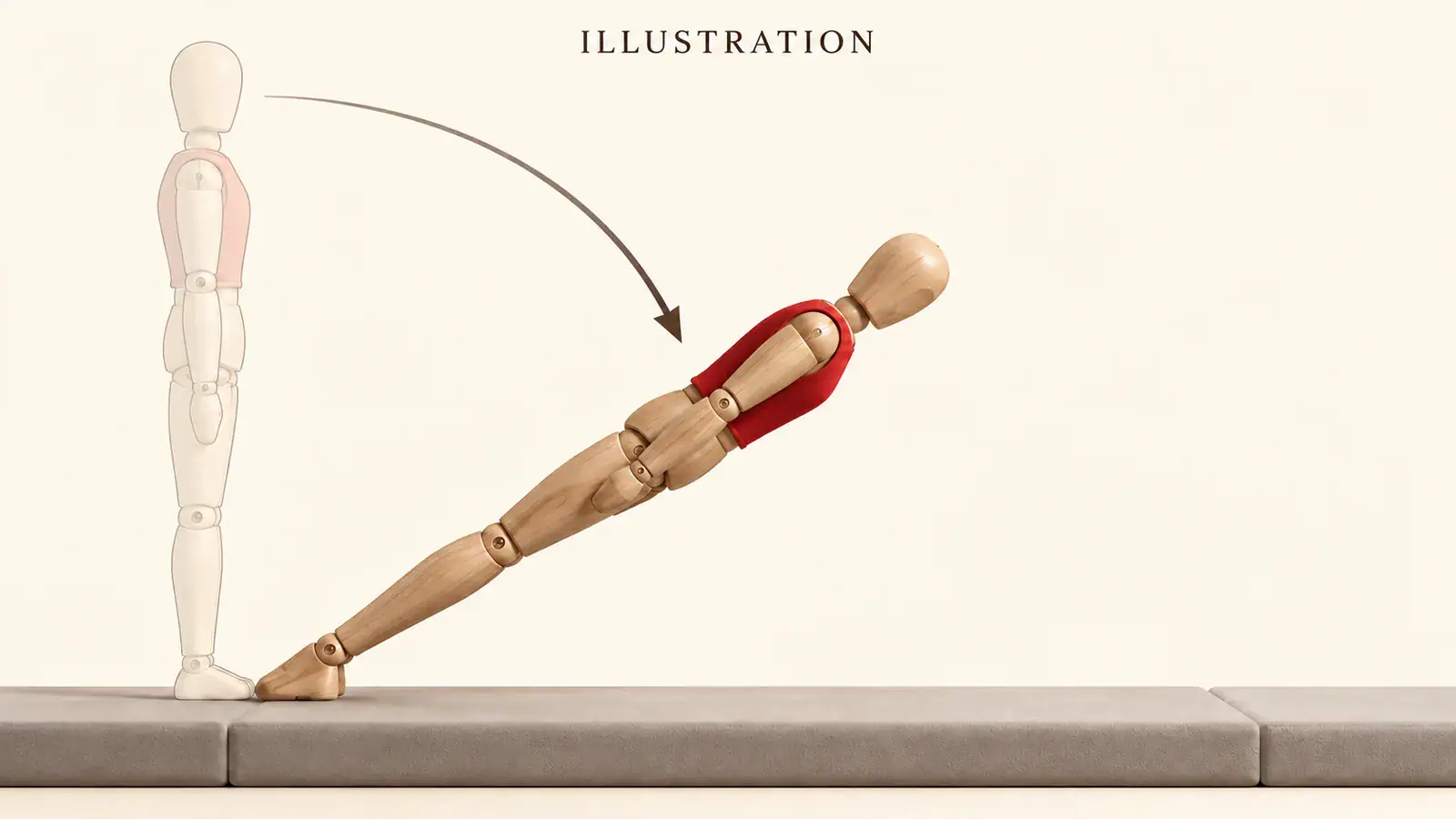
The defining shape is a single straight line from shoulders through hips to heels. Imagine rotating that whole line toward the floor rather than folding the person at the waist. Bent knees, flailing arms, or a rolling landing tell a different joke. The paper fall effect gets its oddness from an almost cutout quality: the person appears too rigid for the situation. The movement illustration uses a side view so that difference is easy to see. When reviewing a future clip, follow the body through the middle of the fall, not just the standing and final frames. A convincing start and finish alone do not establish the intended motion.

Plan a Plank Fall
Illustration: side view motion study of a straight body rotating toward a padded floor

Give the still pose a punchline

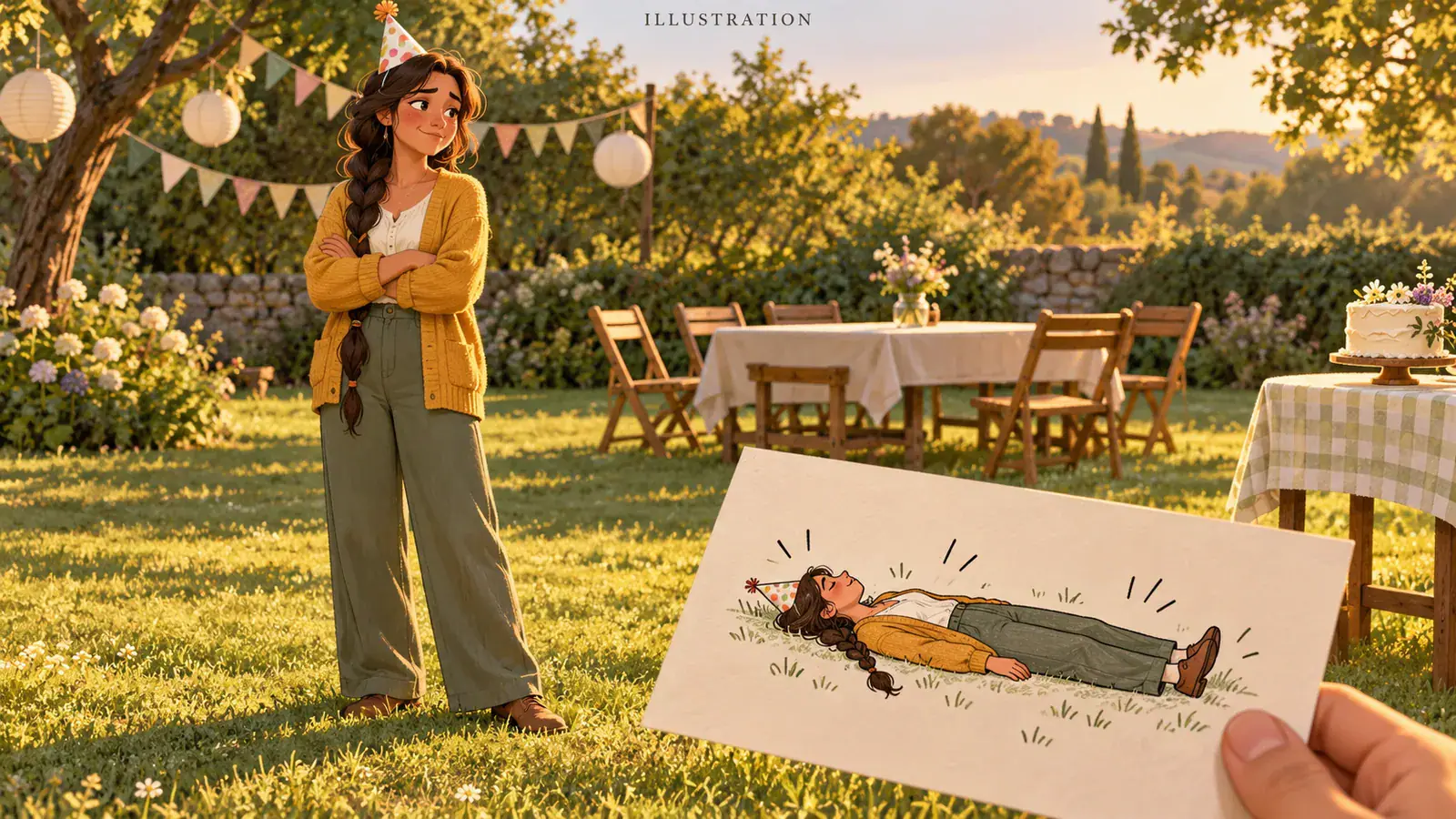
Start with a scene that already suggests a small everyday disappointment: someone dressed for a party, a proud pose beside a finished project, or a calm end to a long day. The falling over filter supplies the exaggerated reaction in the imagined clip. Keep the setup to one idea, then let the sudden topple carry the joke. If you later add a caption in your editor, place it away from the face and the path of the body. Our storytelling illustration uses an empty celebration setting to show contrast between a composed opening and an absurd response, without inventing a real accident or a testimonial.

Frame Your Falling Scene
Illustration: a celebration scene planned as a fictional falling reaction joke

Four Choices That Shape the Scene

Use these checks before you settle on a source photo. Each addresses a different part of the visual setup, from recognizing the person to leaving room for the final edit.

A face you can recognize

Pick an image where the face is already readable at the size you plan to share. Heavy sunglasses, a hand over the face, or extreme distance can hide the reaction before the scene begins. A clear expression gives viewers someone to follow through the joke.

Clothes with a clear outline

Choose clothing that separates the torso and legs from the background. A long coat against a matching wall can make the figure merge into the scene. Look at the outline before zooming into details: the rigid body shape should be understandable even in a small preview.

A level view of the ground

An eye level or gently lowered camera makes the relationship between the feet and floor easier to read. Steep overhead angles can hide how far the figure tips. Choose the photograph for visual clarity rather than trying to imitate a risky camera position or a real fall.

Room for your final caption

Leave a quiet area above or beside the action if you plan to add text later. Keep the important movement away from the outer edges, where social app controls may cover it. Compose the scene first; add the caption in your preferred editor after reviewing any completed clip.

AI Falling Filter Questions

Answers about the effect, photo inputs, and the current studio experience.

In this context, both names describe a person tipping over with an unusually rigid body. Paper fall emphasizes the cardboard cutout look; plank fall emphasizes the straight posture. This page focuses on that comic motion from one photo, rather than a loose ragdoll tumble or a person dropping from a height.

The input here is one image, with one standing person as the recommended subject. A close selfie hides the legs and ground that define the effect, so choose a wider photo instead. For a group picture, select a separate photo of your intended character. This studio does not accept a reference video for the falling effect.

Choose the Photo Behind Your Plank Fall

Have a standing portrait with a clear outline and open ground? Bring it into the AI Falling Filter studio to check the framing. Keep the original pose simple, give the body space to tip, and make the planned scene an unmistakably fictional joke.