
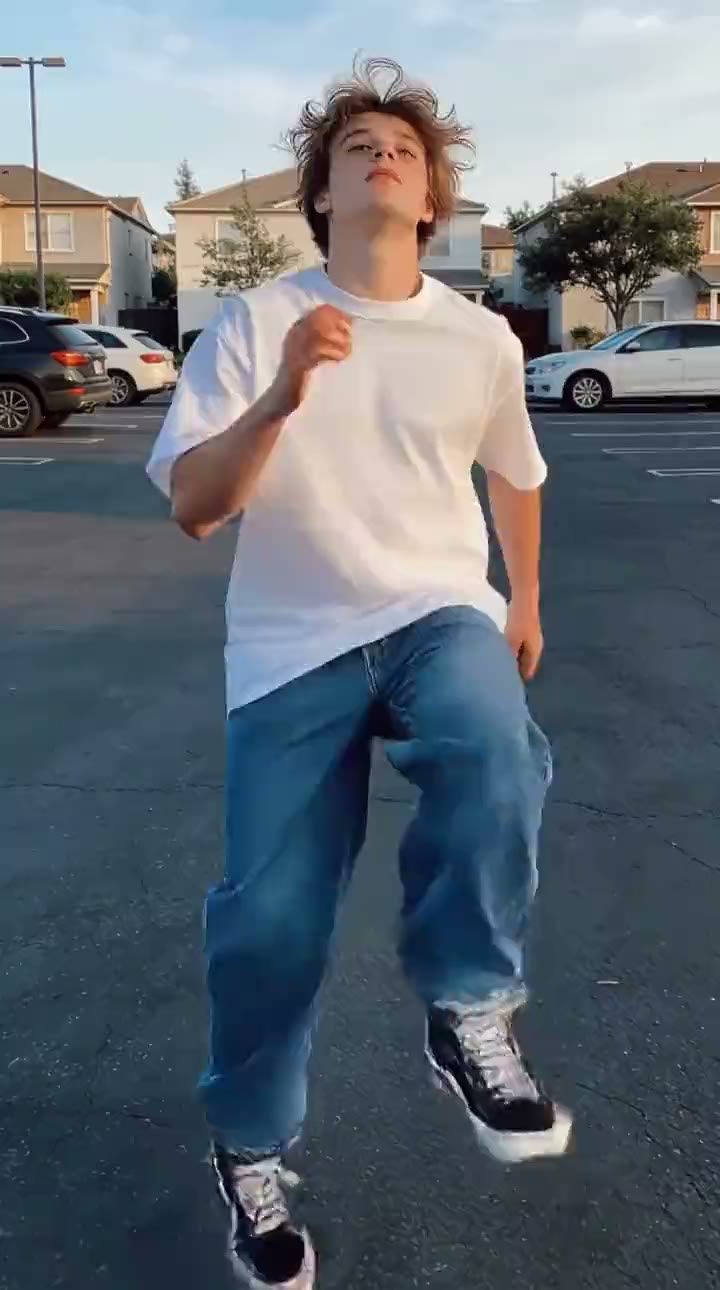
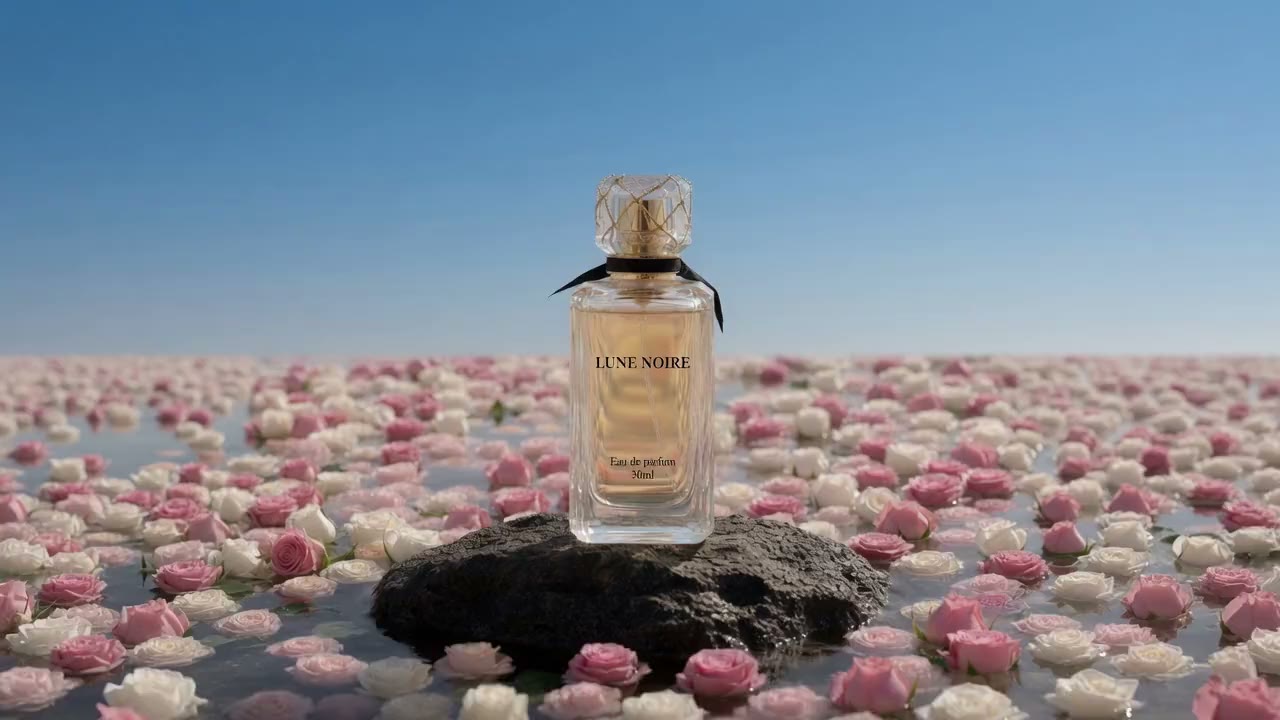
Slowly push the camera toward the product as soft light moves across the surface. Add subtle reflections, gentle background motion, and a premium cinematic atmosphere. Keep the product shape and branding consistent throughout the shot.


Turn a written scene or source image into a short AI generated clip. Choose an available model, direct the motion, review its supported settings and credit cost, then generate without leaving this page.
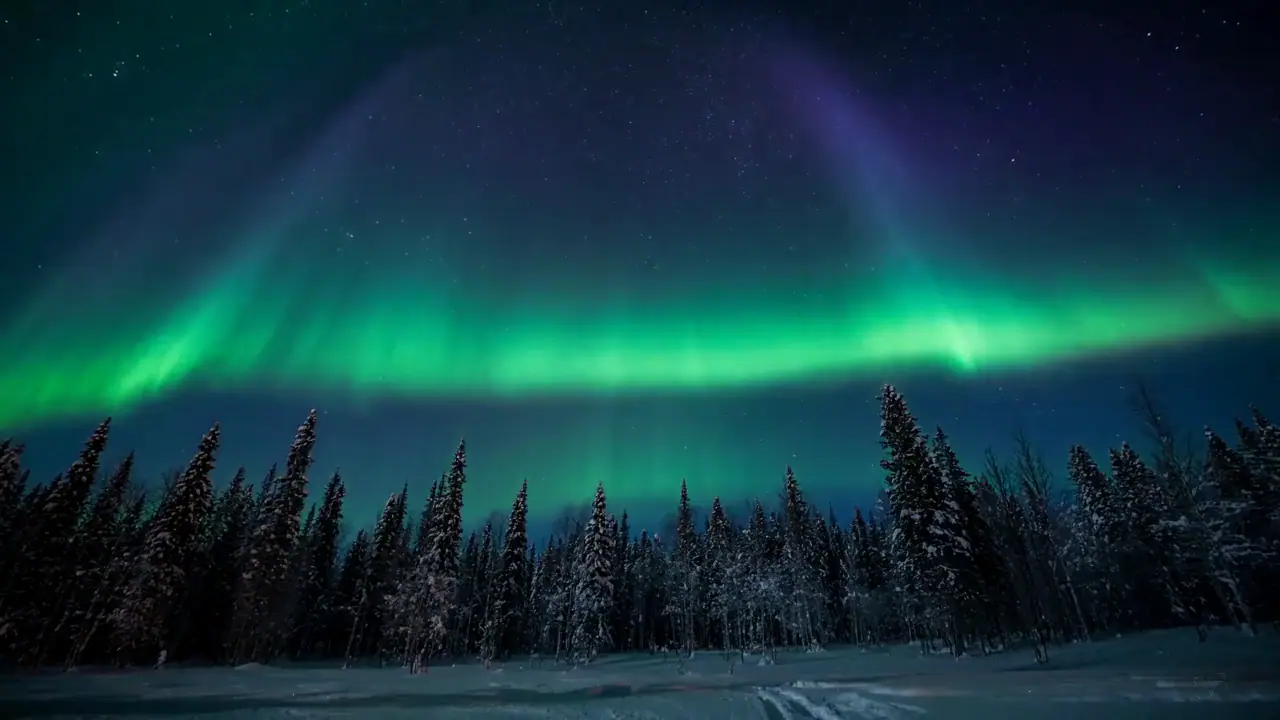
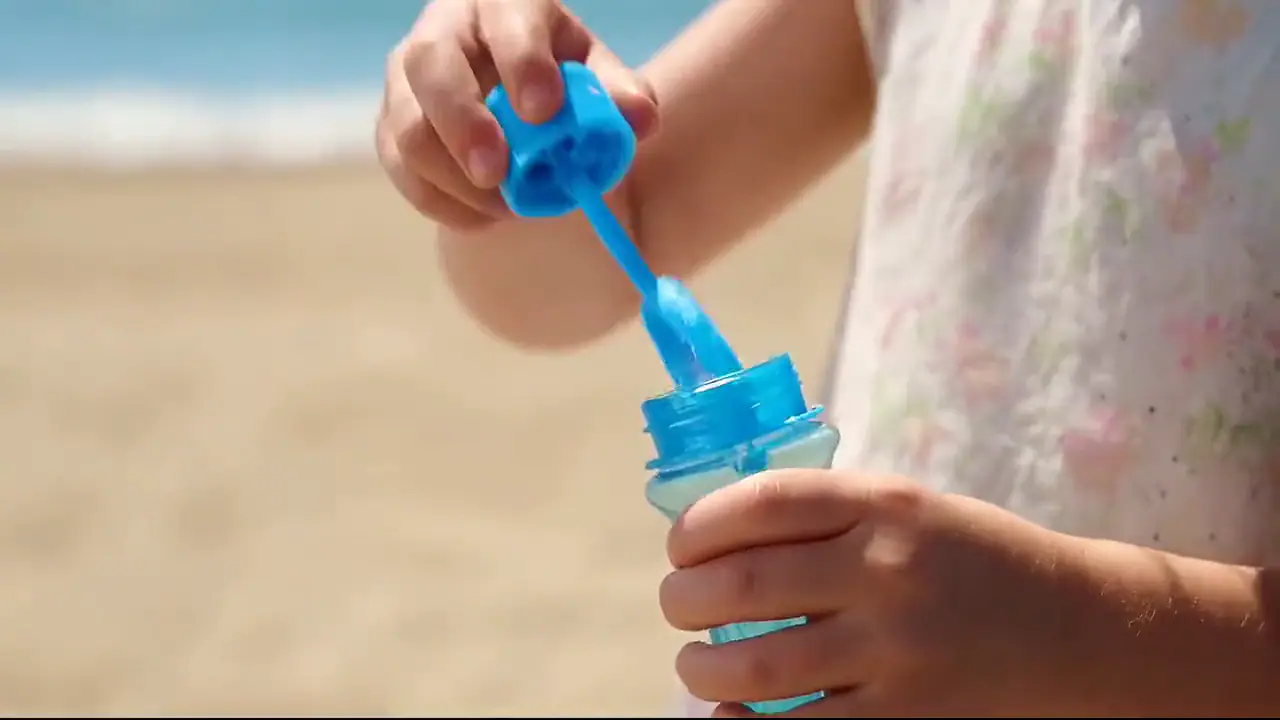
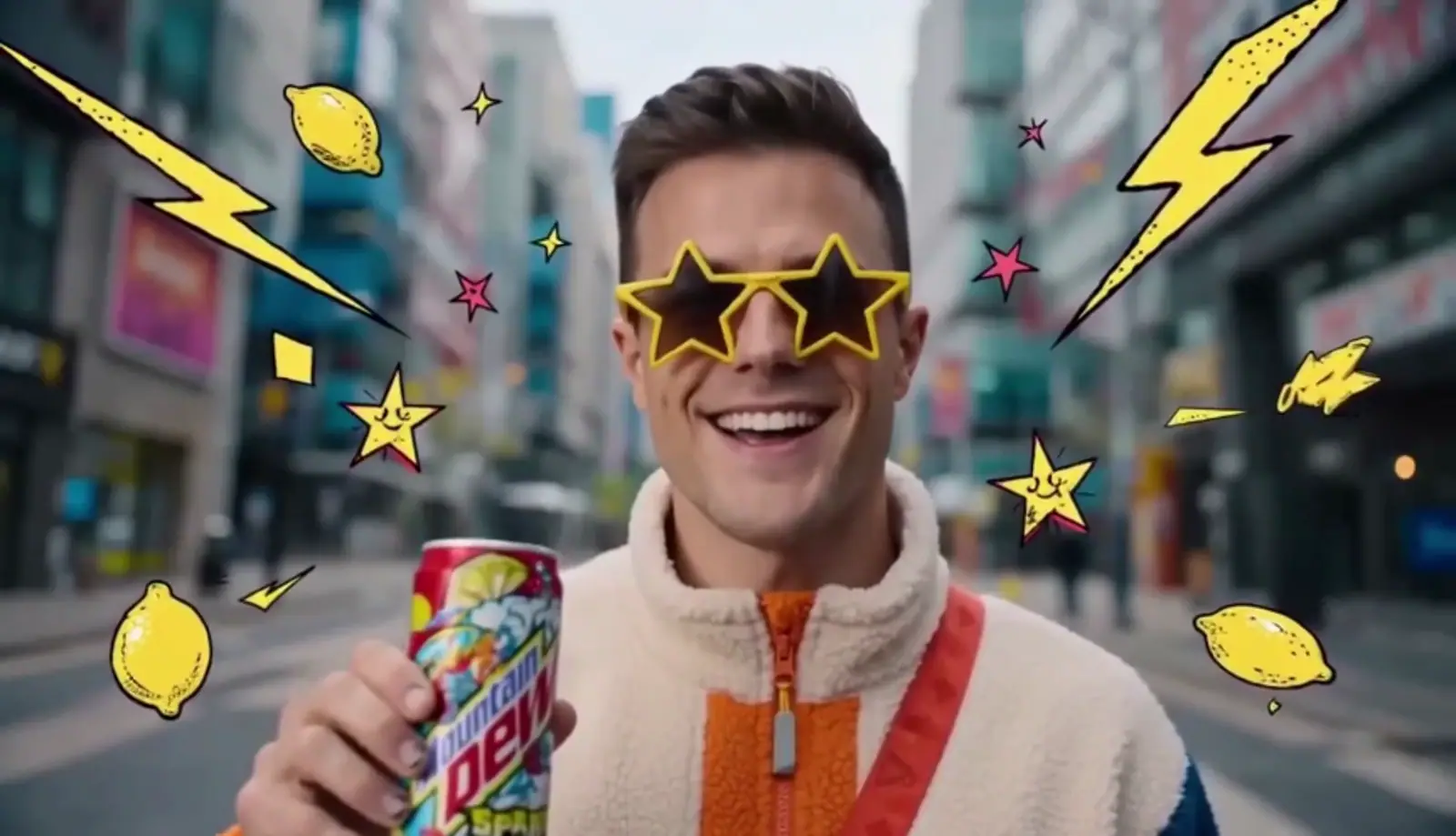
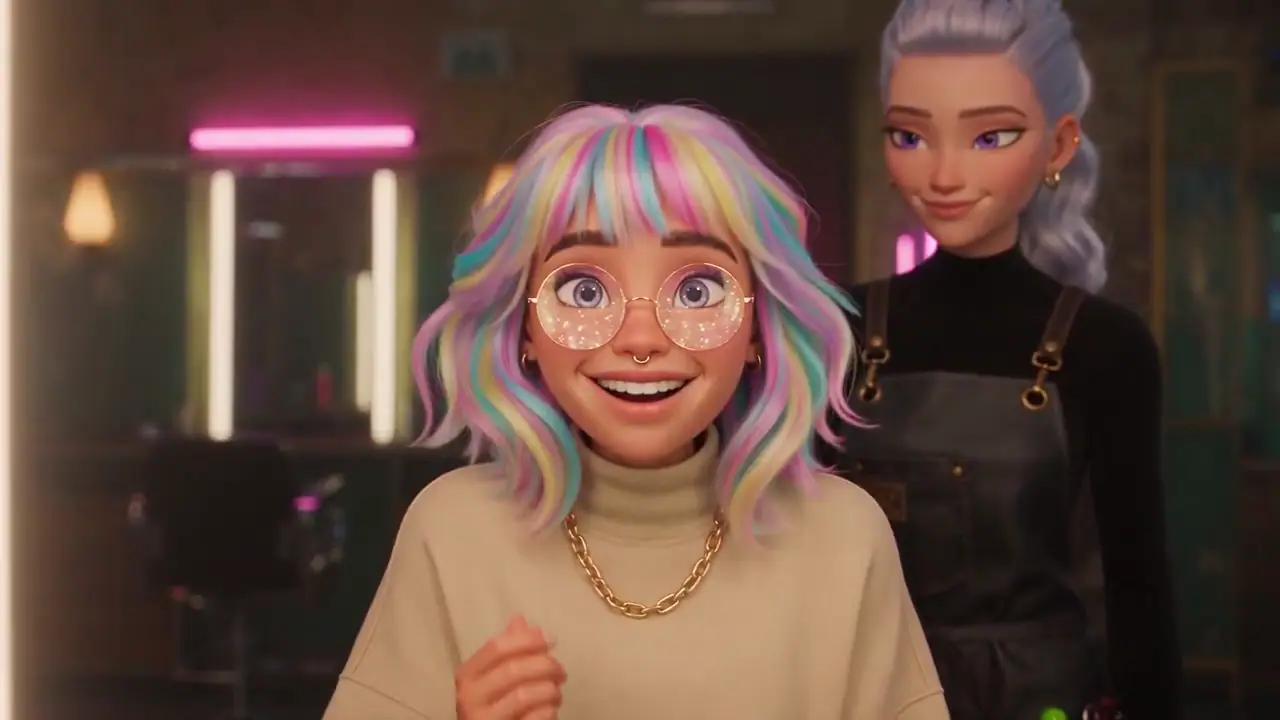
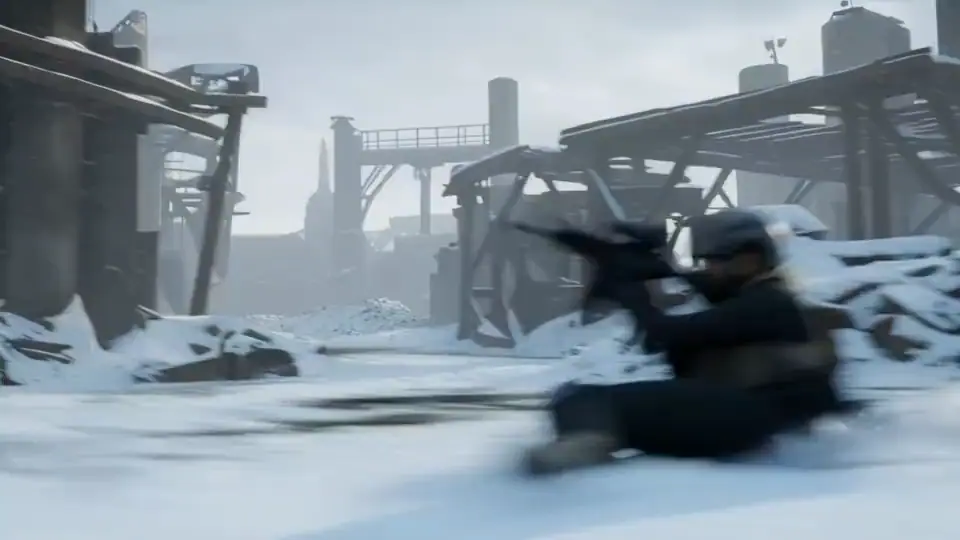
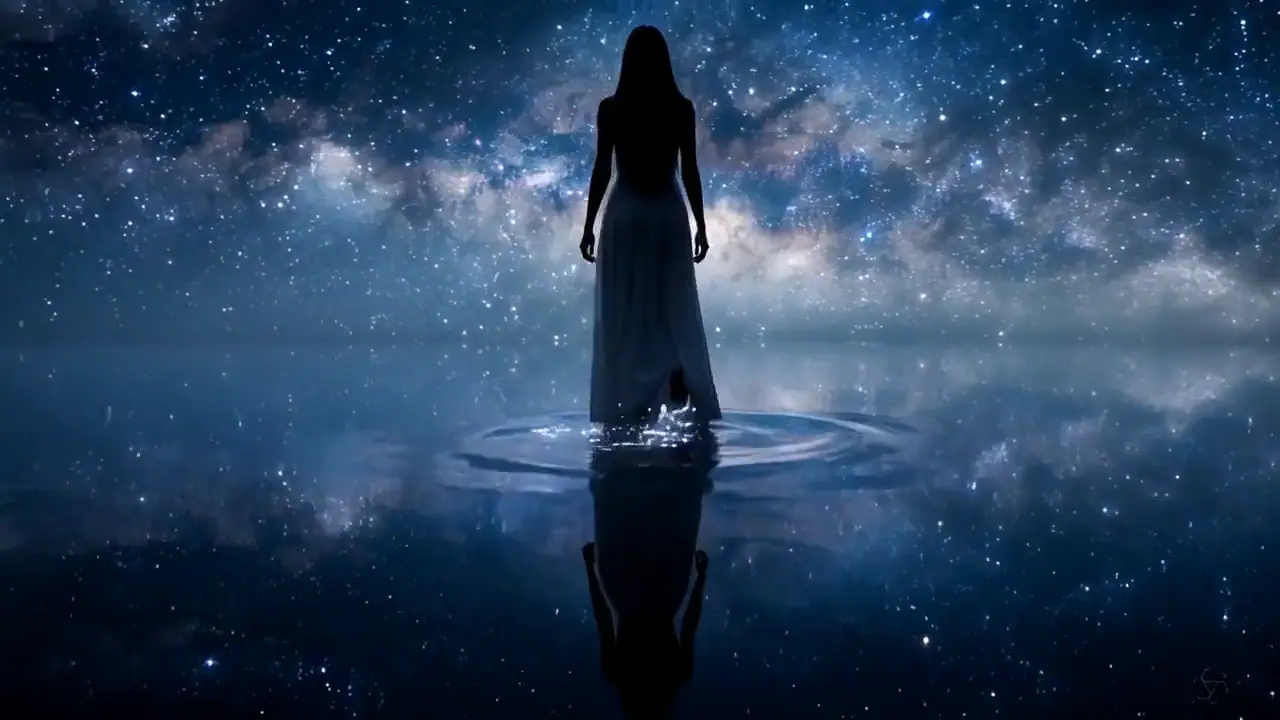
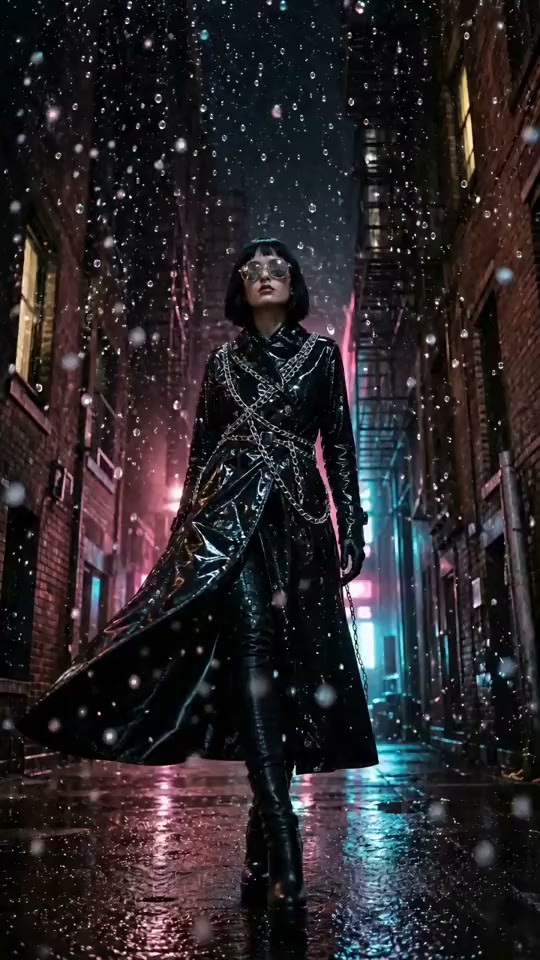
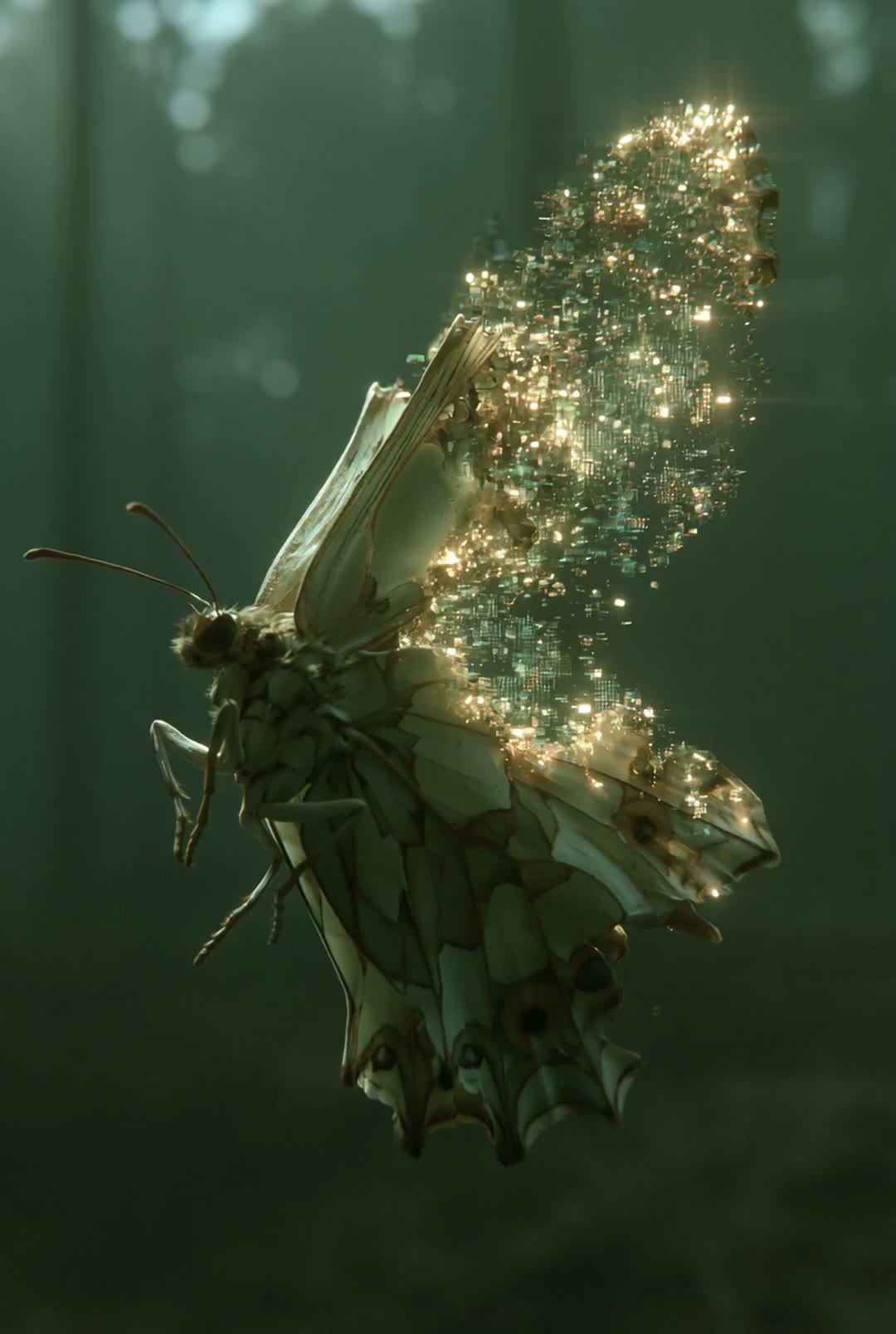
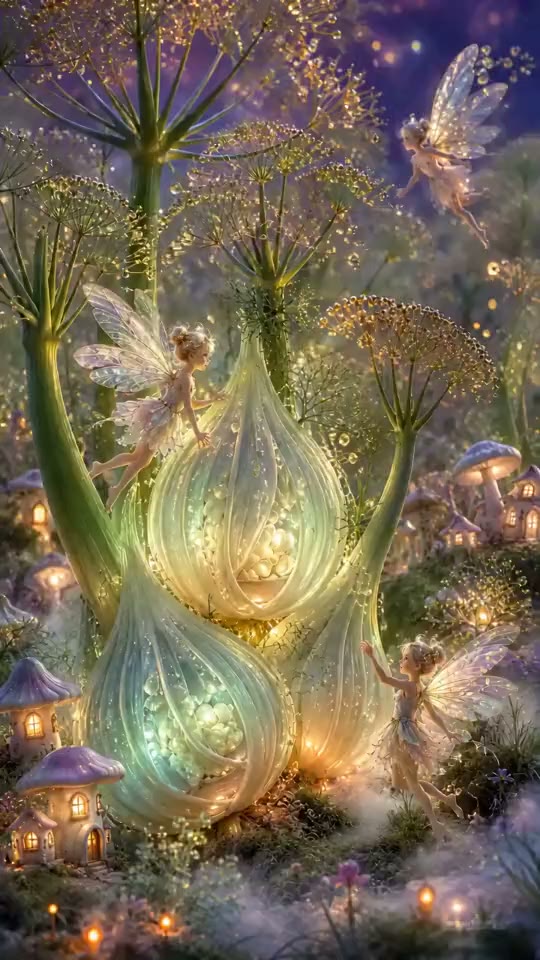
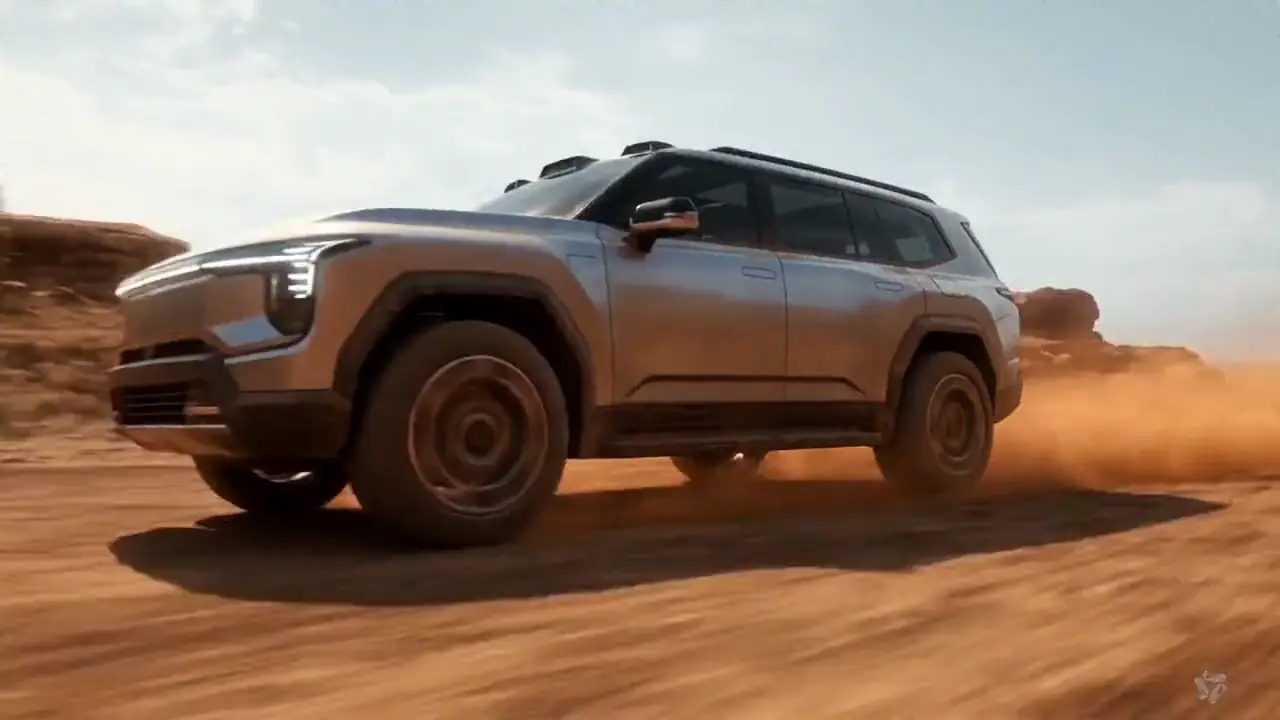
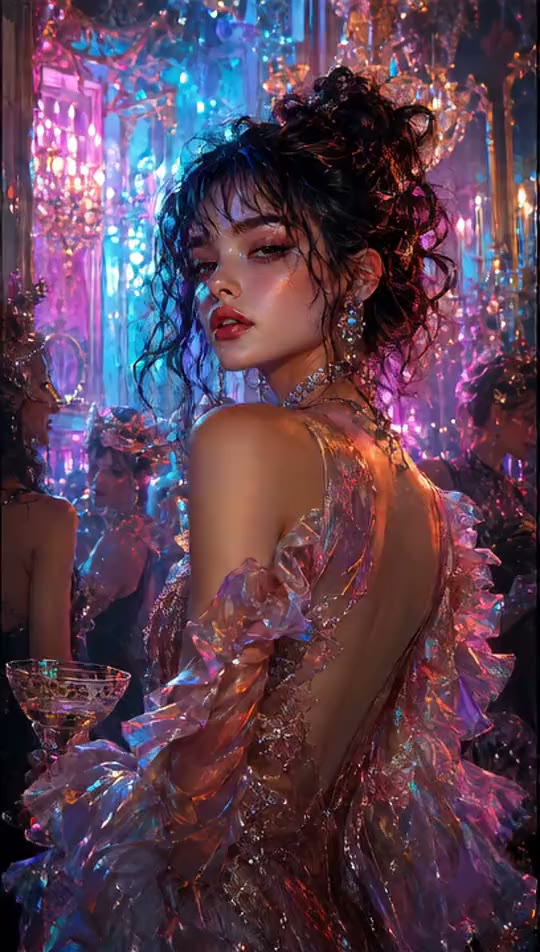
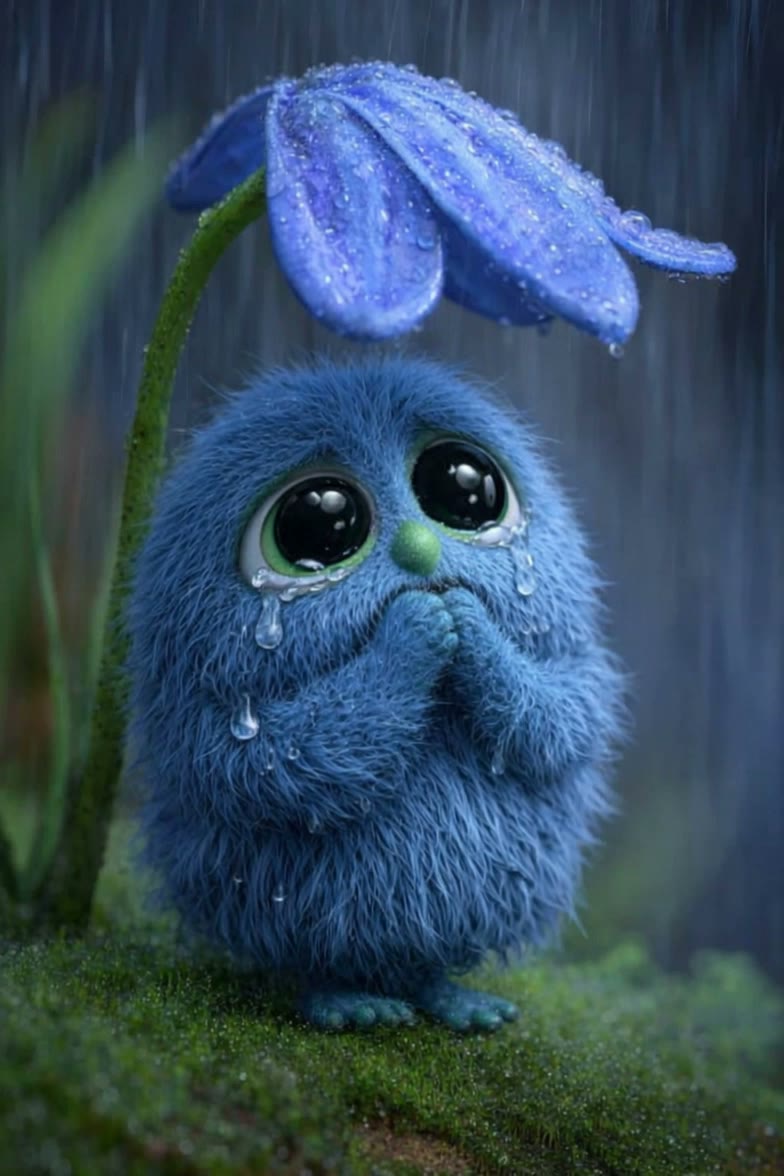
Use these opening frames to see how an image to video prompt can direct subject motion, camera behavior, pace, and atmosphere. Copy a prompt to adapt, then check important details in the finished clip. These examples are illustrative, not verified outputs from this tool.
Slowly push the camera toward the product as soft light moves across the surface. Add subtle reflections, gentle background motion, and a premium cinematic atmosphere. Keep the product shape and branding consistent throughout the shot.
Decide what the model should invent, which controls the shot needs, and what you will inspect afterward. Available settings and credit cost depend on the selected model.
Use text to video when the model should invent the subject, setting, composition, and motion. Describe one clear shot with a main action, camera behavior, pace, and visual direction instead of asking for a full multi-scene production.
Use image to video when the subject or composition already matters. Describe the subject motion and how the camera should behave, then inspect faces, lettering, product shape, and framing for unwanted changes.
Compare only the settings the selected model supports, such as duration, aspect ratio, resolution, frame rate, audio, or reference inputs where available. Review the displayed credit cost before submitting.
Watch the result from start to finish. Check the main action, subject consistency, camera movement, faces, text, and product details. If something misses the brief, change one variable so the next attempt is easier to evaluate.
Use these curated examples to separate realistic motion, cinematic atmosphere, and stylized direction before choosing a model. They are inspiration, not proof of output from a particular model or a promise that the same prompt will reproduce them.
Start with text when the model should invent the scene. Upload an image when the subject or composition already matters and your main job is to direct motion.
Describe one main action and the camera behavior, choose a compatible model, then inspect its available duration, format, quality options, and required credits.
Review the complete clip for motion, subject consistency, camera behavior, and changed details. Download it or refine one part of the prompt, input, model, or settings for the next attempt.
Start with text or an image, choose a model by the controls it actually supports, review the credit cost, and generate a short clip to inspect and refine.