
VidFomo
Loading...

AI Crying Gun Video Generator

Add one adult portrait for a fictional tearful scene with a lowered movie prop gun.

References
0 / 1
Aspect Ratio
Resolution
Required Credits
50

Sample Videos

My Videos

AI Crying Gun Video Generator

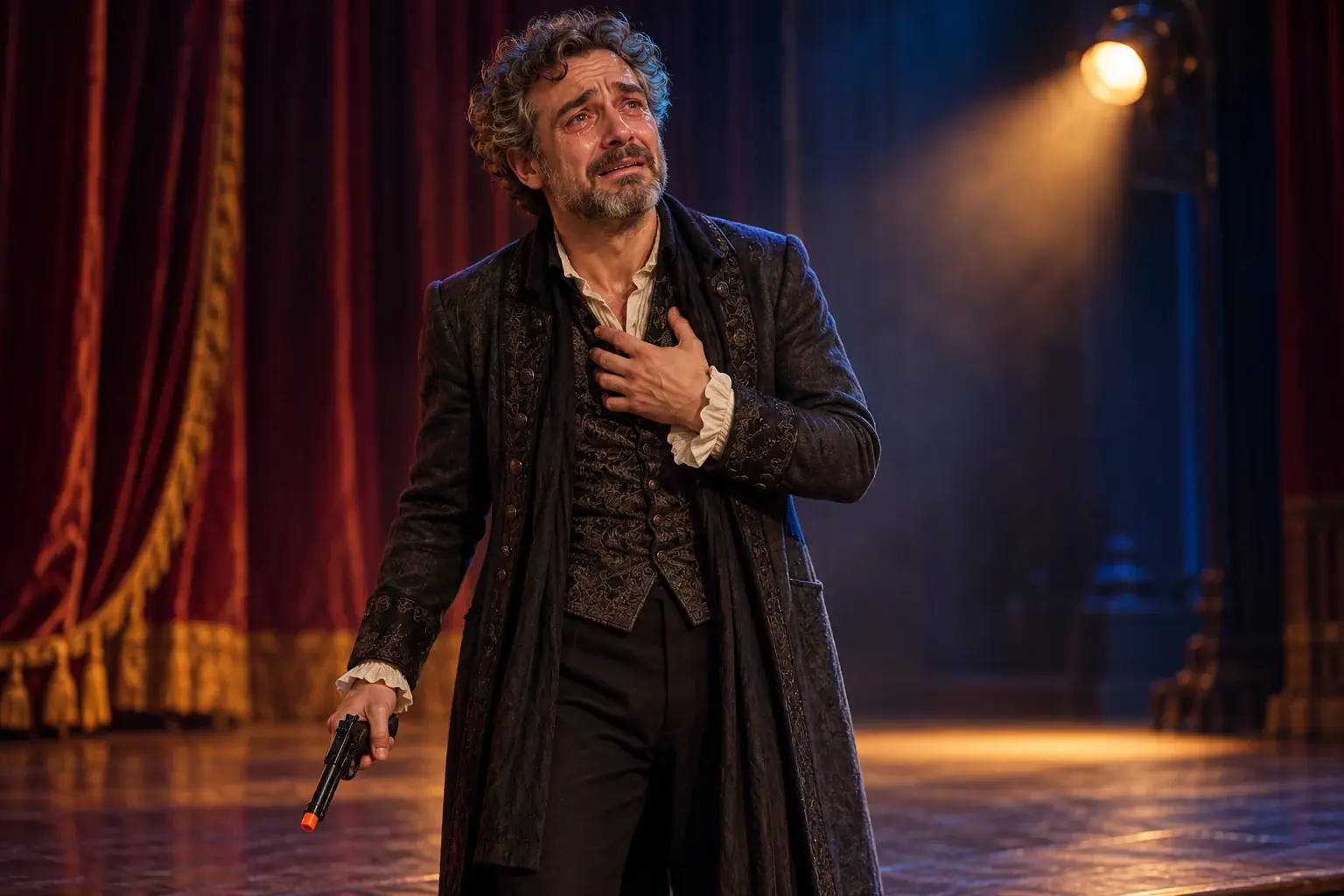
Give a fictional character an almost comically dramatic moment: wet eyes, a trembling expression, and a lowered movie prop gun. The AI Crying Gun Video Generator starts with one portrait and focuses on the contrast between a tough screen persona and an unexpectedly emotional reaction. This interpretation keeps the prop pointed down, rather than recreating the camera-facing aim seen in some crying gun memes. Bring an adult character you have permission to portray, choose a frame, and start with the photo above.

Tearful fictional adult actor on a theatre stage holding an orange-tipped prop gun toward the floor

How to Make a Crying Gun Meme Video

Use the photo as your character reference. The effect supplies the scene direction, so there is no prompt to write or performance to record. Prepare the portrait, set the composition, then use Generate and read the response in the workbench.

  1. 1. Add a clear adult portrait

    Choose one image with a single adult face, visible eyes, and enough space around the shoulders. A front view or gentle three-quarter angle is easier to read than a distant figure or a strong profile. Add it to Reference Images, then open the preview to inspect the crop. Remove and replace the image if the face is obscured. You do not need to photograph anyone holding a weapon; an ordinary portrait is the starting point.

  2. 2. Choose the scene framing

    Open the generation settings and choose Aspect Ratio. The form offers 9:16, 16:9, and 1:1, with 9:16 selected initially. A tall composition gives a reaction more screen space on a phone; a wide one leaves room for a setting. Resolution offers 720p and 480p, starting at 720p. These are your selected output preferences. Keep the face inside the central area of the reference so the composition has room to change.

  3. 3. Generate and follow the feedback

    Check that the image counter reads 1 / 1, then select Generate. If the form asks for an image, add one before trying again. If a request cannot proceed, read the message beside the controls; your selected photo stays in the form so you can adjust it without starting over. A completed video belongs in the result panel. Look for an actual playable result before moving on to editing or sharing.

Make the Emotion Carry the Crying Gun Scene

The useful creative choices are about expression, comic context, and composition. The following approaches help you decide what sort of portrait and final edit will suit your idea, without treating every sad face as the same reaction.

Let a small expression tell the story

A crying gun effect depends on an emotional change that a viewer can read immediately. Think of raised inner eyebrows, glassy eyes, a quivering mouth, and a pause that makes the character seem reluctant. The lowered prop is a supporting visual cue, while the face carries the meaning. Choose a portrait with soft light across both eyes and little hair over the cheeks. When reviewing a clip, follow the eyes and mouth through the whole moment instead of judging only its most flattering frame. Keep a take whose emotion is readable at normal playback size.
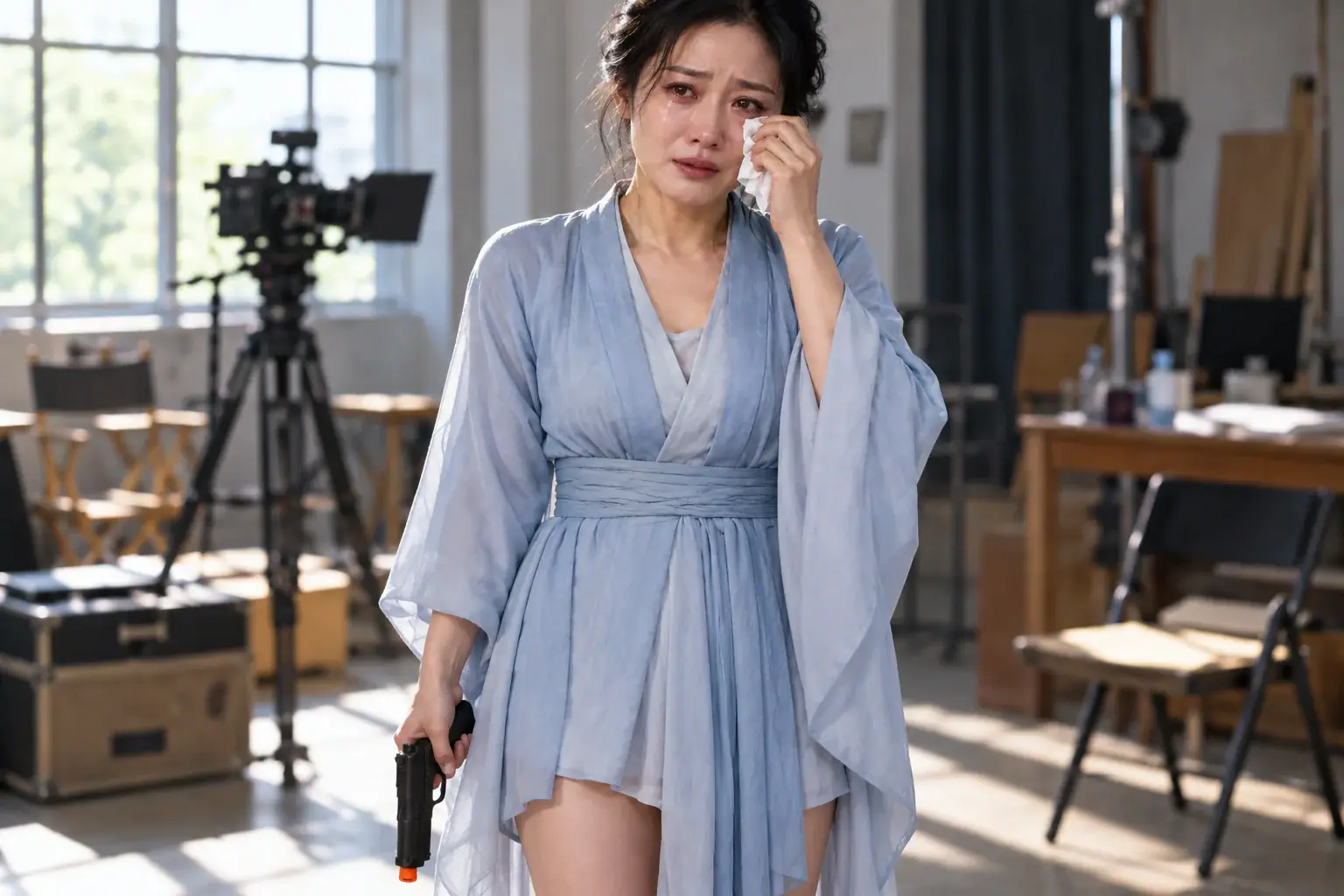

Choose a Portrait for the Scene
Adult actress wiping a tear during rehearsal with a lowered movie prop gun at her side

Give a reaction meme a harmless punchline

Exaggerated sorrow works well when the cause is deliberately small: the last slice of cake has disappeared, a favorite fictional show has ended, or a game character has lost their lucky hat. Write the joke around the character's disappointment, not around threatening another person. In your video editor, put the setup before the emotional reveal and keep the caption short enough to read once. This gives the tears a reason and leaves the expression time to land. Use a fictional character or a consenting adult performer whose appearance fits the joke.

Set Up a Crying Reaction
Adult comedian with exaggerated tears beside an empty dessert plate and a lowered blue toy prop

Leave room for a movie scene

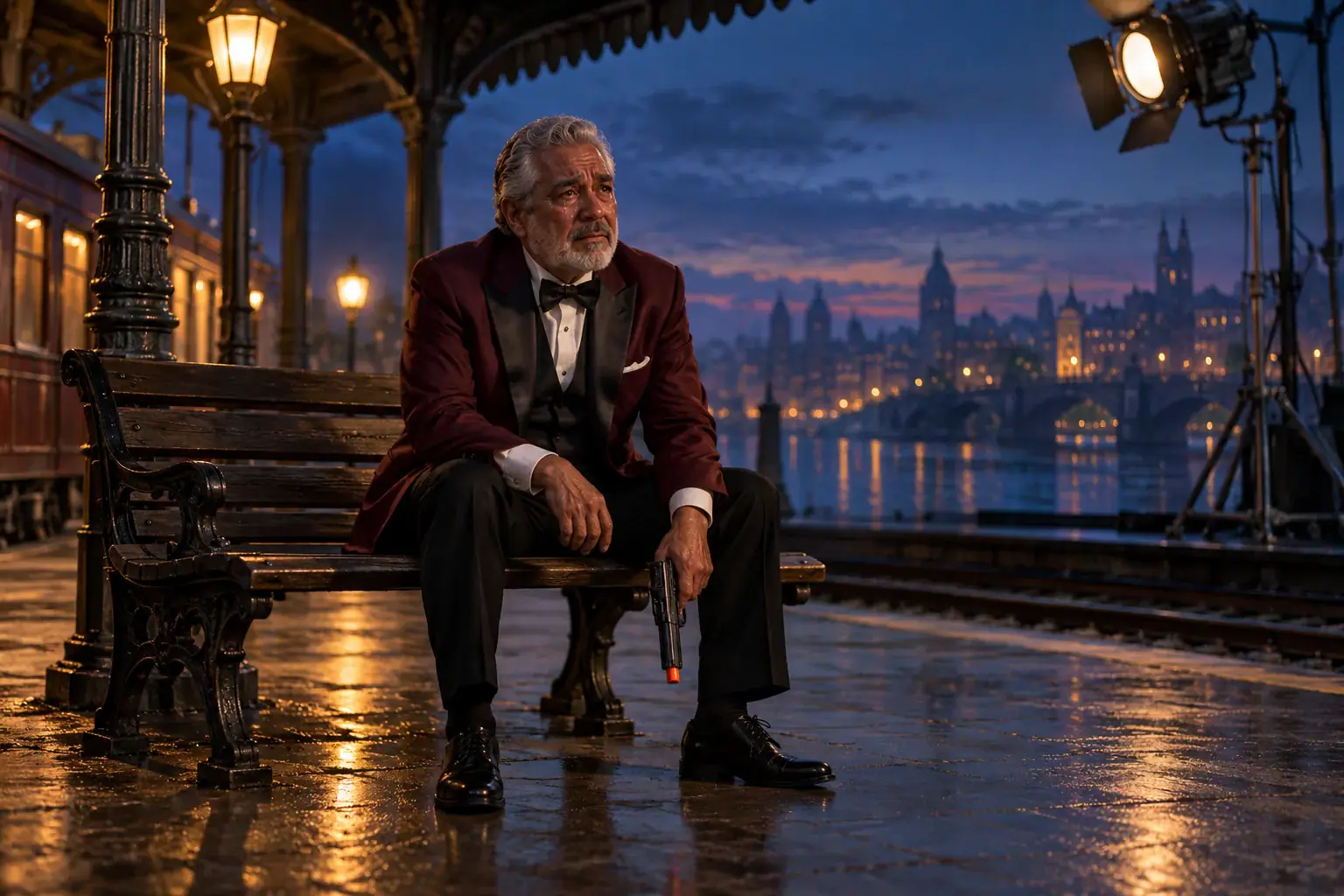
A wider shot can make the same emotional idea feel like a scene from an imaginary film. A solitary performer on a stage or a character waiting in an empty station gives the face a setting without introducing a target or confrontation. Plan where the character will sit in the frame before adding captions in an editor. Leave the eyes clear, and keep the lowered prop visible enough to explain the theme without making it dominate. For a personal reaction post, a tighter crop may be simpler; for a fictional trailer insert, surrounding space can help establish the story.

Frame a Dramatic Scene
Tearful older fictional actor seated on a station film set with a lowered orange-tipped prop gun

Four Choices Before You Start

Make these decisions before selecting your reference. They help keep the portrait, the intended audience, and the eventual edit working toward the same small story.

Choose a character you can portray

Use your own image, an original fictional adult, or an adult who has agreed to this particular portrayal. Permission for a normal portrait is different from permission to appear in an emotional prop scene. Decide where the clip will be shared before asking, so the person understands the context as well as the image choice.

Keep the reference visually simple

A single subject separates the character from background faces and reflections. Avoid collages, heavy beauty filters, and screenshots with text across the eyes. If the source has useful shoulder detail, keep it when cropping rather than trimming down to a tiny face. A clean reference also makes it easier to compare the character with a returned clip.

Treat the gun as a film prop

The scene direction here is theatrical sadness with a lowered prop, not firing or aiming at a viewer. Keep that distinction in your story and captions. A comic or dramatic setup should stand on its own without naming a real target. No weapon photograph or handling demonstration is needed to prepare the portrait for this effect.

Plan sound and captions separately

Build the reaction so its meaning is clear even with the sound off. Add your own caption or a track you are allowed to use in your editing app, and preview it on a phone before posting. This effect is not a promise of a particular film soundtrack, spoken line, or synchronized sobbing. The form has no audio upload control.

Crying Gun Video Questions

These answers cover the differences between meme formats, reference preparation, and what to do when the form needs attention.

That name is one familiar reference for the emotional contrast, but this page is for your own fictional adult character. It does not supply the actor's likeness, a licensed movie clip, or an exact recreation of the scene. The version described here also lowers the prop instead of reproducing the aiming pose. Choose it for the tearful performance and cinematic mood rather than a shot-for-shot film copy.

A basic crying filter focuses on changing a face. A gun shooter effect centers on action such as firing. A crying gun meme combines a sorrowful expression with a prop to suggest an emotional contradiction. This page takes the third idea in a staged, nonviolent direction. If your goal is only to add tears to a still photograph, that is a different editing task from preparing an animated scene.

Start Your Own Crying Gun Meme Scene

Choose the adult character, decide what tiny disappointment deserves an oversized reaction, and bring one clear portrait to the workbench. Keep the story fictional and the performance expressive. Your starting point is a face the audience can read, with enough room in the frame for its dramatic moment.