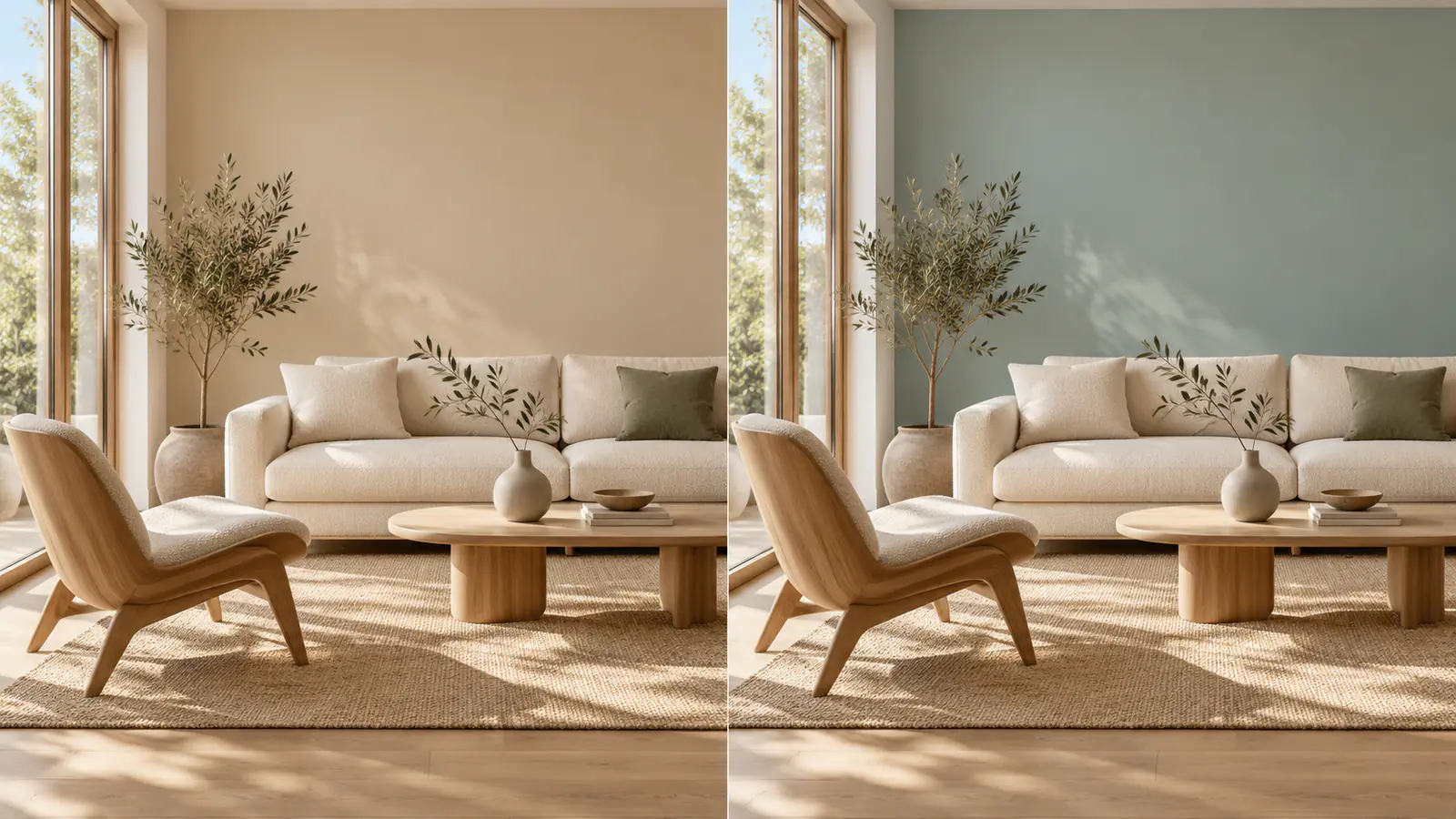

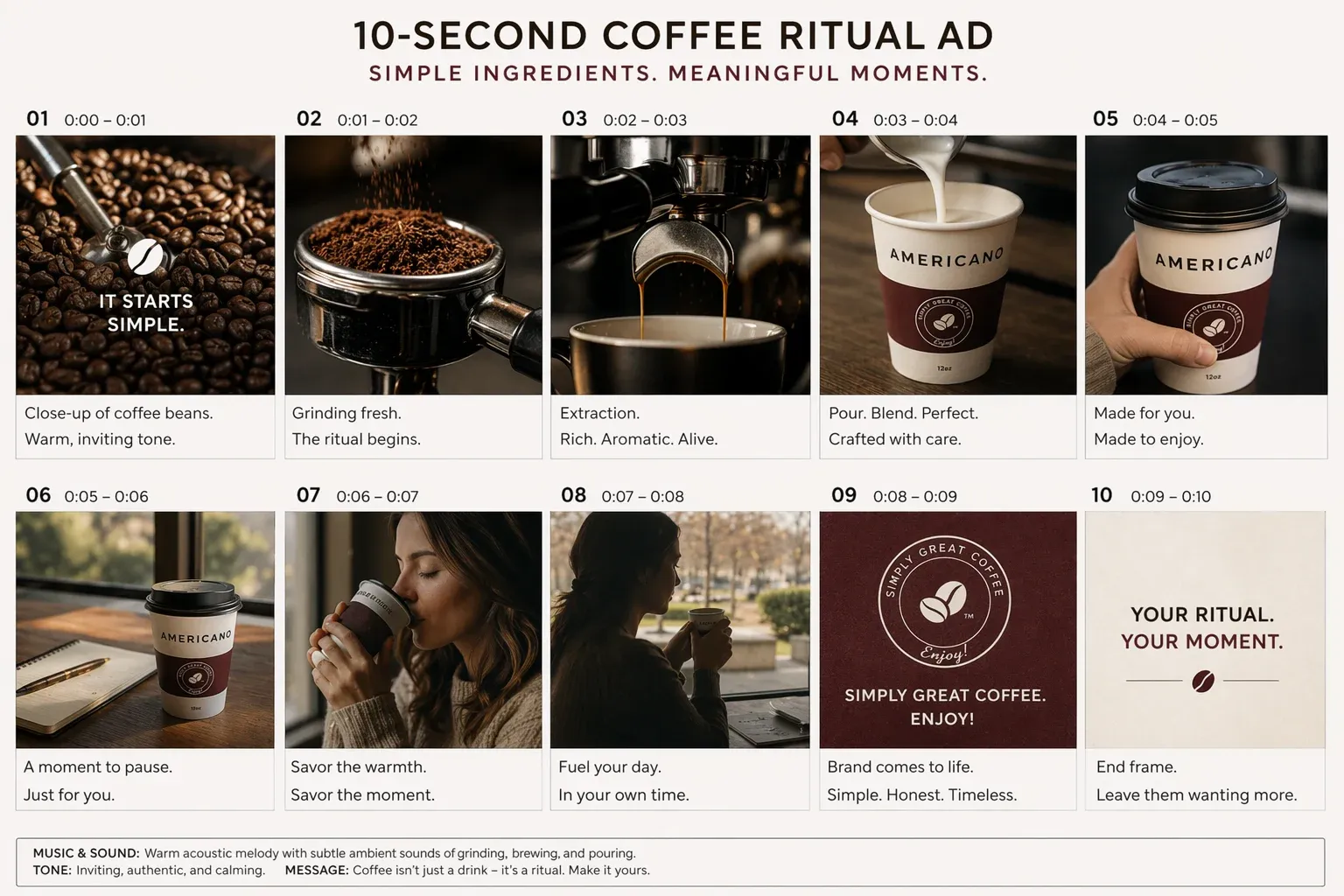
Choose a reference for the character and one for the set
Start with Text to Image if you need an establishing frame. Once you have a view worth keeping, use it as the setting reference for the closer views. Choose a character reference where the eyes, paper folds, and left shoulder patch are readable. In Image to Image, name what to take from each picture. Use the first reference for the robot’s shape and the second for the aisle and lighting. If both pictures compete for the same detail, keep the one that shows it clearly. A clean angle of the robot’s shoulder is more useful for checking the patch than another image where foliage obscures it.