VidFomo
Loading...

Window Peeper AI Filter

Choose one photo for the burger, stare and curtain scene. Generation is not available yet; selecting a photo does not submit a video or spend credits.

References
0 / 1
Required Credits
50

Sample Videos

My Videos

Window Peeper AI Filter

The Window Peeper AI Filter turns an ordinary snack into an awkward encounter: a night camera approaches an apartment window, the diner notices it while eating a burger, and a long stare ends with the curtains closing. That is the story this effect is designed around. Start with one clear photo of yourself or a friend who agrees to take part. A pet is another playful concept to explore, with animal results still untested here. The illustrations on this page are original AI concept artwork, not generated video examples.

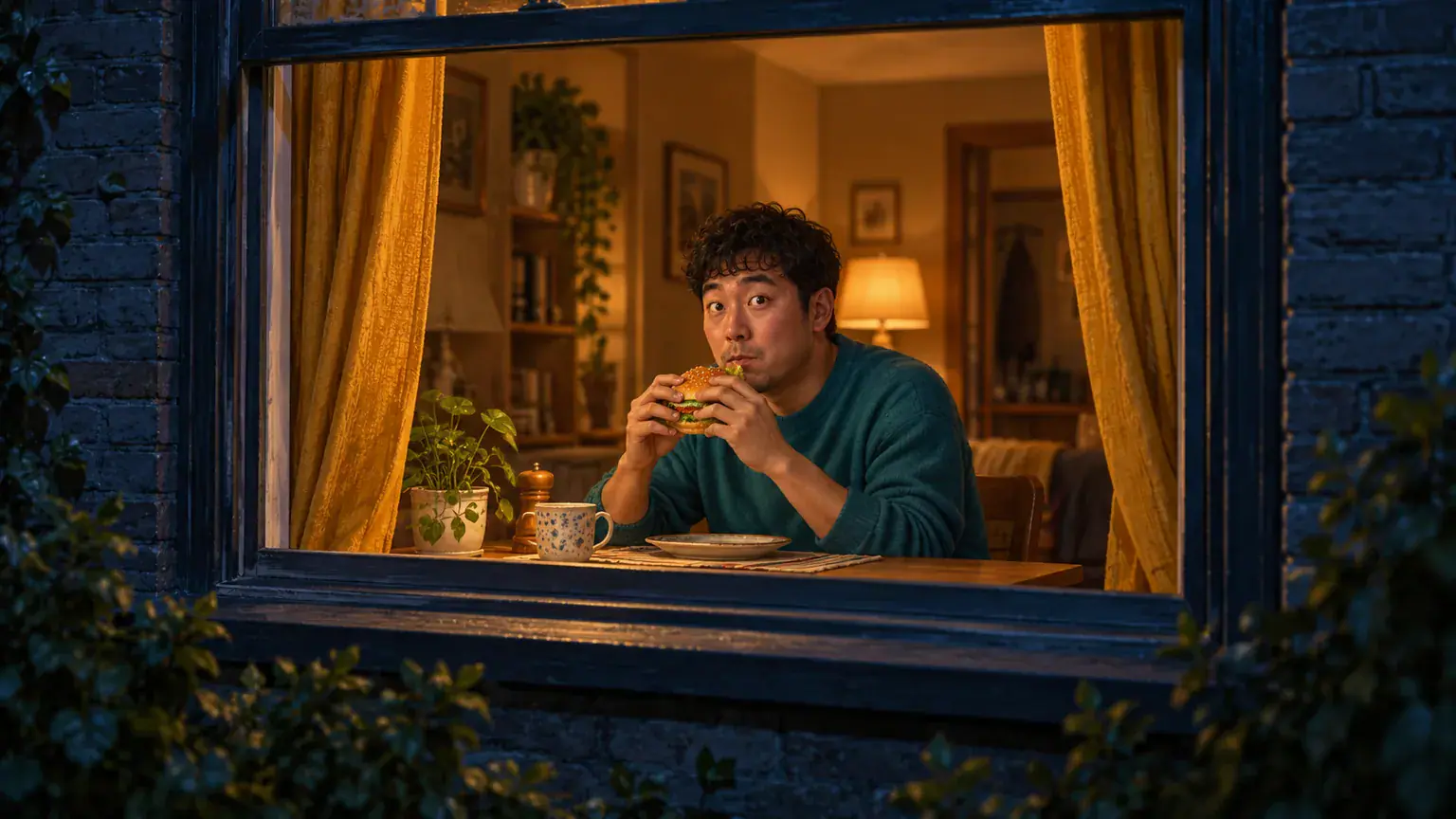
Original AI concept illustration of a diner holding a burger at a lit night window beside curtains

How to prepare your Window Peeper scene

You do not need to photograph a real apartment window or stage a midnight meal. The starting point is the subject, while the intended scene supplies the setting and the joke. Use the shared workspace above to prepare a single image.

  1. Pick a recognizable subject

    Choose a sharp portrait with the face looking toward the camera and enough space around the shoulders. Even daylight is useful because eyes, hair and facial features remain easy to read. Avoid a hand, phone or large sunglasses covering the face. For a friend, agree on the joke before choosing their photo; the funniest version is one they are happy to share.

  2. Check the photo and framing

    Add one image, inspect the local preview, and replace or crop it if the main subject is too small. Keep the whole head inside the crop. The workspace includes framing and resolution selections shared with other effects; these currently save your choices rather than establish verified output specifications. A vertical composition matches the familiar tall window scene, but leave room for a table and the curtain edges.

  3. Understand the current Generate response

    Use Generate after selecting your image to check the current availability response. Keep your chosen reference while you consider the story order: the camera approaches, the diner looks up, the pause becomes uncomfortable, and the curtains finally close. For later video review, watch the whole sequence before choosing a cover frame. A recognizable still of the stare cannot tell you whether the ending works.

The three beats behind the Burger Window Meme

The Window Peeper Trend works through a simple change in attention. First the audience observes an ordinary dinner; then the person inside notices the audience. The curtain gives that uncomfortable recognition a clear ending. Each beat has a different job.

Let the window establish the scene

The opening needs a readable destination: one inviting pool of light inside a dark apartment facade. A table, an ordinary meal and an unhurried subject make the scene feel domestic. Keep that setup simple when judging the concept. Too many glowing windows compete for attention, while an oversized burger or dramatic monster changes the joke. The camera approach is part of the intended movement, not something a still illustration can demonstrate. A wide establishing view explains why the later close encounter feels unexpectedly personal.
Pick the diner photo
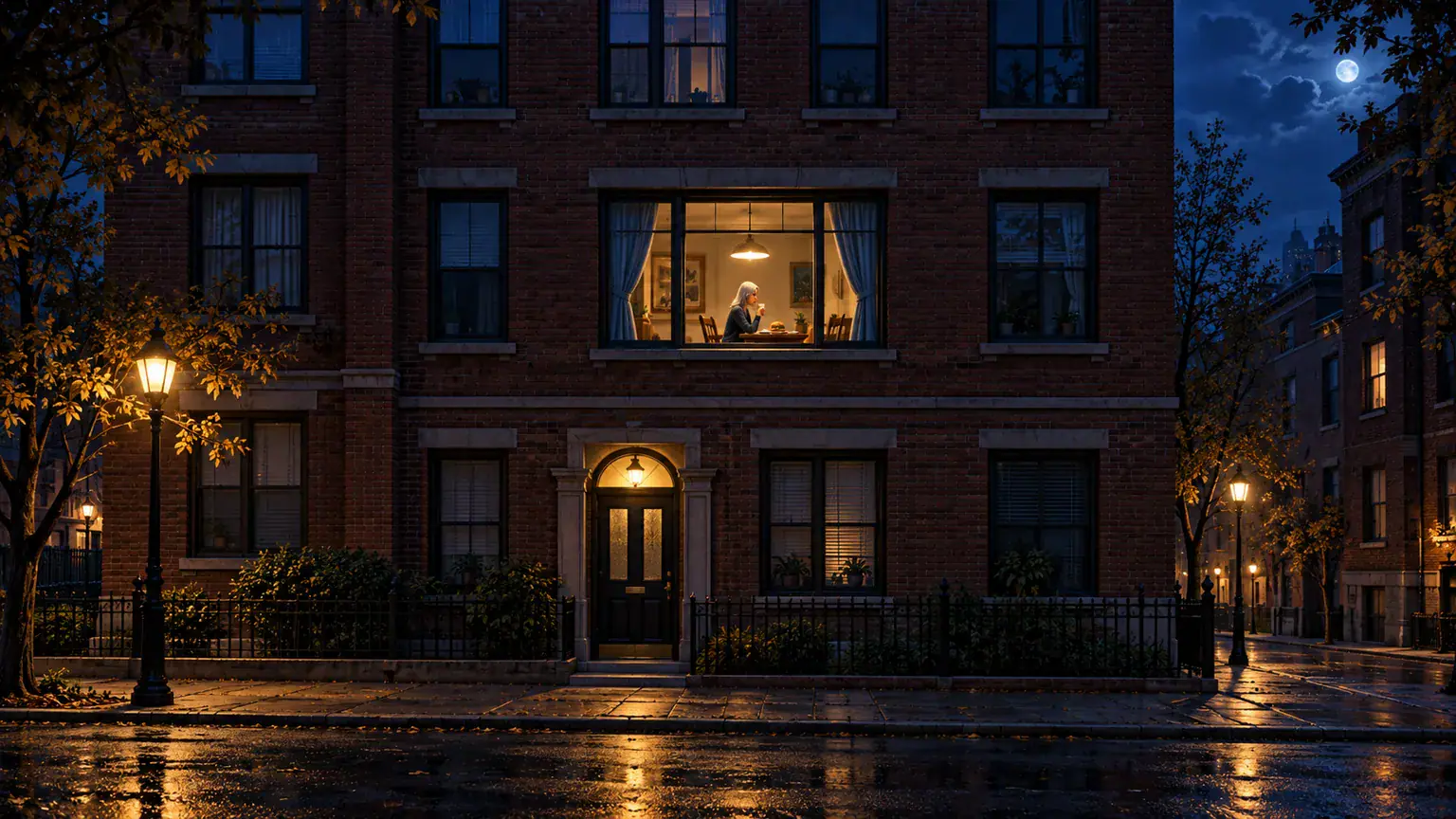
Concept illustration of a dark apartment facade and one warm dining window

Make the stare the punchline

The funniest moment is small: the burger pauses, the eyes meet the camera, and nobody quite knows what to do next. A familiar face makes that pause more personal than a generic character. Choose a photo where the eyes and mouth are visible, because those features carry the expression. A pet version is an amusing reinterpretation of the same setup, not a separate proven capability on this page. In either concept, recognition should happen before the curtain moves; reversing that order removes the awkward exchange.

Choose a clear face
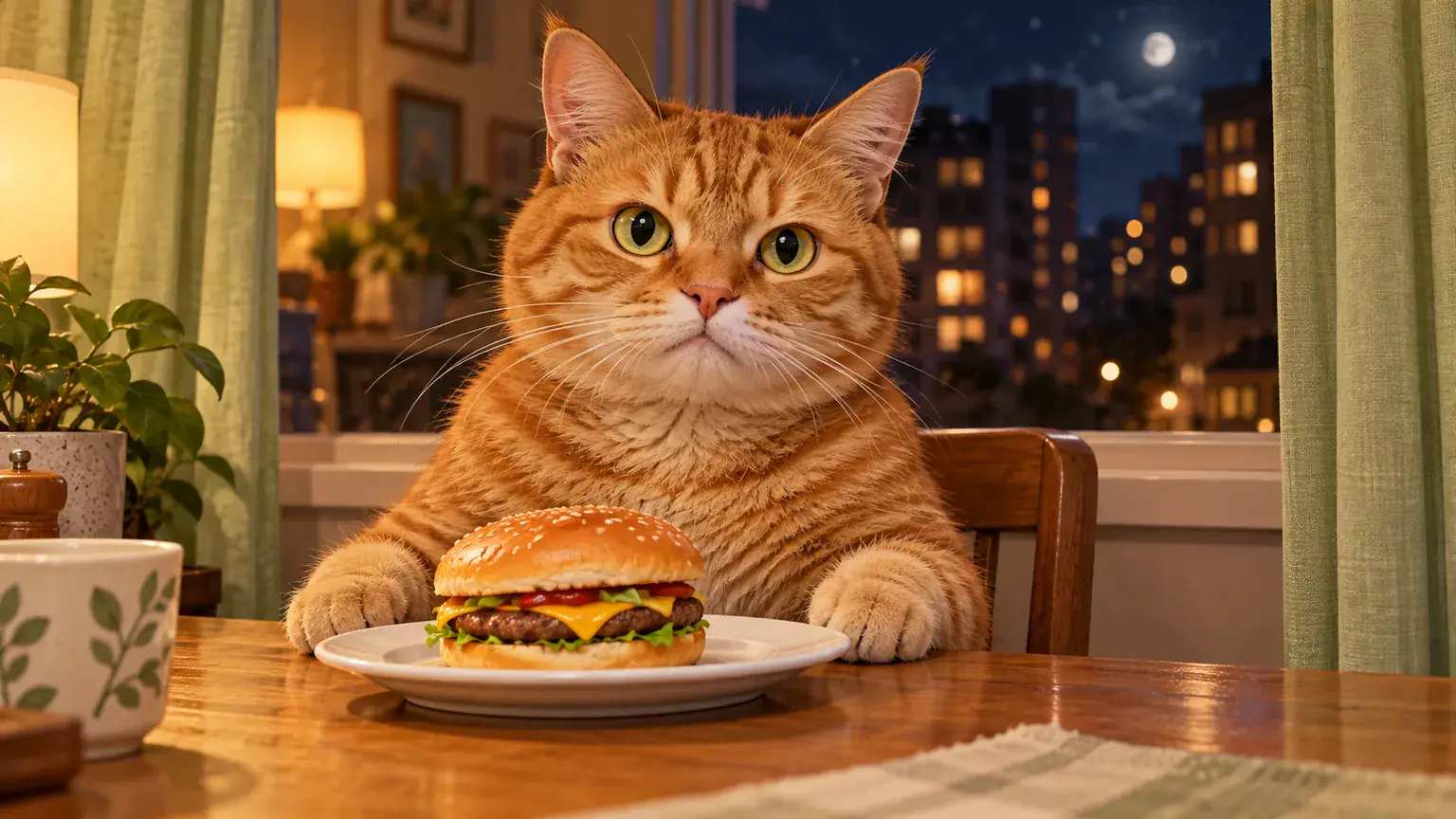
Concept illustration of a cat staring outward beside a burger at a window

Give the curtain a believable ending

Closing the curtains is the response, so it needs space and a sensible hand action. Think about a diner putting the food down or holding it in one hand while the other reaches for fabric. The curtain should travel across the opening, not appear over the face as a sudden mask. These are useful criteria for reviewing a future video, not promises of precise motion. A quiet, complete cutoff usually communicates the joke more clearly than adding a second surprise after the window disappears.

Prepare the window scene
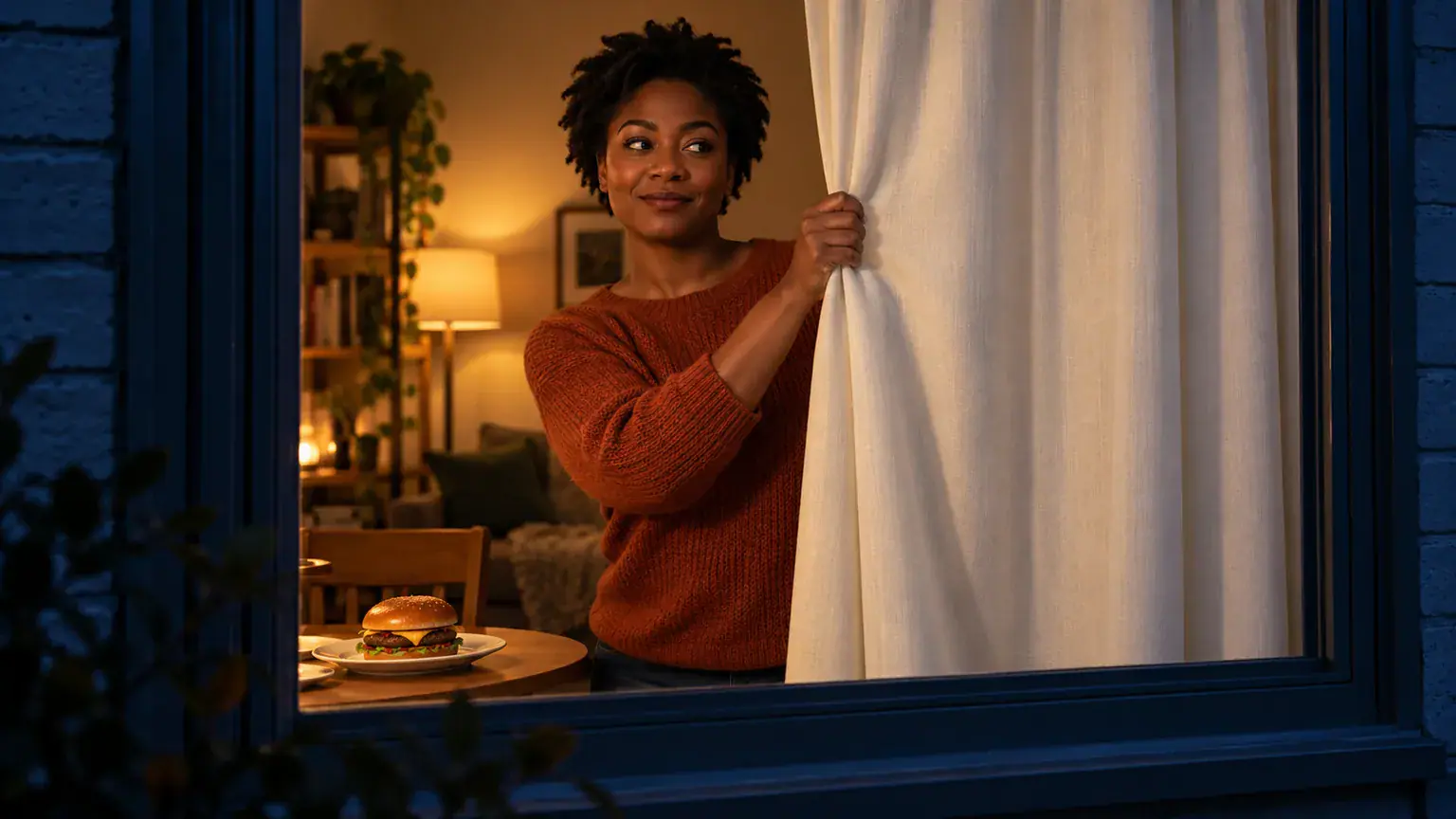
Concept illustration of an adult closing a curtain with a burger resting on the table

Choices that keep the joke readable

Use these checks to keep your version focused on the person being caught with a snack. They help separate an intentional comedy scene from a crowded or confusing visual.

One subject, one reference

This page accepts one photo. Choose one main person or one pet for the intended scene, rather than a collage of separate faces. Couples and group dinners involve a different composition; a single upload slot does not establish support for multiple recognizable characters.

Food stays a simple prop

A recognizable burger explains the interruption immediately. Keep wrappers plain and let the face remain the focus. Pizza and other food variations exist elsewhere, but this page centers the burger scene rather than offering a menu of untested food replacements.

Leave the ending visible

If you later edit a completed clip for a social post, keep the pause and the final curtain movement. Cutting straight from the burger to a closed window loses the response. Put any caption away from the eyes and the hand reaching toward the curtain.

Check before sharing

Review the face, hands, food and fabric as a connected action, not just a good opening frame. Ask the person pictured whether the result feels comfortable to share. Describe an AI remake honestly, especially if friends could mistake a realistic scene for something you actually filmed.

Window Peeper AI questions

A few practical distinctions matter before you choose a photo or expect a finished clip.

No. This is a separate effect page with its own photo workspace. The CapCut template is a different product and its usage figures describe that template. You do not need to import a CapCut project here, and this page does not promise to reproduce its exact timing, soundtrack or editing sequence.

Not yet. You can select, preview and replace a photo, but Generate currently returns an availability notice. It does not start a video job or deduct credits. The Required Credits figure is the shared provisional effect display, not a charge for preparing your photo or a confirmed price for this particular video.

Put a familiar face in the Window Peeper idea

Choose the photo that would make the awkward burger stare funniest, then check it in the workspace. Keep the scene simple: one diner, one unexpected observer and a curtain that ends the conversation.