VidFomo
Loading...

Dime Dime Baby AI

Choose one person or pet photo for the concha party dance.

References
0 / 1
Required Credits
50

Sample Videos

My Videos

Dime Dime Baby AI: Be the Party Protagonist

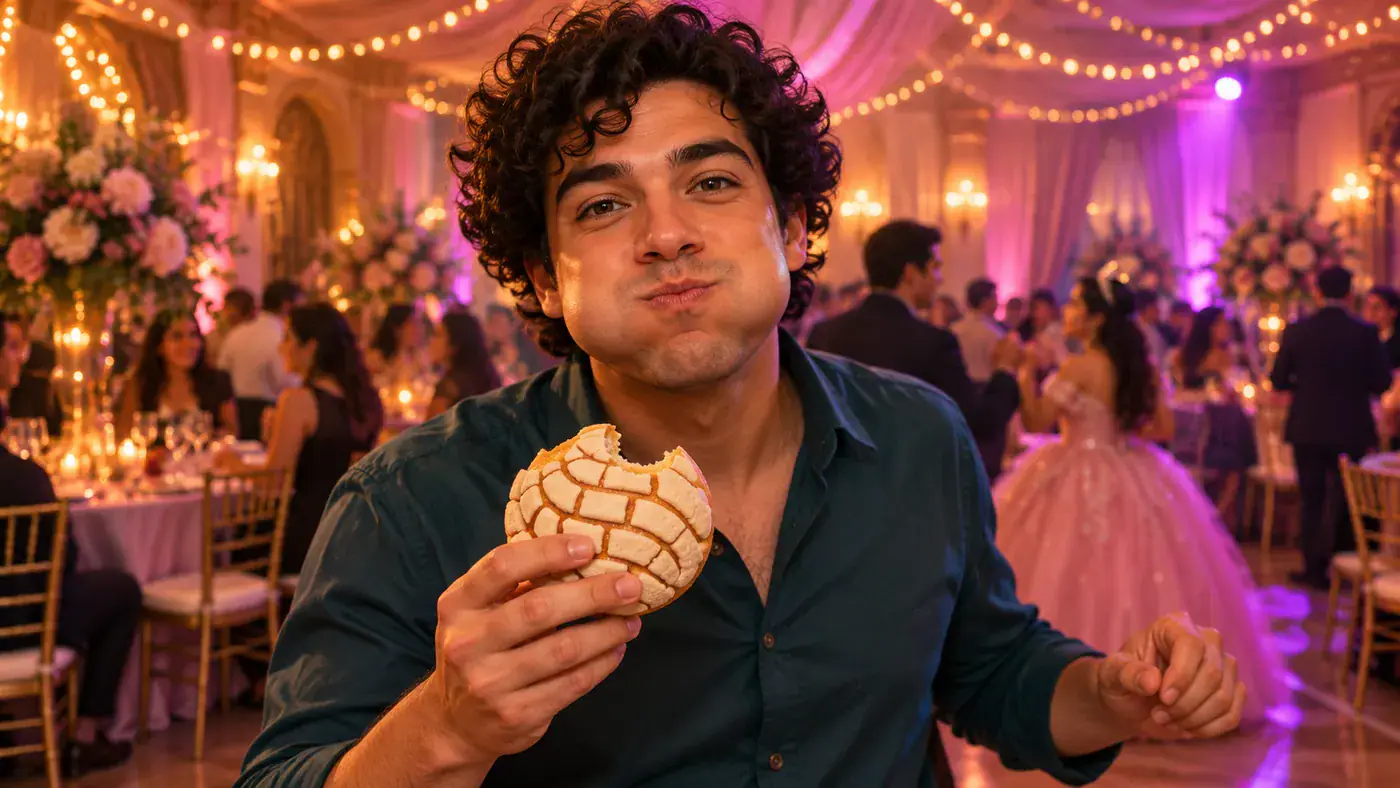
One familiar face, one unexpectedly serious snack break. The Dime Dime Baby AI concept puts a person or pet at the center of a party: walk toward the camera, bite a concha, stare into the lens with puffed cheeks, then turn back into the dance. Start with one photo and choose your framing in the tool above. The images on this page are AI concept illustrations, not videos generated by this effect.

AI concept illustration of a fictional party guest with puffed cheeks holding a bitten concha and looking into the camera.

How to Set Up Your Dime Dime Baby AI Scene

Use the Dime Dime Baby effect above for a single protagonist. The form keeps photo selection and framing together, so you can decide who gets the comic close-up before pressing Generate.

  1. Choose one clear photo

    Add one image of yourself, an adult who agreed, or your pet. Pick a view where the eyes, mouth or muzzle, and outline are easy to distinguish. A person facing the camera with some upper body visible gives you a useful starting point; for a pet, include the ears and recognizable markings. Use the local preview to inspect your choice, replace it, or adjust the crop before moving on.

  2. Choose the frame for your scene

    Aspect Ratio offers 9:16, 16:9 and 1:1. Start with vertical framing for a phone-shaped composition, or choose a wider frame when the party setting matters to your idea. Resolution offers 720p and 480p, with 720p initially selected. These controls record your choices in the form. Keep the face and imaginary bread bite near the center when checking the input crop; the close-up is the main visual joke.

  3. Review your photo and press Generate

    Check that the selected effect is Dime Dime Baby AI and that your single photo is still in the preview. Generate first checks the required image. Video generation for this effect is currently unavailable; a complete input receives an availability message and stays in the form, without uploading the selected file or charging credits. You can replace the image and keep exploring the framing controls on this page.

The Concha Moment Makes This Party Meme

Bby Wow Guy AI refers here to the party scene with the bread bite and lingering stare. Each illustration below explores a different part of that idea, rather than presenting a finished video example.

Follow the entrance, bite and stare

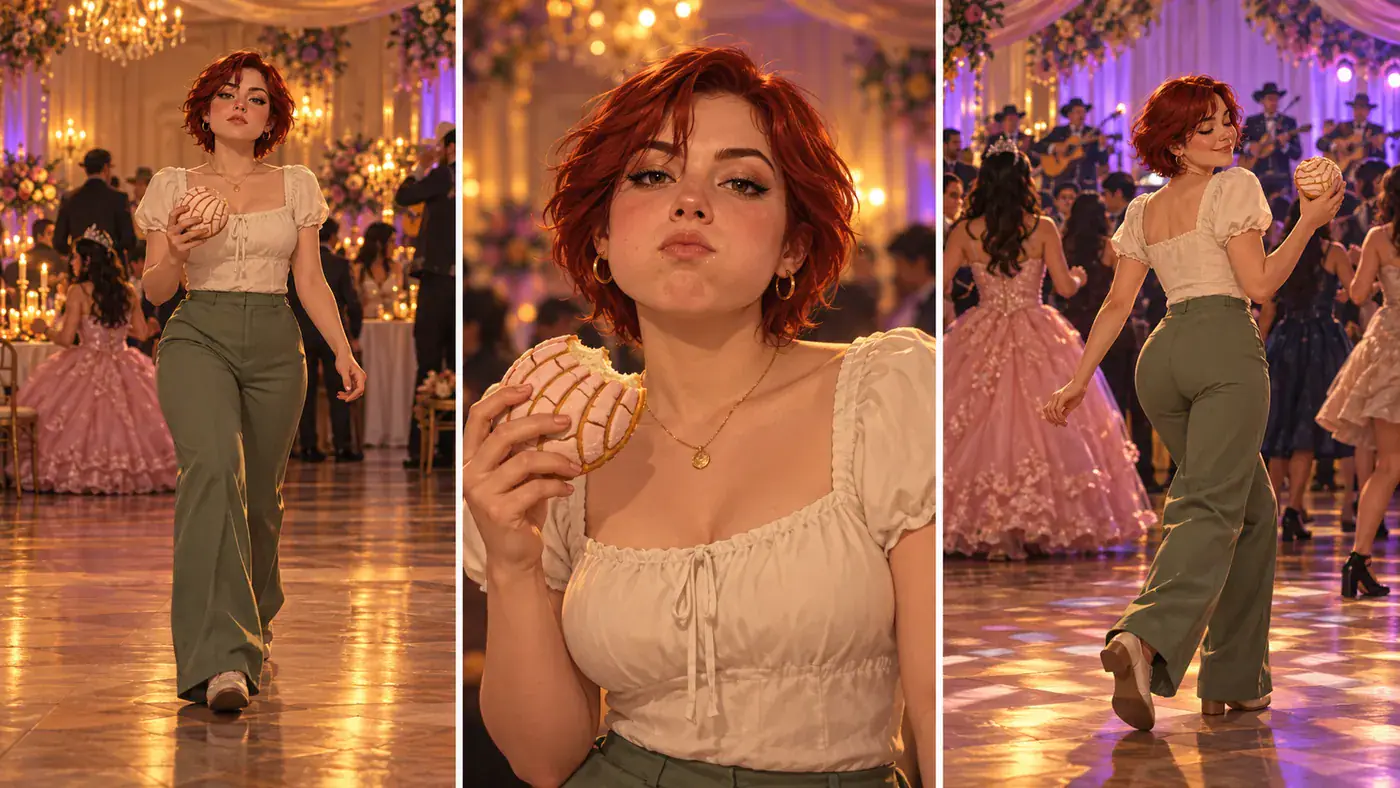
The approach gives the scene its setup: someone dances toward the phone as though the party is entirely ordinary. Then the concha interrupts the movement. Full cheeks and direct eye contact create the pause that makes the scene recognizable. Think of those as separate story beats when choosing a photo, rather than looking for an already dancing pose. A relaxed, readable face can suit the joke better than an exaggerated performance. This concept storyboard shows the sequence with a fictional adult; its panels illustrate the idea and do not demonstrate motion or identity consistency from a video model.
Pick a Face for the Scene
Concept storyboard of a woman approaching, biting a concha and turning back to dance.

Give your pet the serious close-up

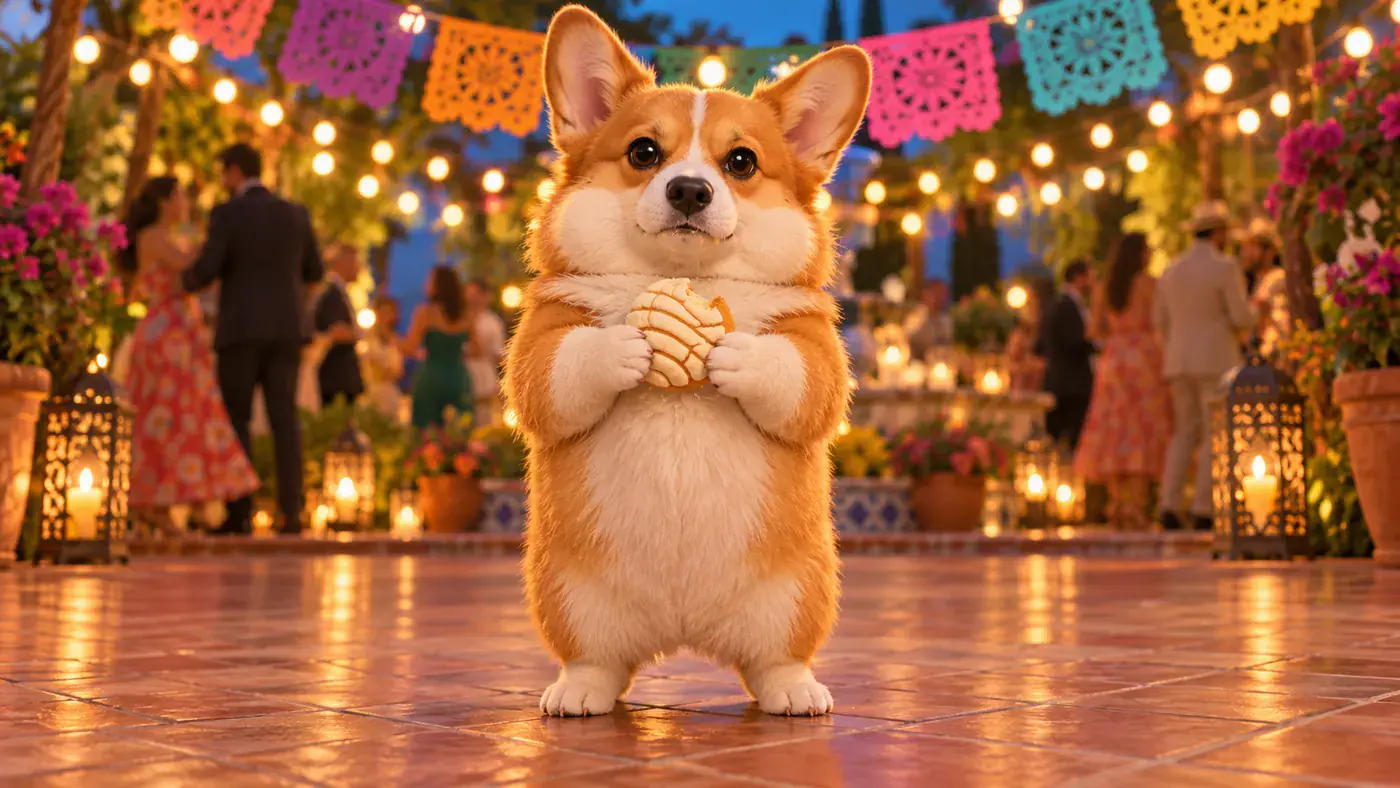
A pet version changes the casting while keeping the same comic situation: an unlikely party guest takes the snack break far too seriously. Choose a photo that makes your companion recognizable at a glance, such as a corgi with clear ear shapes or a cat with a distinctive face marking. Avoid a group of animals if you want one obvious lead. The whimsical corgi illustration is an imagined scene, including the bread and humanlike pose; you do not need to stage that action, dress up your pet, or feed it a concha to supply a photo.

Choose My Pet Photo
Whimsical AI concept illustration of a corgi as the concha party protagonist.

Let the return to the dance finish the joke

The ending matters because the protagonist treats the camera stare as a brief interruption. Turning back toward the party closes the small story and gives the scene somewhere to go after the close-up. For your own concept, imagine a familiar everyday outfit against a festive setting: that contrast supplies character without needing a complicated costume. The wide courtyard illustration focuses on the turn and dance-floor space, unlike the face-focused hero. It is a concept image, not a captured ending frame. When evaluating a future video, watch the whole sequence rather than judging it from one attractive still.

Frame My Party Scene
AI concept illustration of a woman turning back onto a courtyard dance floor with a concha.

Four Choices That Shape Your Party Character

Before selecting a photo, consider the details that will carry the joke into a close-up. These are practical composition suggestions, not extra form fields.

Keep the expression readable

Compare the face at thumbnail size. If eyes disappear into sunglasses or the mouth is hidden behind a hand, pick another photo. A neutral or gently amused expression leaves room for the imagined deadpan stare; you do not need to imitate puffed cheeks in the source image.

Separate the lead from the background

Choose an image where shoulders, hair or fur have a clear outline. A plain wall or uncluttered room makes it easier to assess the subject than a busy group photograph. The source setting does not have to be a party: the celebration belongs to the scene concept.

Keep one memorable detail

A familiar hairstyle, a simple favorite shirt or a distinctive patch of fur can make the imagined character feel personal. Choose the detail your friends would recognize first. Tiny lettering on clothing contributes less to this visual idea than a clear silhouette and an unobstructed face.

Plan space around the action

Avoid cropping right against the chin or the edges of a pet’s ears. A little surrounding space helps you judge how the face and snack might sit together in a close-up. For the wider dance-away idea, think about the full silhouette and room for the turn rather than filling every edge.

Dime Dime Baby AI Questions

Clarify the trend, the input and the difference between a concept scene and an available video workflow.

This page focuses on the guy dancing at a quince meme: approaching the camera, biting sweet bread, holding a puffed-cheek stare and returning to the party. The song name also appears on other dance trends. If you are looking for that particular bread-and-stare scene, the action sequence is a better identifier than the song title alone.

The CapCut Dime Dime Baby template referenced for this trend lists two clips. That is its editing requirement, not evidence that it creates the whole scene from a still image. This page’s effect form accepts one photo of one person or pet. There is no second clip slot, reference-video upload or prompt box in this form.

Choose Your Dime Dime Baby Party Protagonist

Picture the familiar face, the concha pause and the confident turn back into the party. Bring one clear person or pet photo to the Dime Dime Baby AI tool above and explore the framing for your version.