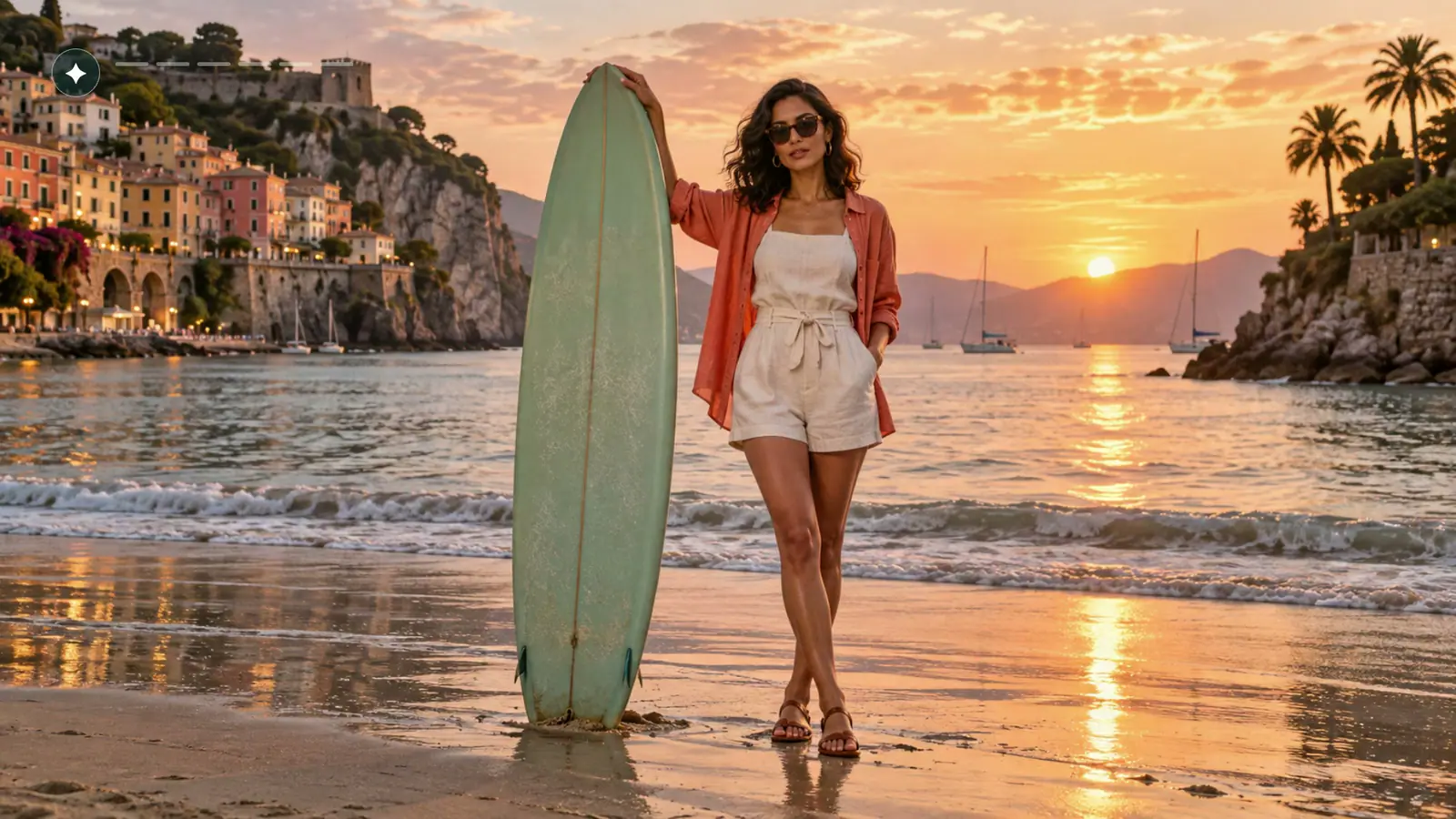
Turn a text prompt into an image
Describe the subject, setting, composition, lighting, and style. Generate a new portrait, illustration, product concept, or social visual without uploading a source image.
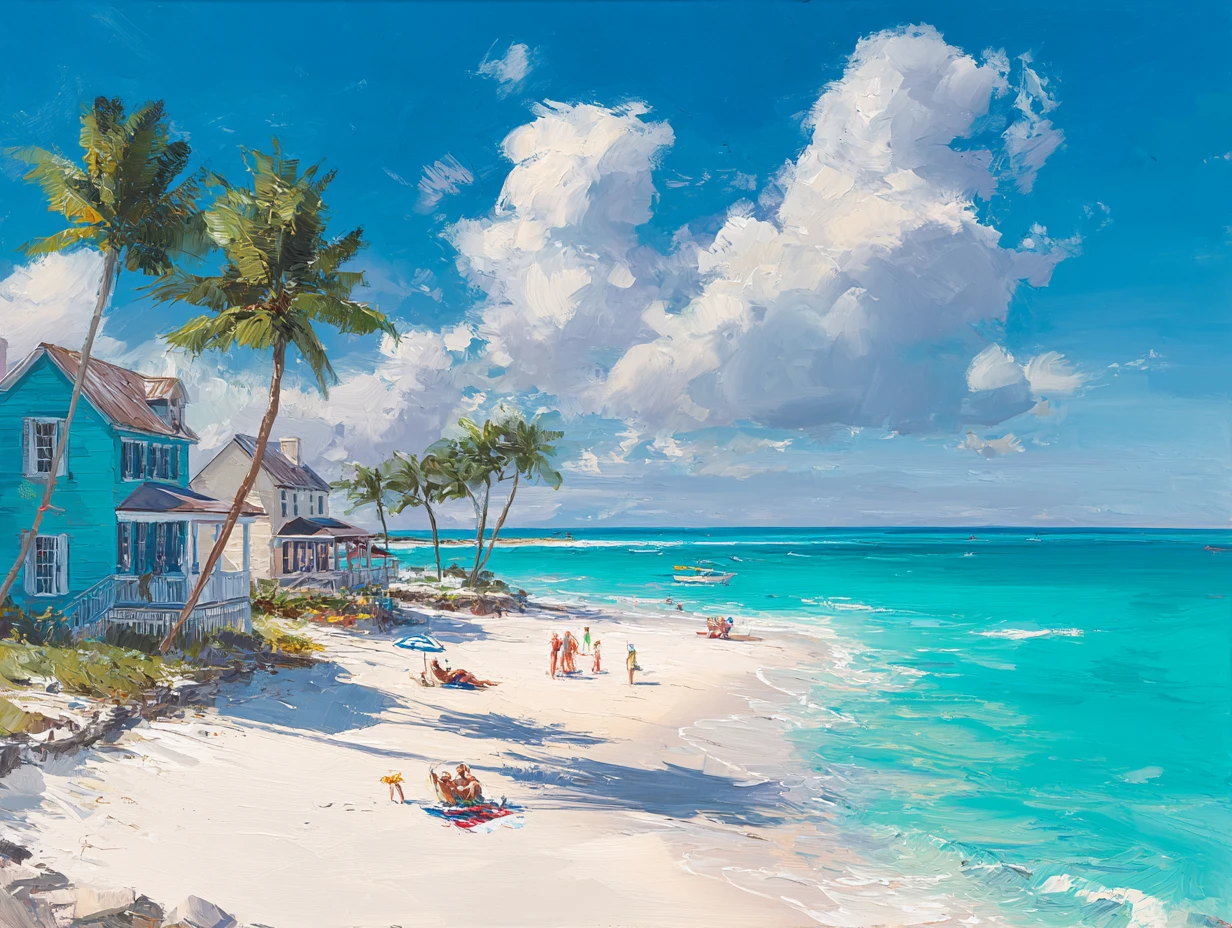


Turn a prompt into a new image or upload a photo to guide a transformation. Compare available models, choose supported output settings, review the credit cost, and generate in one Studio.
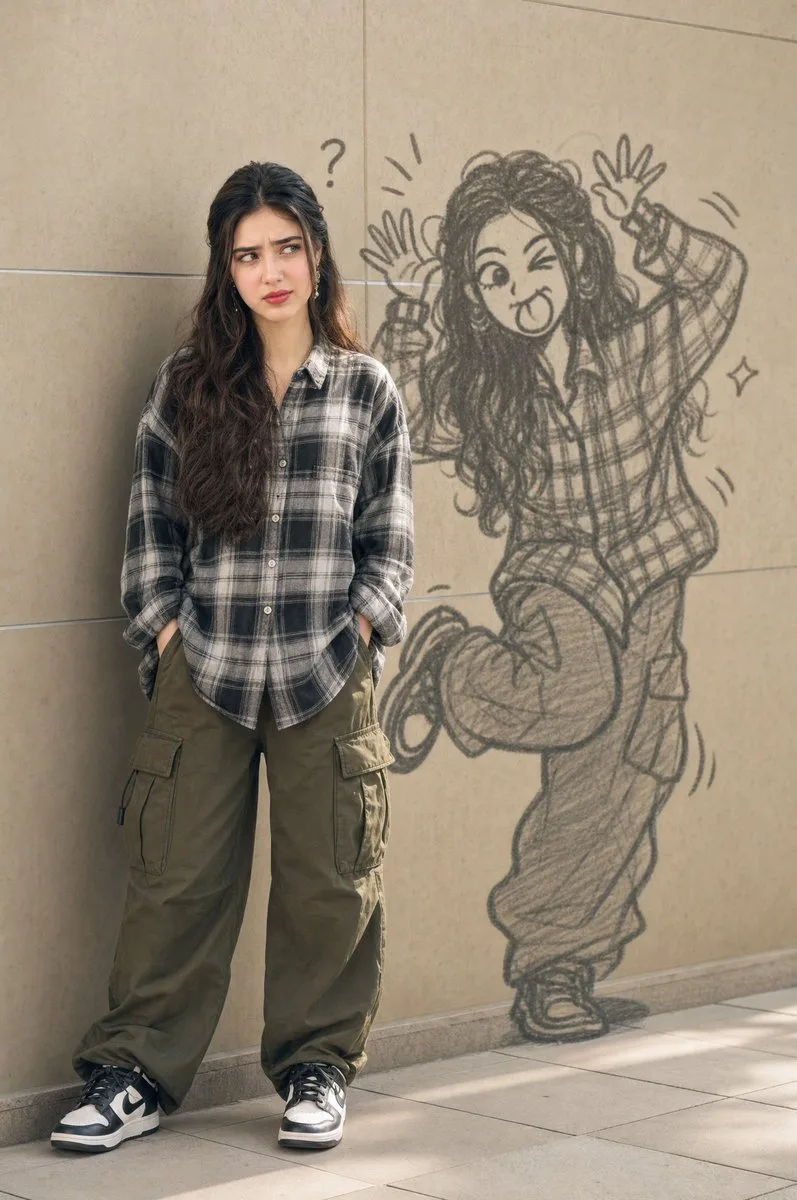
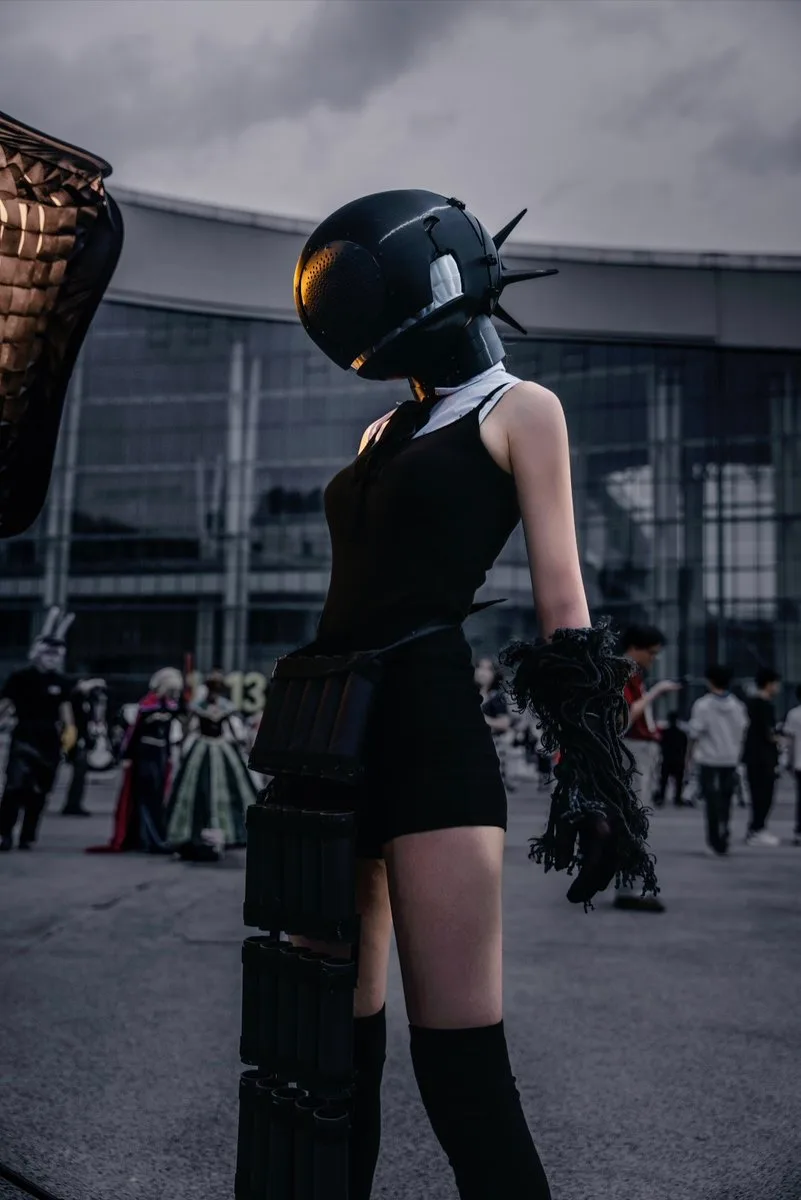
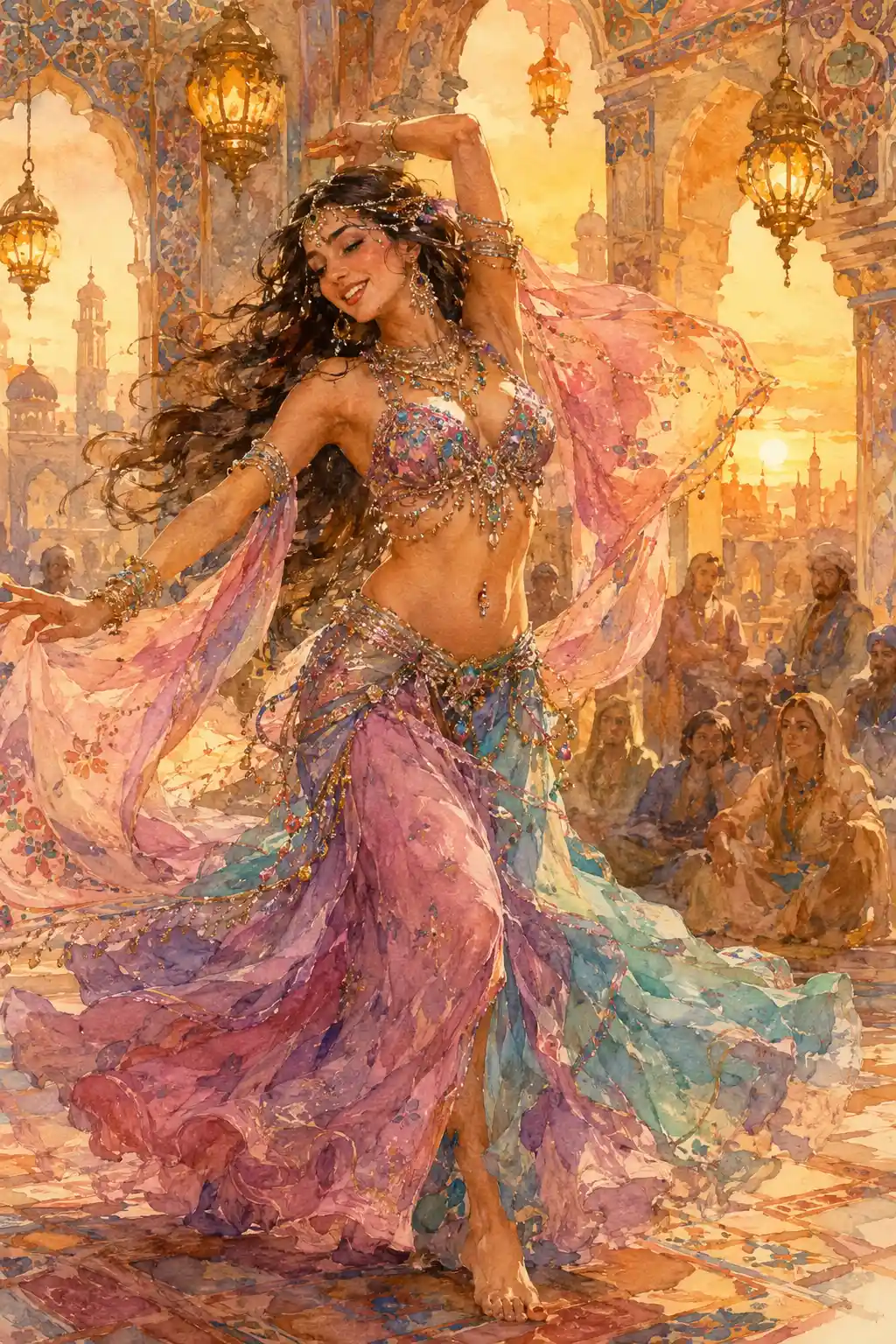
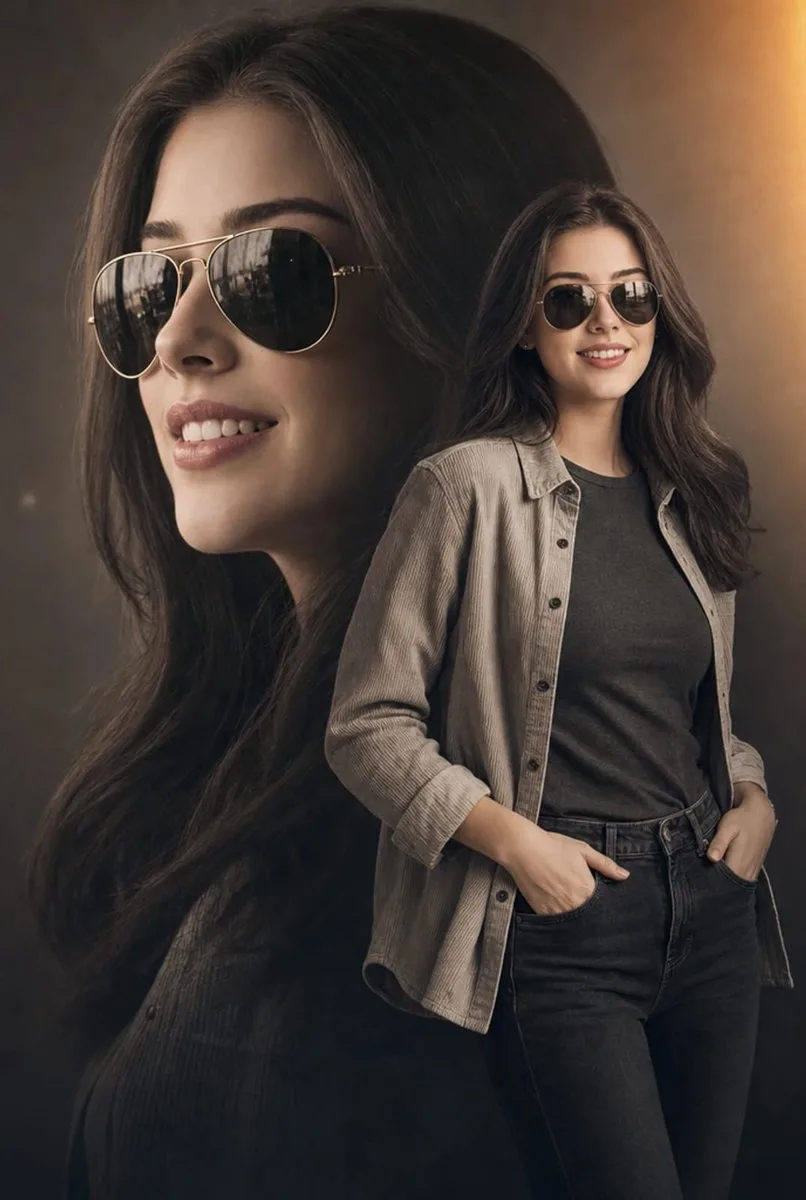
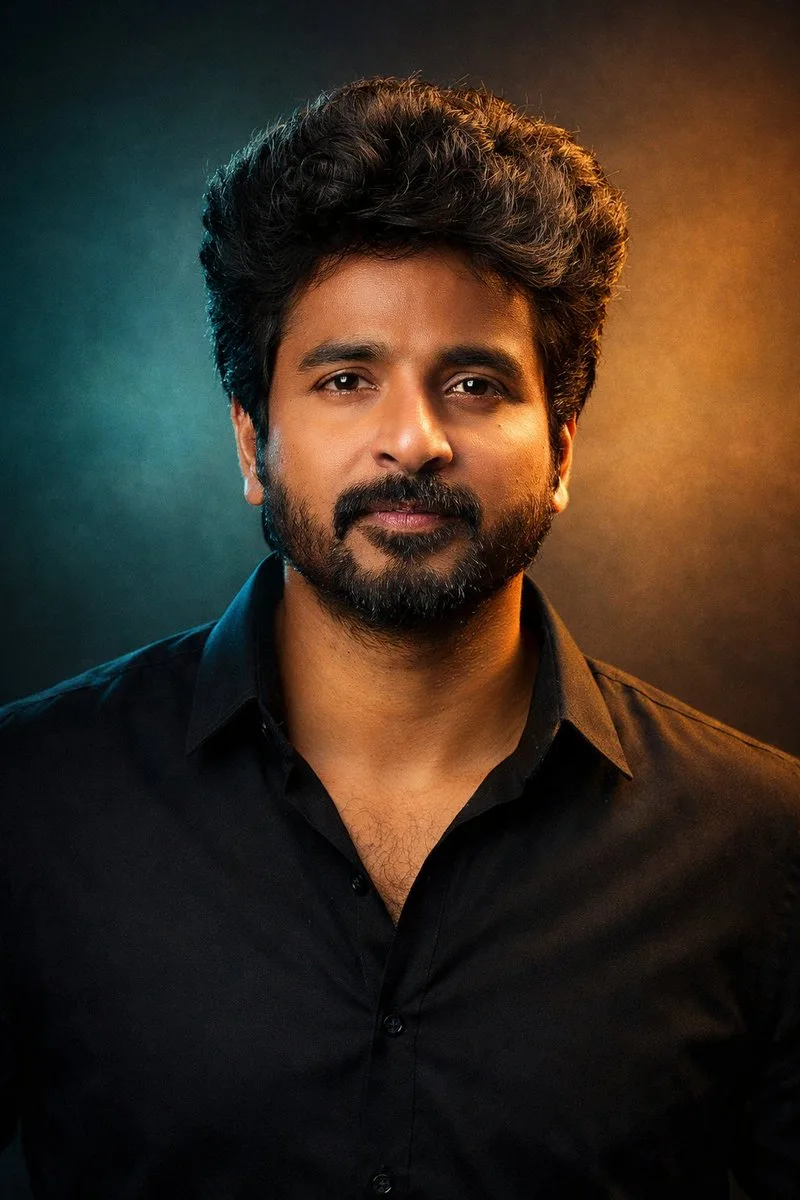
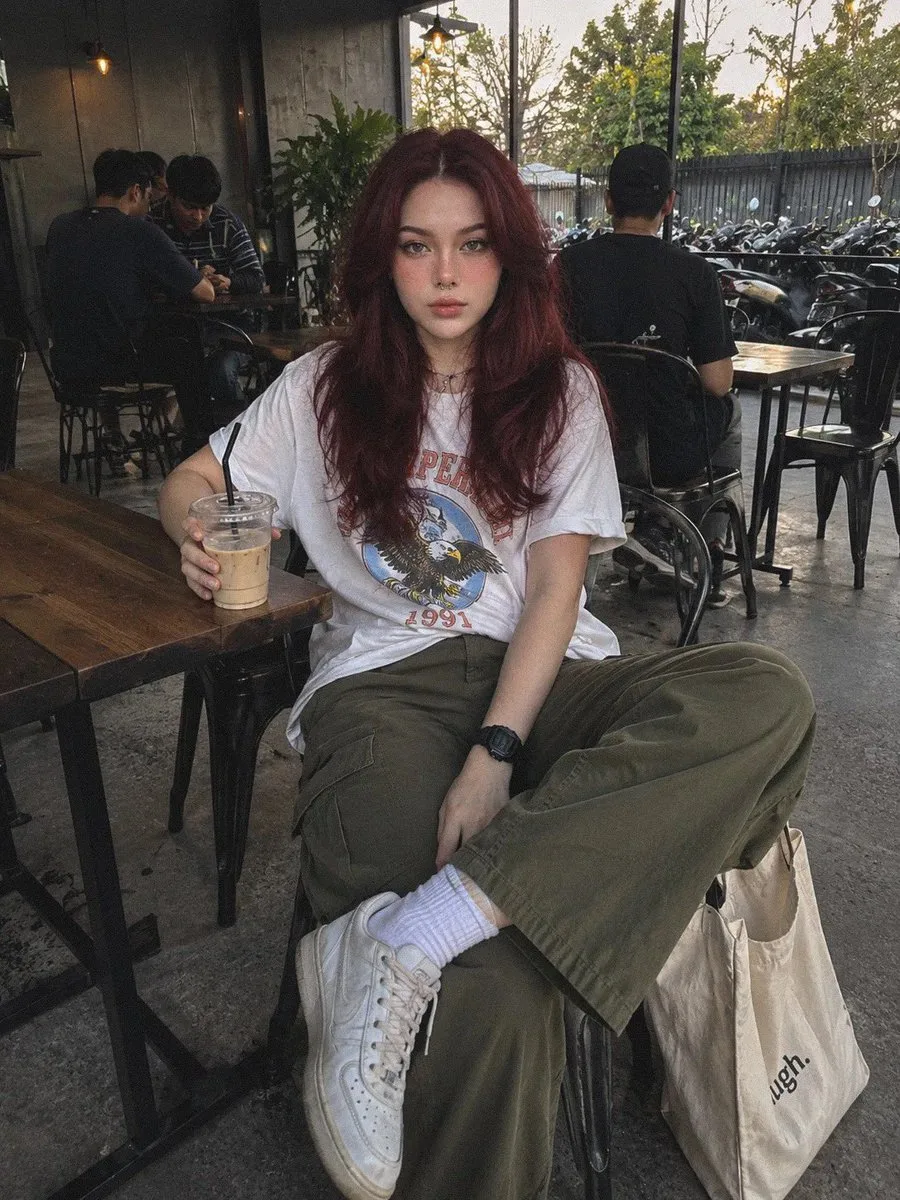
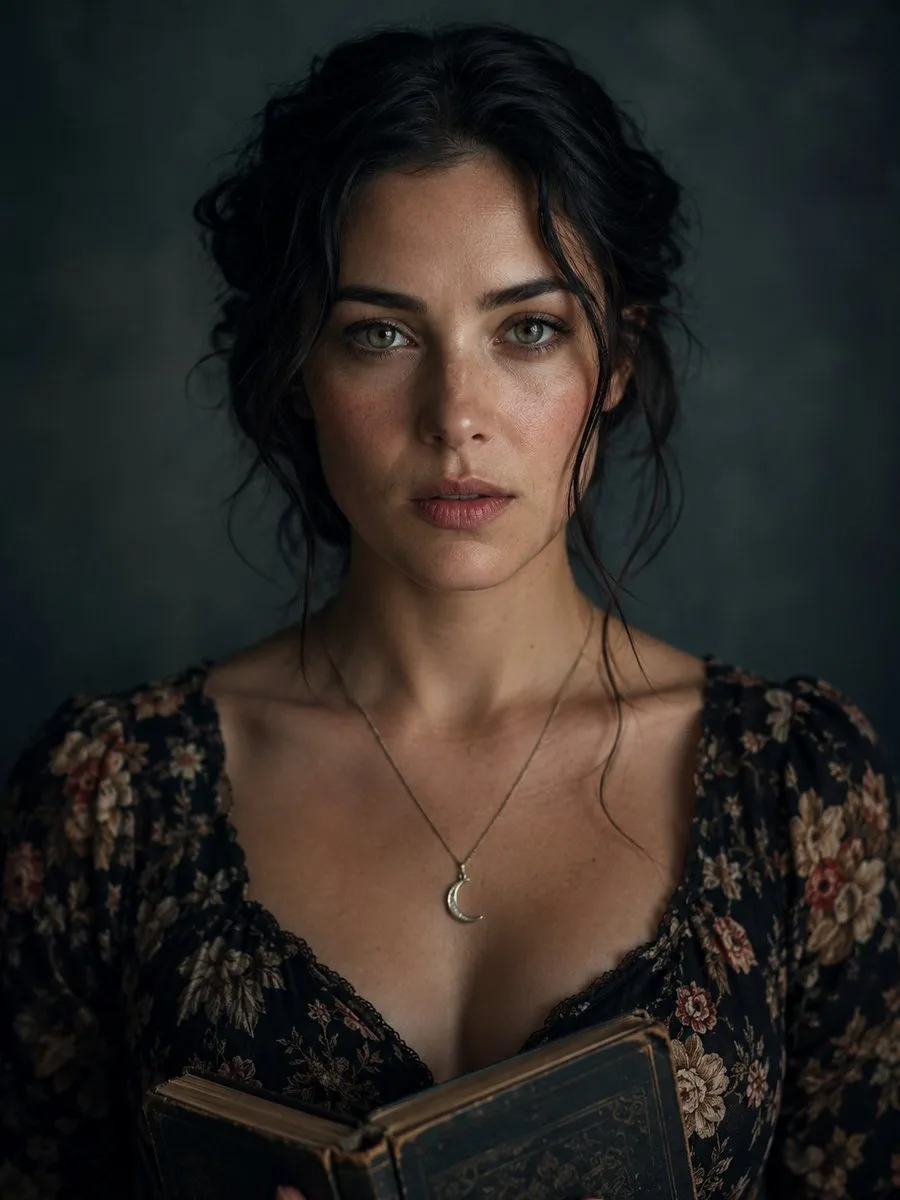

Start with the input you have, choose a model for the job, set the frame, and refine the result without switching between separate generators.
Describe the subject, setting, composition, lighting, and style. Generate a new portrait, illustration, product concept, or social visual without uploading a source image.
Upload a photo and describe the intended change. With a compatible model, you can explore another style, replace a background, modify details, or create a new variation.
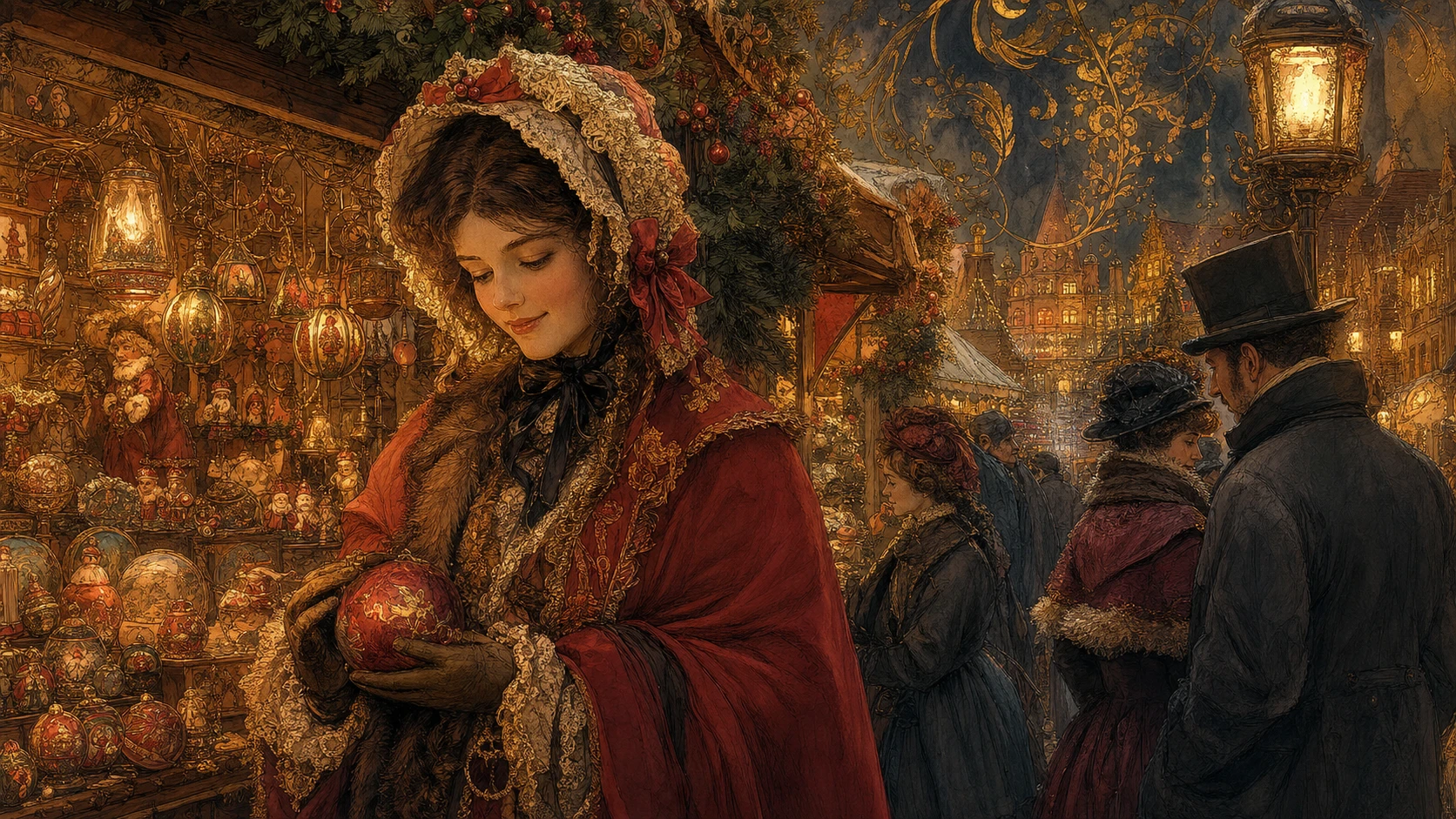
Compare available image models, then choose from the aspect ratios and resolutions that model supports. Studio shows the effective options and credit cost before you submit.
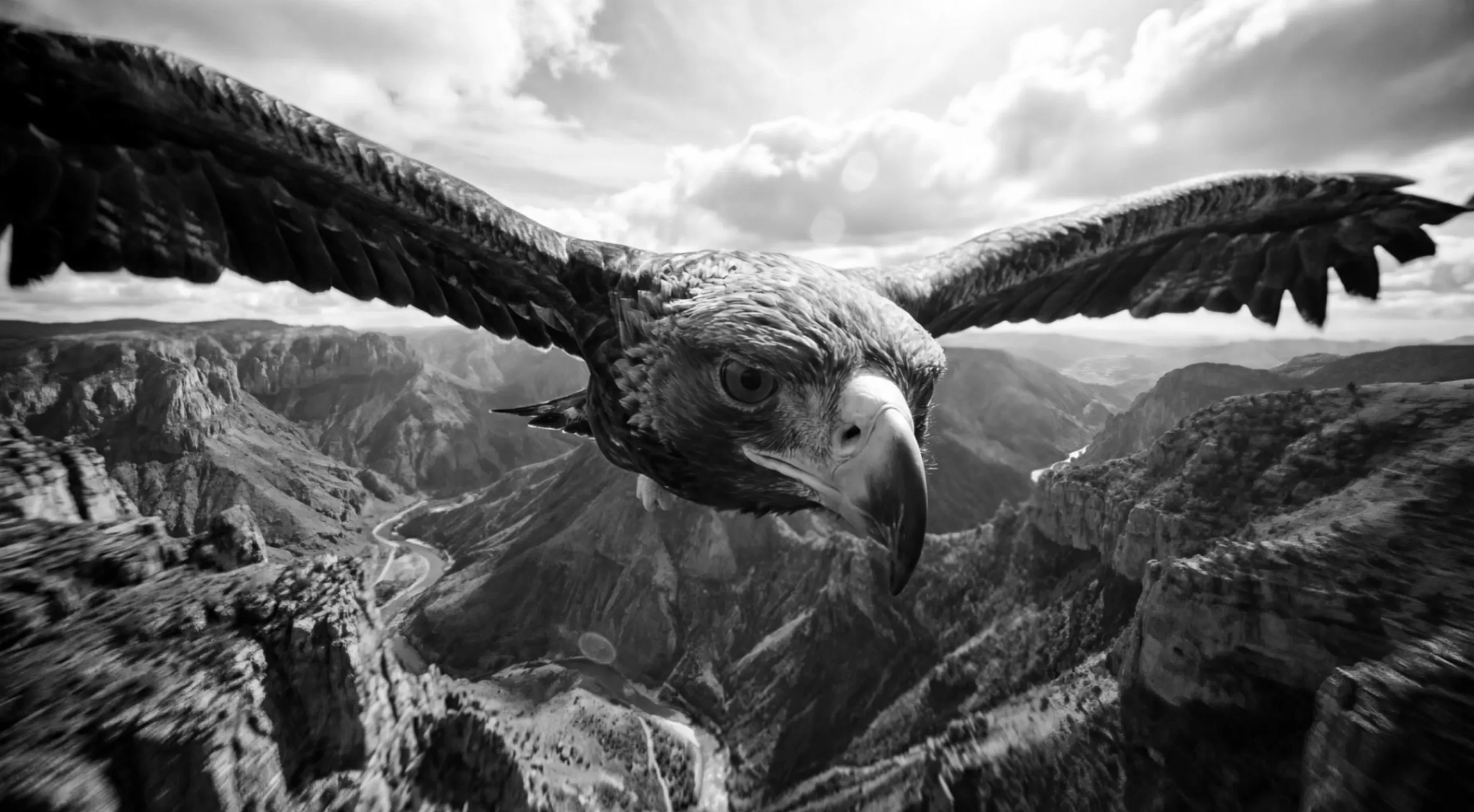
Inspect composition, text, faces, hands, and important product details. Refine the prompt, reference, model, or output setting, then download the result that best fits the brief.
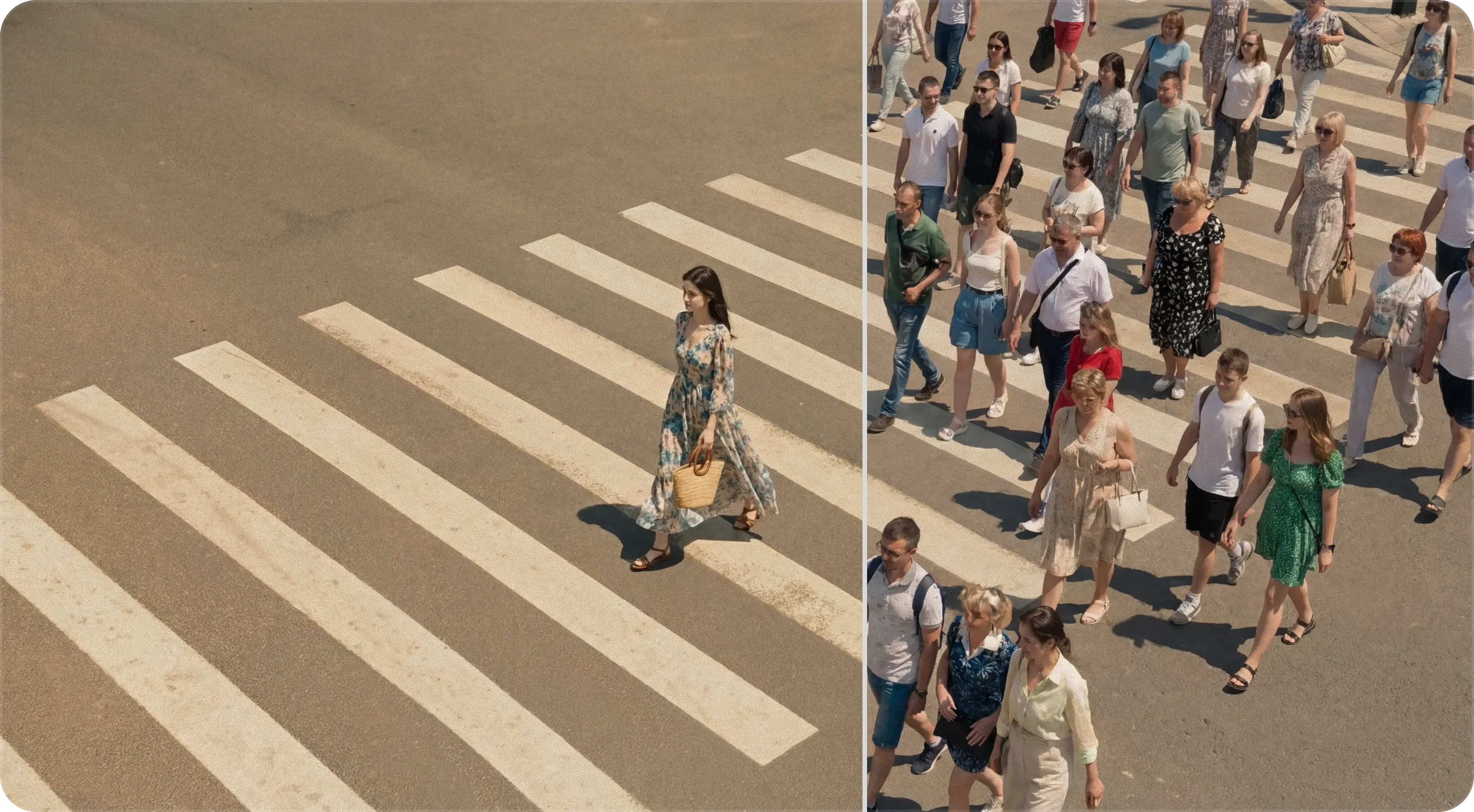
Each model supports a different mix of reference images, aspect ratios, resolutions, and output options. Pick one for your task, then verify the effective controls and credit cost in Studio.
Work from text or combine up to 16 reference images, with 1K / 2K / 4K output options.
Use this modelCreate a new image or transform a photo, then choose 1K / 2K / 4K output for your project.
Use this modelExplore visual ideas with up to 14 reference images and 2K / 3K output options.
Use this modelStart with one focal subject, then add the setting, composition, light, and mood. Use the examples to see how a loose idea becomes a more specific brief without packing the prompt with conflicting directions.
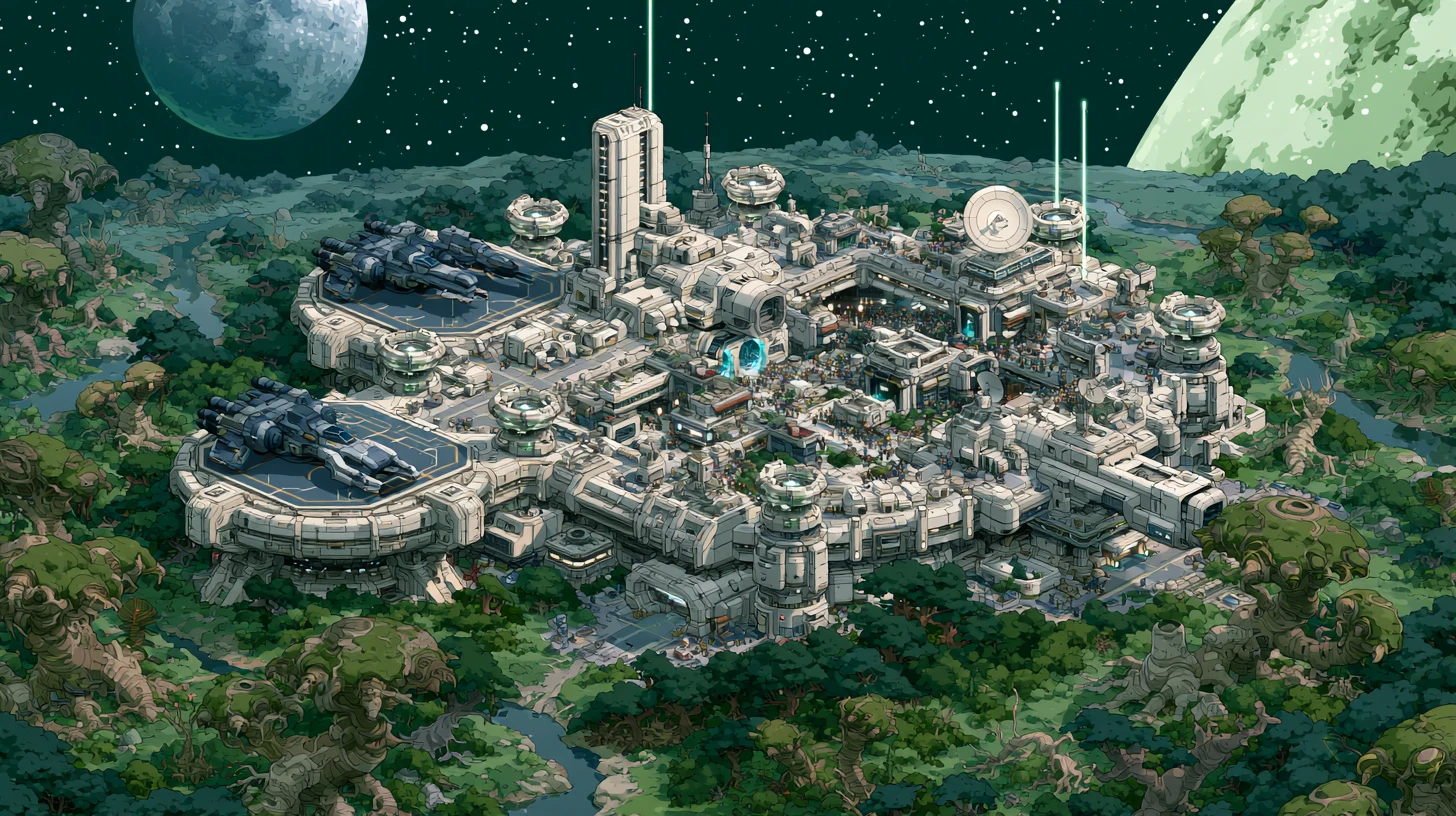
Use these examples as prompt structures, not fixed recipes. Replace the subject, setting, composition, lighting, or medium, then generate and refine your own version.
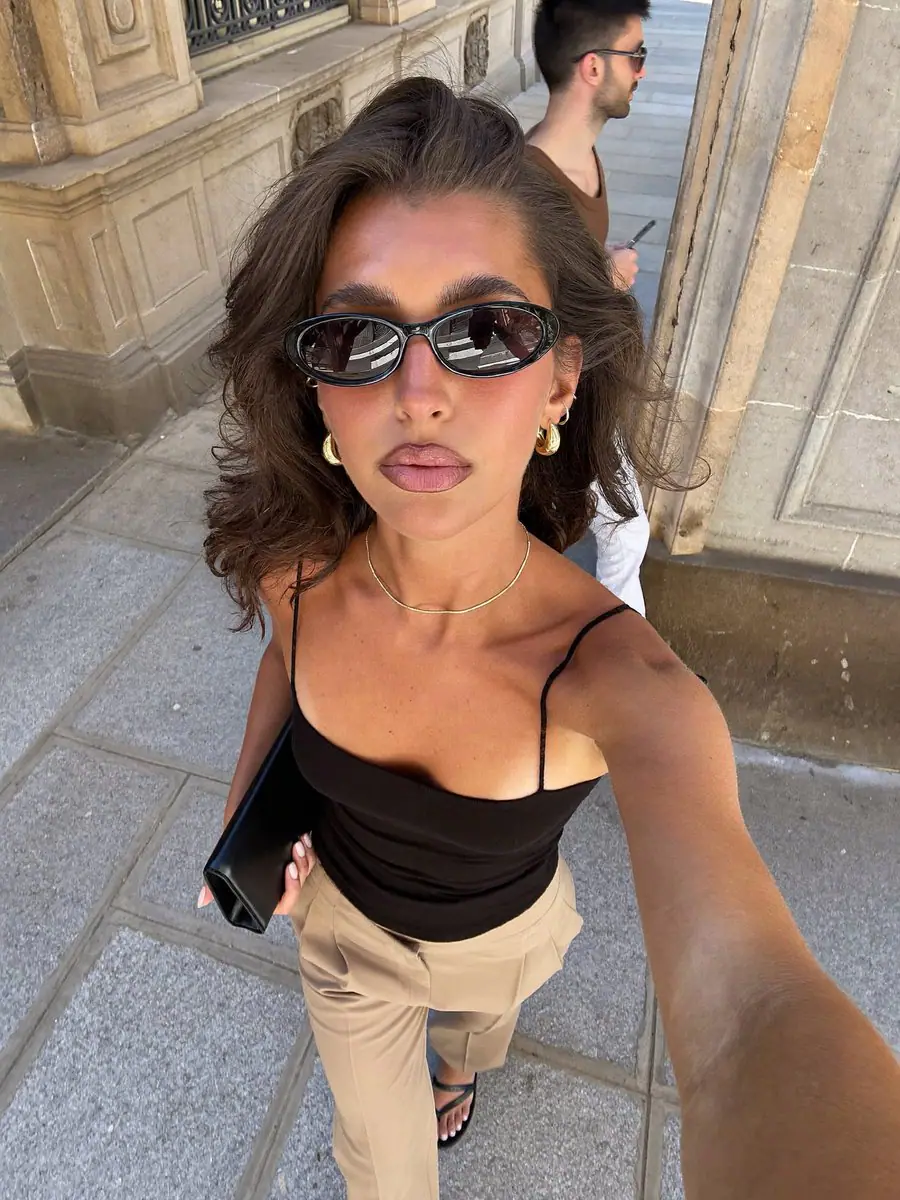
A candid urban portrait of an adult on a quiet street, natural skin texture, soft overcast light, shallow depth of field, documentary photography, no text.
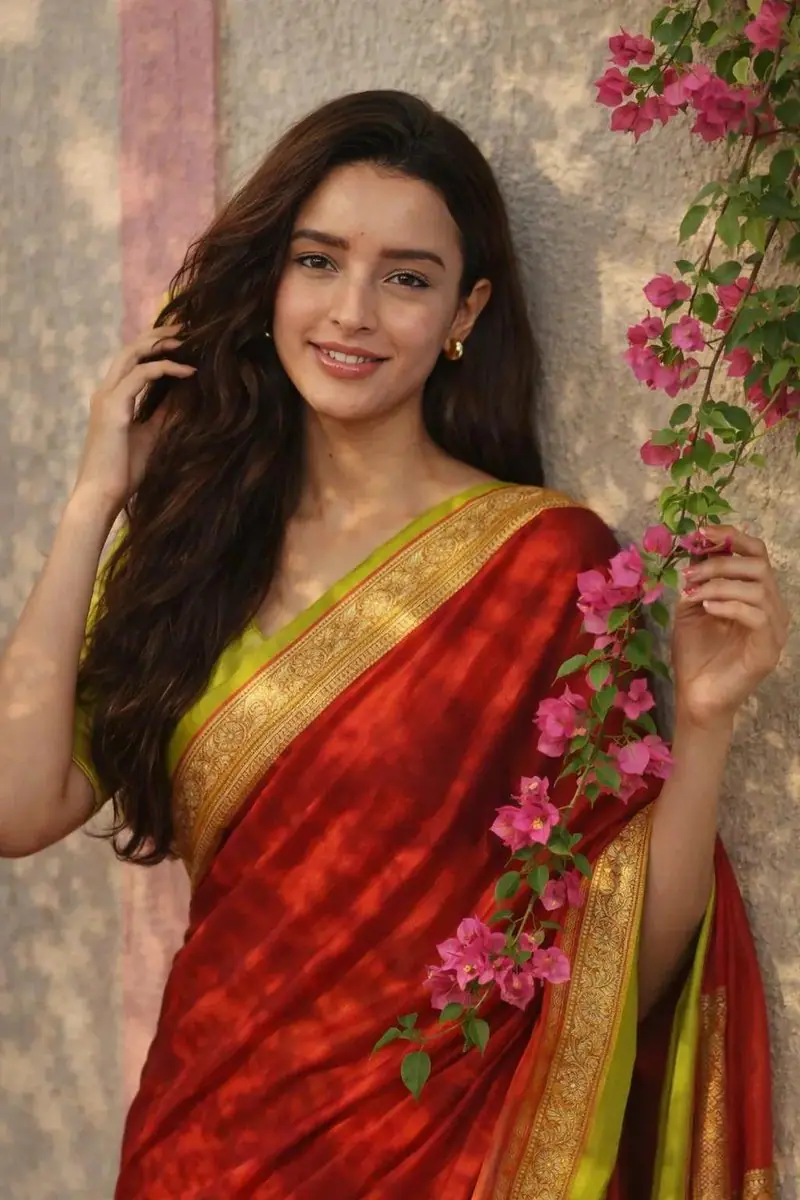
An adult woman wearing a richly textured saree in a sunlit courtyard, flowing fabric, warm colors, soft natural shadows, editorial portrait photography.
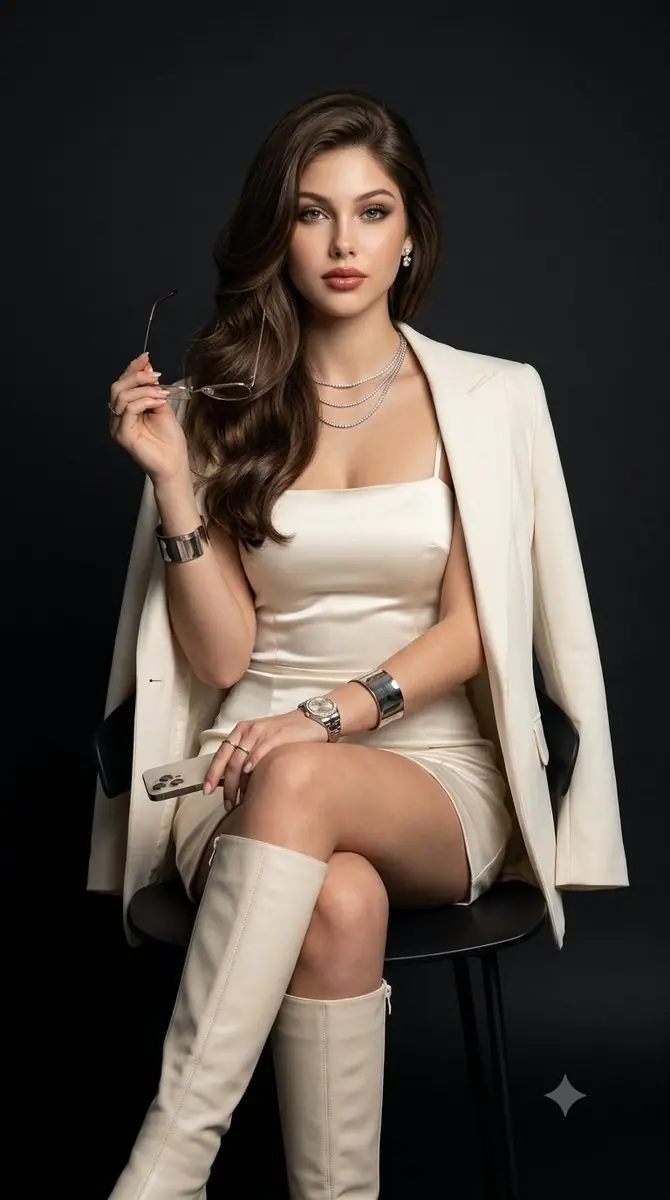
A fashion editorial portrait of an adult model in a tailored outfit, restrained color palette, directional studio light, clean background, generous space around the subject.
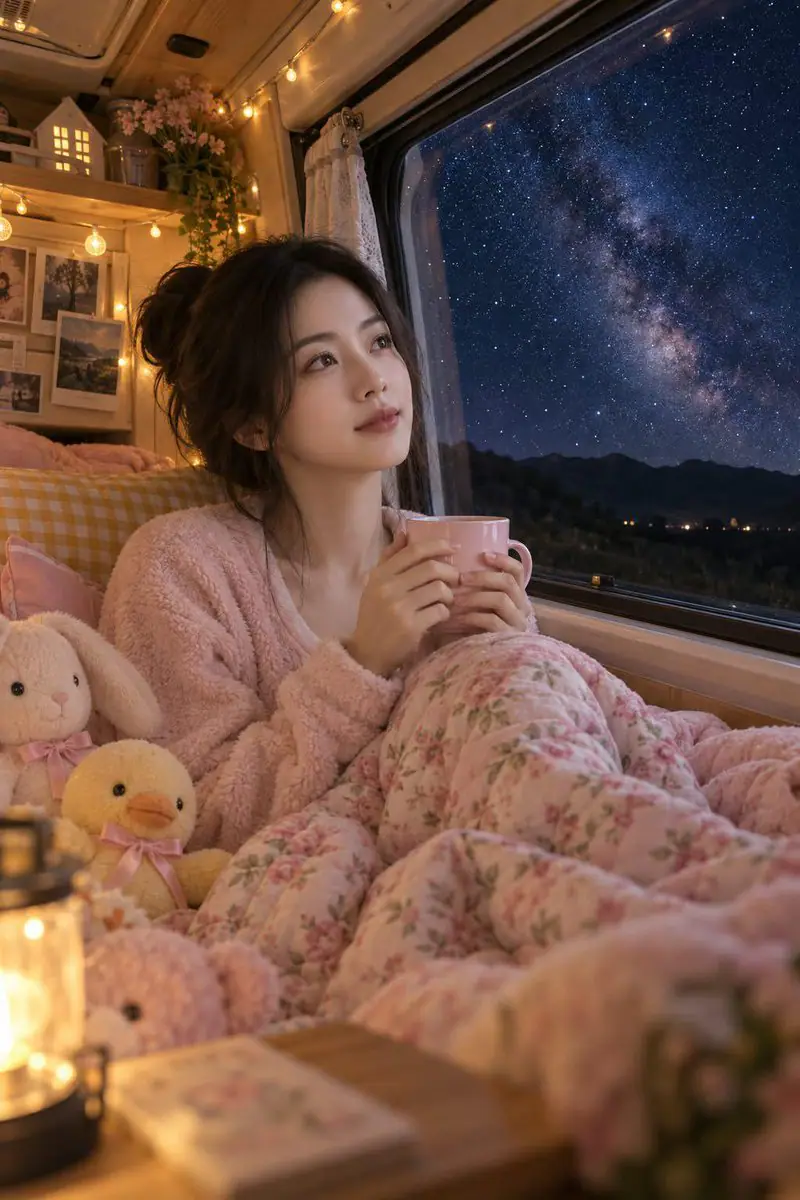
A cozy camper van beneath a clear starry sky, warm light through the windows, distant mountain silhouettes, wide composition, peaceful cinematic mood.
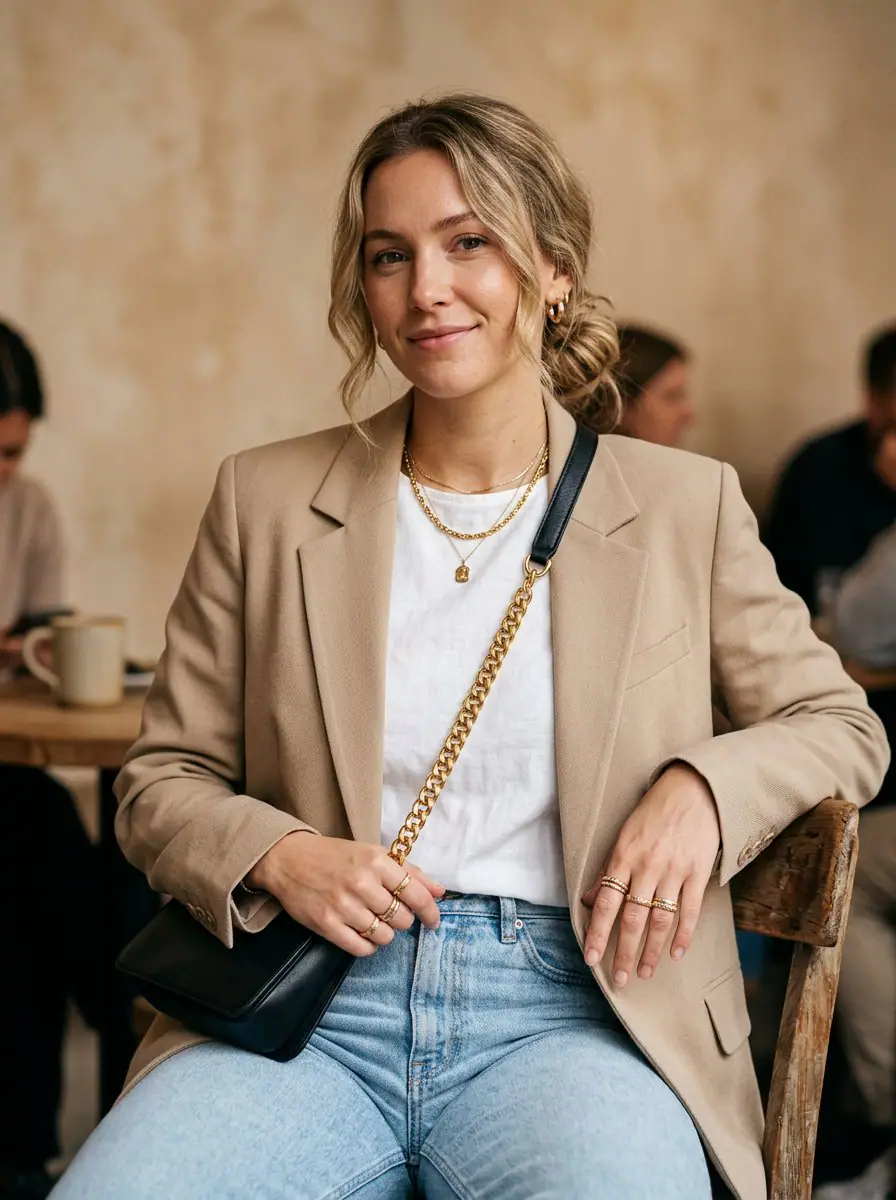
An adult in an elegant outfit walking past modern city architecture, muted colors, late afternoon side lighting, street photography, vertical composition.
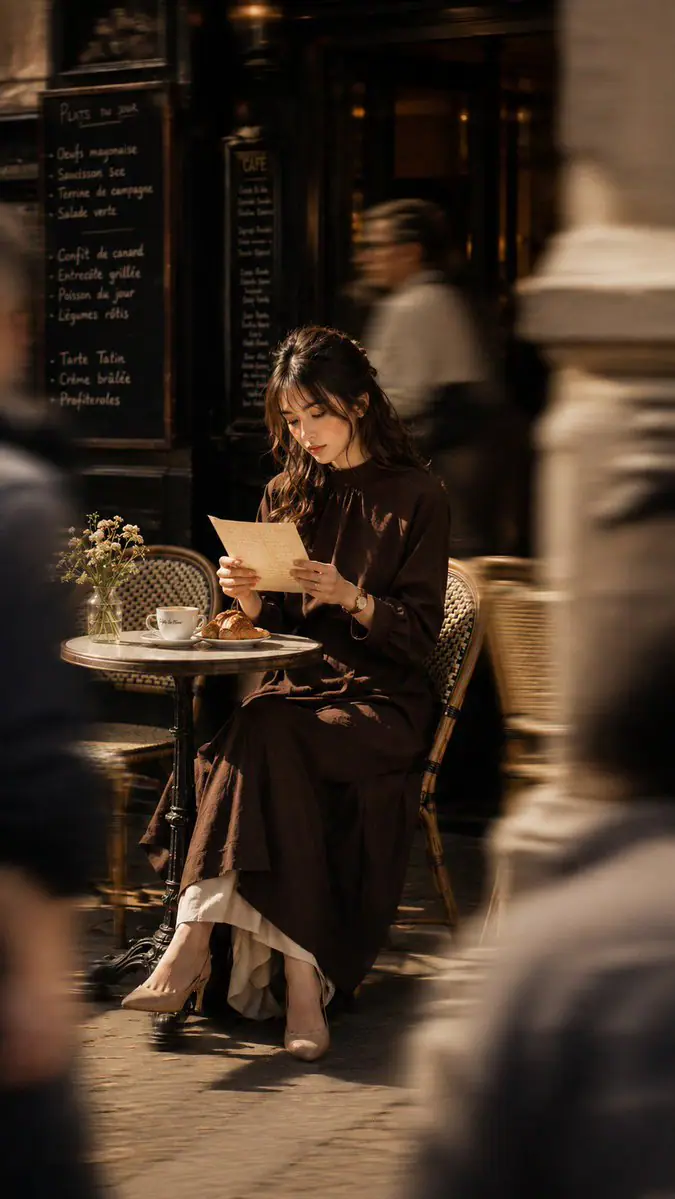
A candid scene outside a Parisian cafe, an adult seated beside a small round table, morning light, soft film grain, warm lifestyle photography.
For text to image, name the subject, setting, composition, lighting, and style. To transform a photo, upload it and state what should change and what should remain recognizable.
Pick an image model, aspect ratio, and supported resolution, then continue to Studio. Review the effective prompt, options, and credit cost. Opening Studio does not start a generation.
Sign in when prompted and submit with sufficient credits. Check the full result for visual errors, revise one part of the prompt or settings at a time, and download the image you want to keep.
Start with text or a reference image, choose the model and frame, review the credit cost, and generate a result you can inspect and refine.