
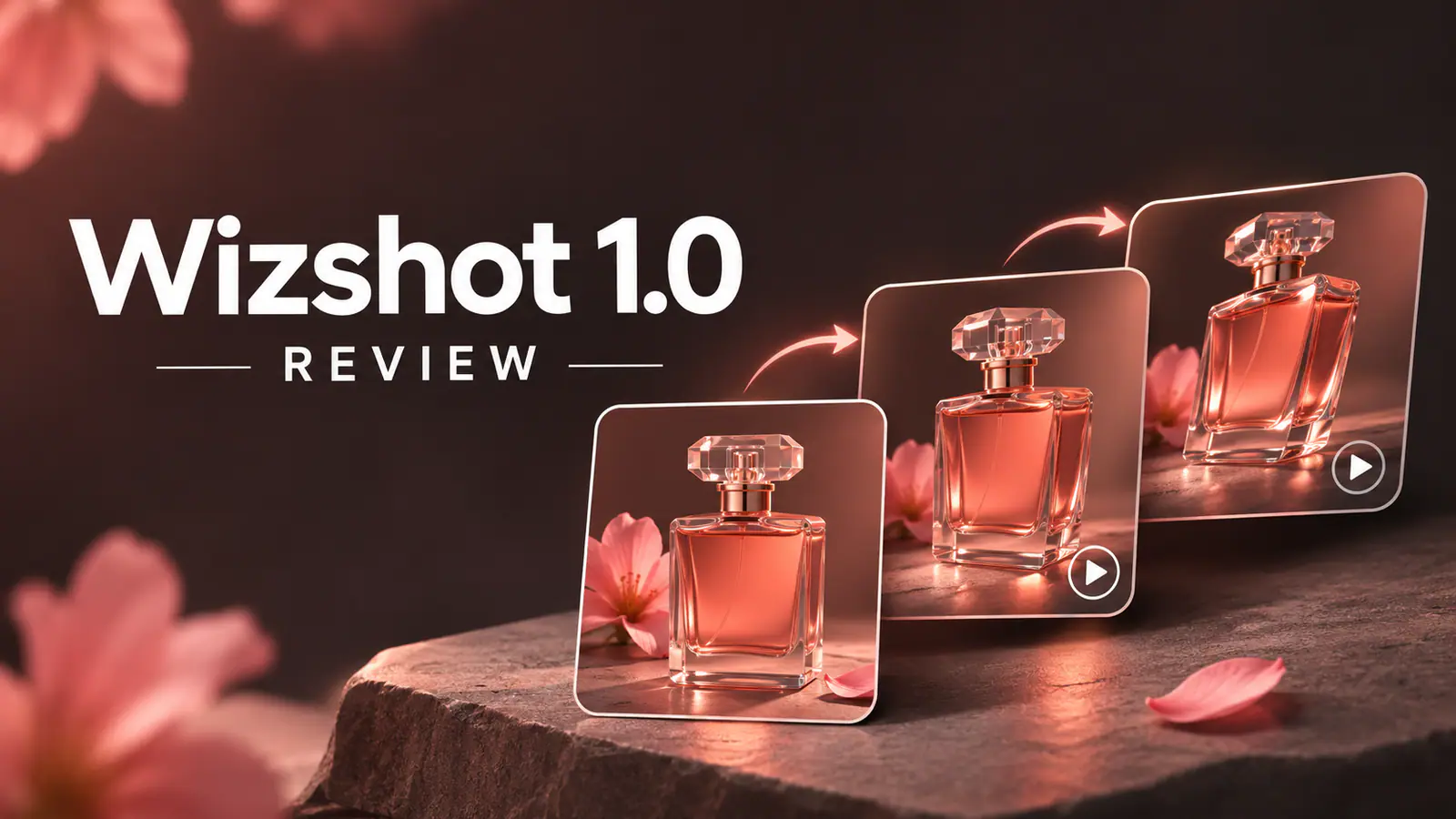
Wizshot 1.0 Review: Pricing, Specs, and Seedance 2.0 Comparison
A look at Wizshot 1.0’s reference-to-video workflow, 720p output, credit costs on Wizstar, and how it compares with Seedance 2.0.
Six takes. That is roughly what a product shot survives before it looks right: one for the hook, two for the hand-off, three because the box opened at the wrong angle. When a model bills by the second, every one of those takes carries a price, and for a 15-second clip the gap between 5 credits and 18 credits per second decides whether a test run fits into a Tuesday afternoon or has to wait for the client's final round.
Wizshot 1.0 is aimed at that gap. Wizstar's first model built and trained in-house, announced on November 6, 2026, makes a narrow promise: quality in the same bracket as Wan 3.0 and MiniMax H3, at 5 credits per second, which Wizstar puts 72% below Seedance 2.0.
This review covers Wizshot's published specs, the cost of generating clips on Wizstar, and practical ways to use what the company learned in its pre-launch tests.
Wizshot 1.0 at a glance
| Spec | Detail |
|---|---|
| Model type | Reference-to-video |
| Inputs | 1 to 9 reference images (JPEG, PNG, WEBP) plus a prompt up to 2,000 characters |
| Output | 720p, 9:16 by default or 16:9, 5 to 15 seconds in one-second steps |
| Audio | Native audio generated with the video |
| Batch | 1 to 4 videos per generation, one by default |
| Price | 5 credits per second in Credit Mode |
| Access | Any logged-in Wizstar account; Unlimited generation for eligible plans |
Start with a product photo, character image, or style reference. These images establish what should stay consistent, and the prompt describes what happens in the shot.
How Wizshot turns references into video
The workflow is short. You upload reference images, say which image controls what, describe the action, camera and light, then pick a duration and aspect ratio. The model returns a clip with sound attached.
When you review a take, check whether the bottle keeps its shape and label, and whether the liquid pours naturally. Wizstar assessed those details in its tests of product consistency, character identity, and physical plausibility.
Wizshot produces 5- to 15-second clips at 720p. For a 30-second product video, generate two 15-second shots with the same product reference and edit them together. For a single 30-second take with native audio, compare Wan 3.0, which supports up to 1080p.
The full spec list and the reference rules live on the Wizshot 1.0 model page.
The 72% claim, checked against the credit table
Wizstar's press release says Wizshot costs 72% less than Seedance 2.0. Here's how the two rates compare at 720p in Wizstar's video generator.
At 720p in Wizstar’s video generator, Seedance 2.0 costs 18 credits per second and Wizshot costs 5. That is a 72.2% reduction for the same duration and resolution.
Wizshot has the lowest 720p rate among the models in this comparison.
| Model (720p) | Credits per second | 15-second clip |
|---|---|---|
| Wizshot 1.0 | 5 | 75 |
| MiniMax H3 | 6 | 90 |
| Kling V3 Omni | 8 | 120 |
| Seedance 1.5 Pro | 13 | 195 |
| Seedance 2.0 | 18 | 270 |
| Seedance 2.5 | 22 | 330 |
Clip costs follow directly, since billing is duration times quantity:
| Output | Wizshot 1.0 | Seedance 2.0 at 720p | Credits saved |
|---|---|---|---|
| 5 seconds | 25 | 90 | 65 |
| 10 seconds | 50 | 180 | 130 |
| 15 seconds | 75 | 270 | 195 |
| 4 × 15 seconds | 300 | 1,080 | 780 |
Start with a 5-second clip to check that your references carry through. It costs 25 credits, so a new account with the 20-credit welcome allowance needs 5 more credits. Wizstar lists its smallest top-up at $10 for 690 credits, enough for nine 15-second clips at the Wizshot rate.
Six takes of a 15-second product shot cost 450 credits on Wizshot and 1,620 on Seedance 2.0 at 720p. Use those totals to budget a round of hook, framing, or camera variations before choosing a take.
To judge quality alongside cost, try the same reference and prompt on both models and compare how well each clip preserves the details your brief calls for.
What Wizstar tested and how to apply it
Wizstar ran two blind evaluations before launch: one on 70 real user requests (30 product, 40 creative) and one on 45 scenario prompts across products, animation and 3D, film and effects, realistic people and short stories. Reviewers scored visual quality, prompt adherence, audio-visual sync, consistency and physics, and counted a clip as usable only if it passed every check.
Wizstar reported that Wizshot led the models it tested in animation and 3D, helped by prompt adherence. In product video tests, Wizshot and Seedance 2.0 produced the same share of usable clips across both rounds. The comparison reflects the usable rate in Wizstar’s pre-release tests.
Wizstar’s tests suggest three checks for your next generation.
- Check product details in each take. When a shot includes pouring liquid or opening a box, watch how the object moves and whether details like the label stay consistent.
- Build multi-character scenes one shot at a time. Give each shot a clear interaction and reuse the character references across the sequence.
- Put the main instruction first. Lead with the subject and action, then add camera and lighting details. This helps preserve the brief when the model follows only part of a long prompt.
Use the 720p output for short social placements and concept tests. For a site hero that calls for 1080p, use your preferred take to settle the framing and motion, then generate the final shot with a model that supports native 1080p.
Five ways to get more from your references
Set up the references and framing before generating, then vary one element at a time so you can tell what improved the shot.
Assign a role to each reference. Tell the model which image supplies the bottle, which sets the kitchen counter, and which shows the lighting.
Start with the key details. Put the product, the action, and the camera move in the first sentence. Use the rest of the prompt for mood and secondary details.
Give each clip one main action. Put the unboxing in one shot and the product close-up in the next. Edit them together to build the sequence.
Match the reference orientation to the output. For a vertical clip, start with a vertical product photo or crop a wide reference around the subject before uploading.
Test four versions of a hook in one batch. Keep the product reference fixed and vary the opening action or camera angle. Use the take you like best as the starting point for the next round.
How Wizshot 1.0 compares
| Wizshot 1.0 | Seedance 2.0 | MiniMax H3 | Wan 3.0 | |
|---|---|---|---|---|
| Built by | Wizstar | ByteDance | MiniMax | Alibaba |
| 720p cost on Wizstar | 5 credits/s | 18 credits/s | 6 credits/s | Not offered in the selector |
| Resolution | 720p | Up to 1080p on Wizstar | 768p to 2K | Up to 1080p |
| Clip length | 5–15 s | Varies by preset | Varies by preset | Up to 30 s |
| Audio | Native | Native | Native, synced | Native |
| Best at | High-volume product and 3D/animation shots on a budget | Multi-shot storytelling with stronger fine detail | Multimodal input and synced sound | Longer, higher-resolution cinematic sequences |
For 1080p product texture or a storyboard with several shots, compare Seedance 2.0. Try MiniMax H3 for 2K product close-ups. Wan 3.0 offers longer takes on a separate platform, while Wizshot, Seedance, and MiniMax can be compared in Wizstar’s generator.
Wizstar runs Wizshot, Seedance and MiniMax models behind one video generator, which is the reason the credit comparison is worth making at all: the price difference is visible before you generate, in the same interface, for the same brief.
At 5 credits per second, Wizshot gives you room to test more versions of a short reference-led clip within the same credit budget.
Access, the Unlimited offer, and what "free" means
Sign in to Wizstar and select Wizshot 1.0. In Credit Mode, choose a 5-second clip for a first test at 25 credits. New accounts start with 20 credits and can generate the clip once their balance reaches 25.
Paid plans add a second path. During the launch period, annual Starter and Plus subscribers get Unlimited Wizshot generation for a set number of days, and Pro subscribers get it for as long as the subscription stays active. Unlimited covers 720p output between 5 and 15 seconds, allows up to five videos in progress at once, and may wait longer in the queue during busy periods. Credit Mode is the opposite trade: you pay 5 credits per second and get higher queue priority.
For occasional clips, estimate the credits from your shot length and batch size. If you plan to generate in volume, compare that total with the Unlimited window for your plan. See the Wizstar pricing page for plan details and top-ups.
Projects to try with Wizshot
Wizshot 1.0 fits teams that already have product photography and need motion: e-commerce sellers turning a photo set into ad variants, social teams testing hooks at volume, and 3D or animation creators who want stylised motion without a render farm.
For a longer story, turn the brief into separate shots and assemble them in an editor. For a scene with several characters, start with individual angles and carry the same references across shots to help maintain continuity.
FAQ
How much does a Wizshot 1.0 video cost?
Five credits per second, so a 5-second clip costs 25 credits, a 10-second clip 50, and a 15-second clip 75. Generating four 15-second variants in one pass costs 300 credits.
Is Wizshot 1.0 really 72% cheaper than Seedance 2.0?
Yes, for 720p video in Wizstar’s generator. Wizshot costs 5 credits per second and Seedance 2.0 costs 18, a difference of about 72% for the same duration.
What resolution and length does it support?
Wizshot generates 720p video in 9:16 (default) or 16:9. Choose a duration from 5 to 15 seconds in one-second steps and generate one to four videos at a time.
Do I need reference images?
Yes. Upload one to nine JPEG, PNG, or WEBP images and add a prompt. Start with one clear product photo and add references for the scene or lighting as needed.
How do I start with the welcome credits?
A new account starts with 20 credits. Once your balance reaches 25 credits, select a 5-second clip in Credit Mode to run your first test. You can also check whether your plan includes the Unlimited launch offer.
How does it compare with Wan 3.0?
Wizstar compares Wizshot’s quality with Wan 3.0 and MiniMax H3. For short product variations from reference images, Wizshot runs at 5 credits per second. For a single take up to 30 seconds at up to 1080p, compare Wan 3.0.
Start with one clear product reference and a 5-second shot. Once the product details and motion look right, try a few hooks or camera angles before committing credits to a longer cut.