Choose Flare or Sunburst
Start with GPT Image 2.5 Flare when you want faster everyday generation. Switch to Sunburst when a tighter, more detailed pass matters more than speed.


Sample Images

GPT Image 2.5 is OpenAI’s current image model family: Flare for faster everyday generation and Sunburst for tighter, detail-focused work. VidFomo connects both here from a required reference image, so you can judge the tradeoff against your source.
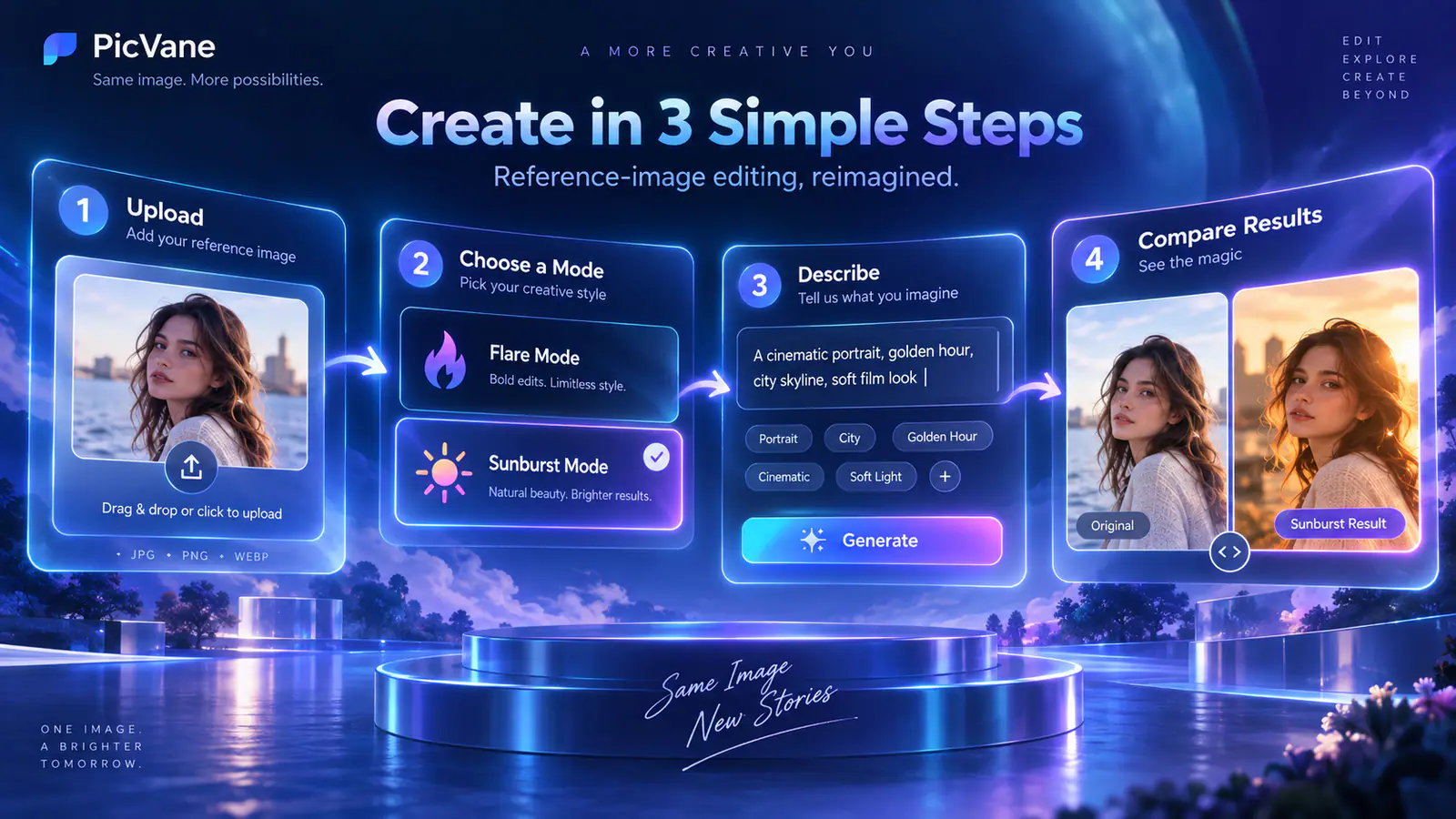
This is VidFomo’s GPT Image 2.5 model page. Choose Flare or Sunburst first, then add a reference image; the current integration is Image to Image only.
Start with GPT Image 2.5 Flare when you want faster everyday generation. Switch to Sunburst when a tighter, more detailed pass matters more than speed.
Upload a clear JPG, PNG, or WebP image. A reference is required on this page; VidFomo does not present a text-only GPT Image 2.5 generator here.
Review the credit cost shown in the Studio, generate, then compare the output with your source. Run the same instruction on the other model when you need to judge the speed-versus-precision tradeoff.
OpenAI’s GPT Image 2.5 family supports image generation and editing. The notes below describe official model improvements. VidFomo currently connects the reference-image path, not ChatGPT-only controls such as Sketch or on-image comments.
OpenAI positions GPT Image 2.5 as better at carrying familiar people, products, and other reference subjects into new settings, styles, and compositions. Treat that as improved odds, then inspect identity details in the result.
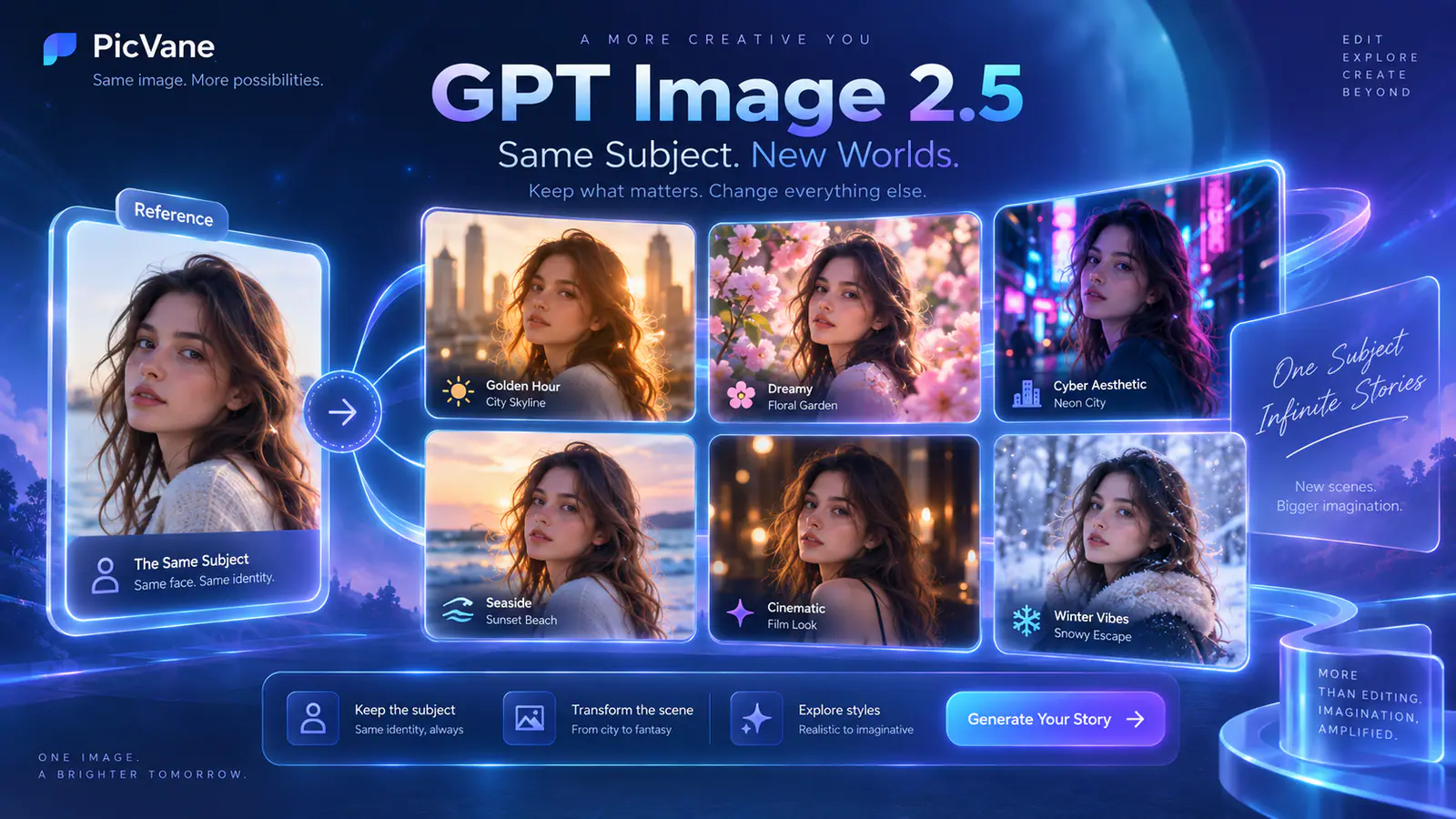
The model family is described as better at changing the requested element while retaining surrounding detail across successive turns. Write what should stay as clearly as what should change, then compare each pass with the source.

OpenAI says Images 2.5 produces more natural lighting and richer textures than Images 2.0. Use this when skin, fabric, product surfaces, or scene lighting matter, then judge the result against your reference.
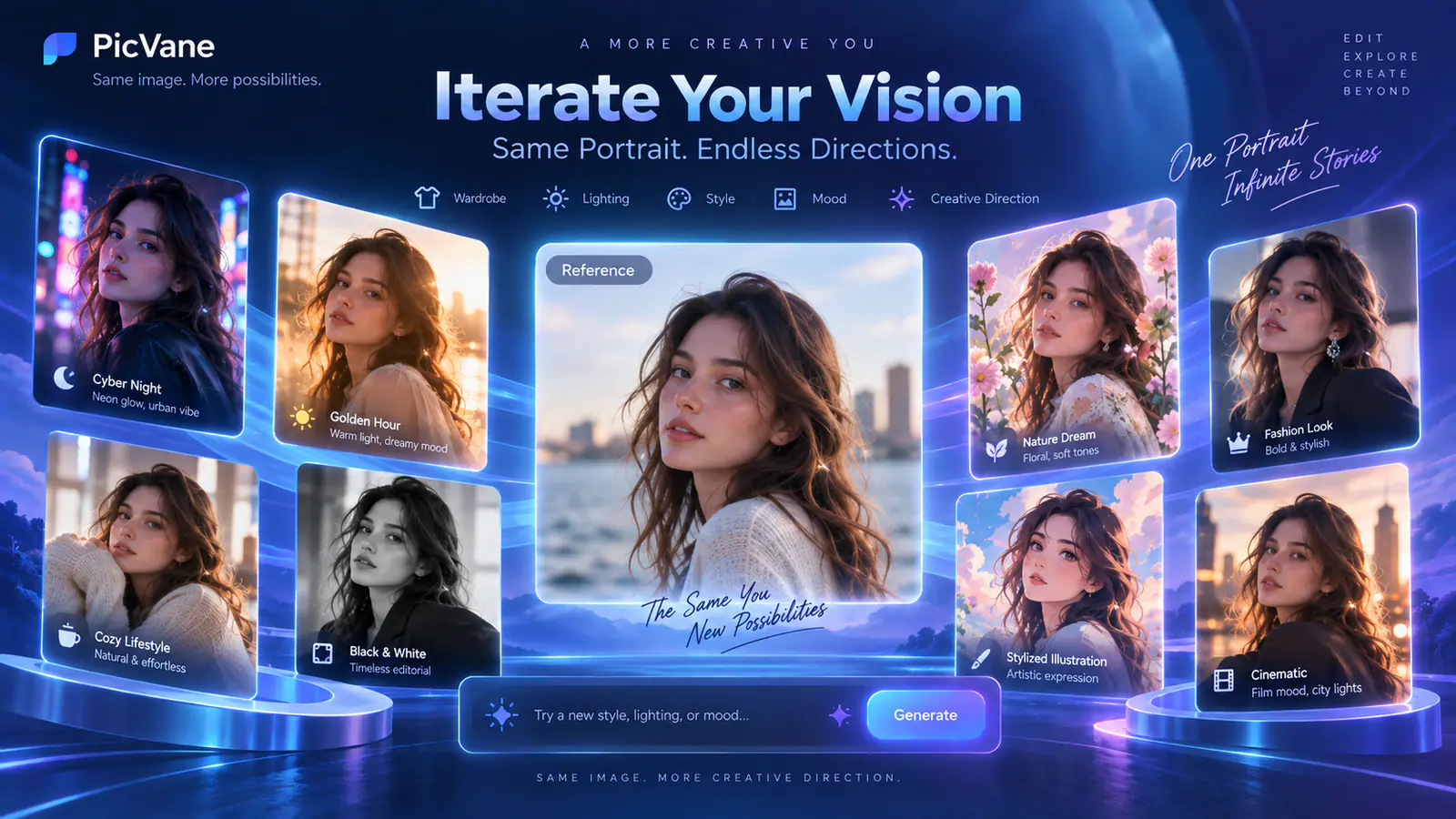
Both models use the same reference-image workflow on this page, but OpenAI positions them for different priorities.
GPT Image 2.5 Flare is OpenAI’s default choice for most applications and emphasizes faster high-quality generation. VidFomo uses Flare as the default model on this page.
GPT Image 2.5 Sunburst is positioned for premium visual workflows where tighter control matters more than generation time. Try it when a detailed pass deserves the extra wait.
Do not only describe the new element. Name the face, product shape, lettering, colors, composition, or other details that should stay recognizable. These instructions guide a generative model and are not a pixel lock.
Check faces, hands, readable text, logos, product geometry, edges, and repeated textures before publishing. This workflow does not expose a brush, protected mask, or deterministic local selection.
Answers about the GPT Image 2.5 model family, Flare and Sunburst, VidFomo’s current connected workflow, inputs, credits, and limits.
Choose a model, add a reference image, write one focused instruction, and review the generated result against your source.