VidFomo
Loading...

Banana Tree Run AI

Add one photo of yourself or your pet for your Banana Tree Run AI video.

References
0 / 1
Required Credits
50

Sample Videos

0:00 / 0:00

Banana Tree Run AI Video Generator

Turn one photo into a short clip of yourself or your pet running across the top of a tall banana tree. The camera follows from the side as your character leaps from one giant leaf to the next. For a person, the fun is impossible agility. For a cat or dog, it is the surprise of a pet treating banana leaves like stepping stones. Add a photo, start the effect, and watch the jungle run play out in about 10 seconds.

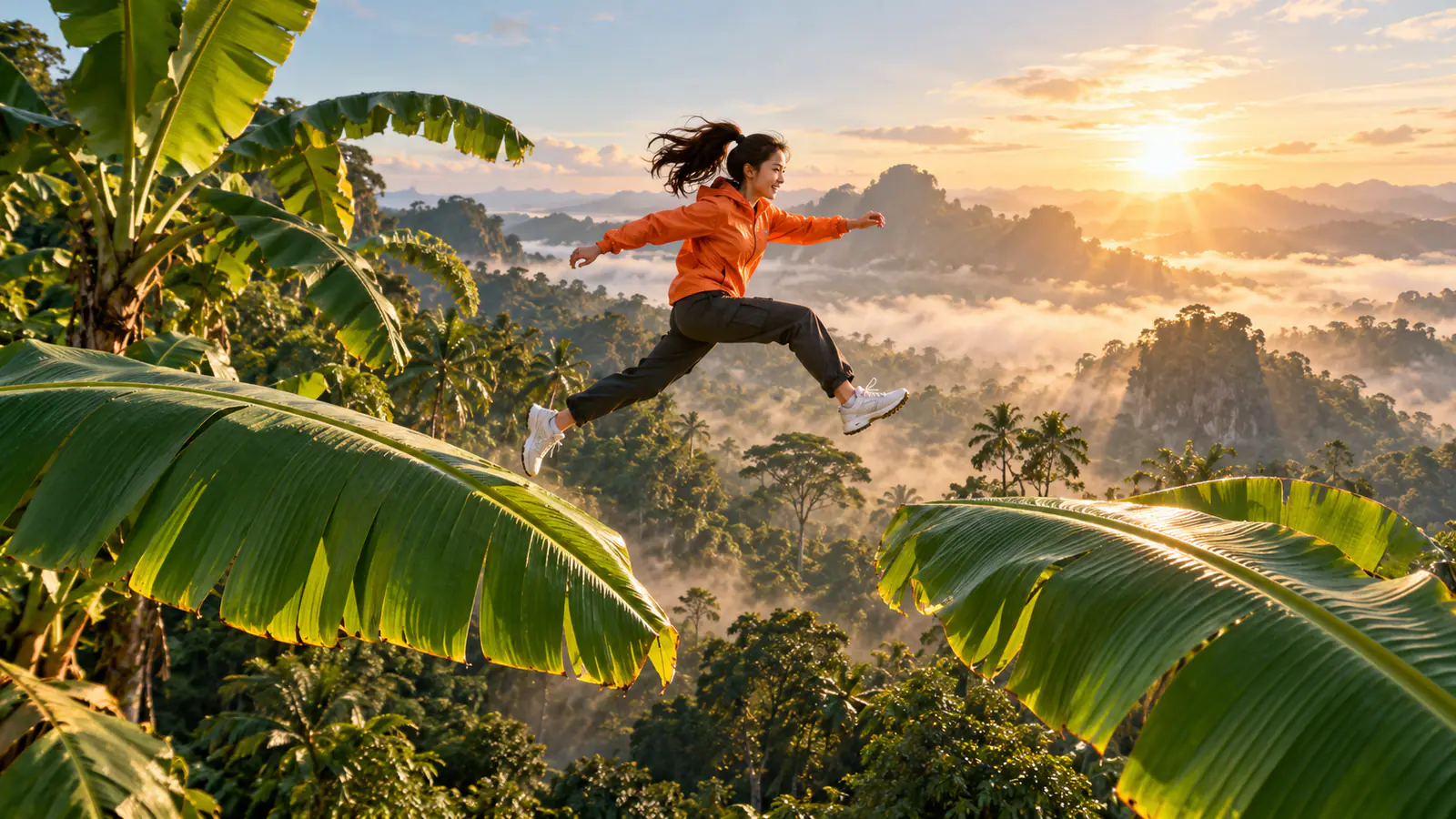
AI concept image of a woman in an orange jacket leaping between giant banana leaves above a misty rainforest

How to Make a Banana Tree Run AI Video

Choose one clear photo, start the effect, and review the run leaf by leaf.

  1. Add One Photo of You or Your Pet

    Add a single image in References using Upload files, drag and drop, or Assets Library. The counter should read 1 / 1 once your photo is in place. Pick a picture where the whole body is easy to see, with legs or paws, head, and tail unobstructed, because your character has to run and jump. To try another subject, replace the photo instead of adding a second one.

  2. Start the Banana Tree Effect

    Keep Banana Tree Run AI selected as your effect, then select Generate. There is no prompt to write and no camera to place: the effect supplies the giant banana leaves, the treetop setting, and the side-tracking shot. If you want a different idea, open the effect selector and switch to another effect page rather than rewriting this scene.

  3. Watch the Run From Leaf to Leaf

    Play the finished clip in the result area. The effect is designed for a video of about 10 seconds. Watch it once for the overall motion, then again to follow how your character moves from one leaf to the next. For a person, look at the stride and the jump arc. For a pet, look at the ears, the tail, and how the body stretches between leaves.

Three Ways to Use Your Banana Tree Run

A treetop sprint works best when you know who is running and why the jump is funny.

Give Yourself an Impossible Treetop Run

A person running across banana leaves creates an instant contrast: ordinary clothes, impossible balance. Choose a photo that shows you the way friends know you, such as your weekend jacket or everyday sneakers, so they recognize you before the leaf jumping starts. The humor comes from the gap between a familiar face and hero-level movement. Pair the clip with a caption naming the challenge you would never attempt in real life, then let the treetop run do the rest.
Start My Treetop Run
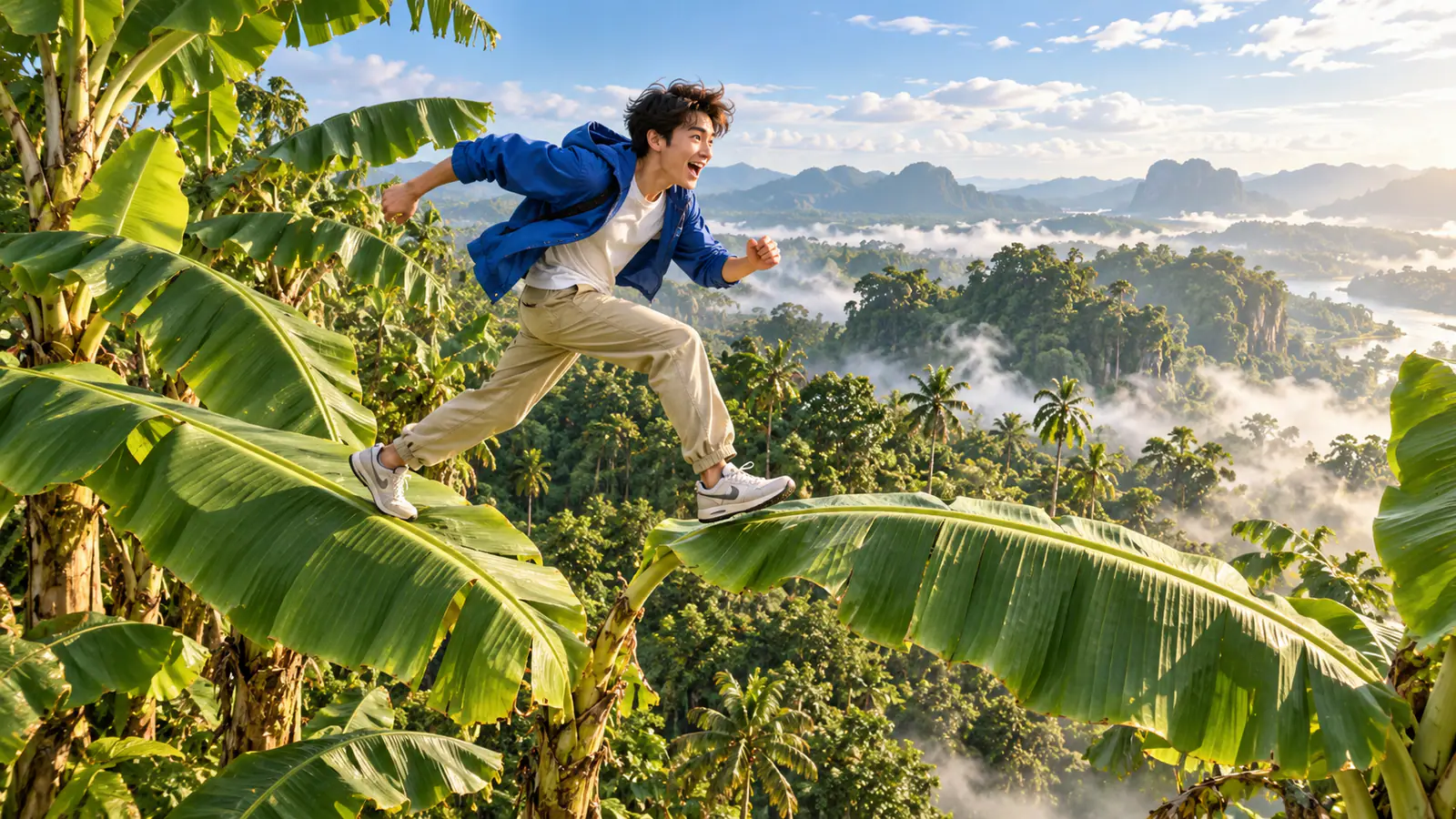
AI concept image of a man in a blue jacket running across giant banana leaves at treetop height

Send Your Cat or Dog Across the Leaves

Pets make the treetop run funnier because nobody expects a golden retriever or a house cat to hop between jungle leaves. Pick a photo that shows the whole animal in a clear pose, such as a dog sitting with both ears visible or a cat standing on the arm of a sofa. Think about personality before you generate: the lazy cat, the dramatic puppy, or the neighborhood explorer. Add a short caption in your pet’s voice and let the leap do the talking.

Try It With My Pet
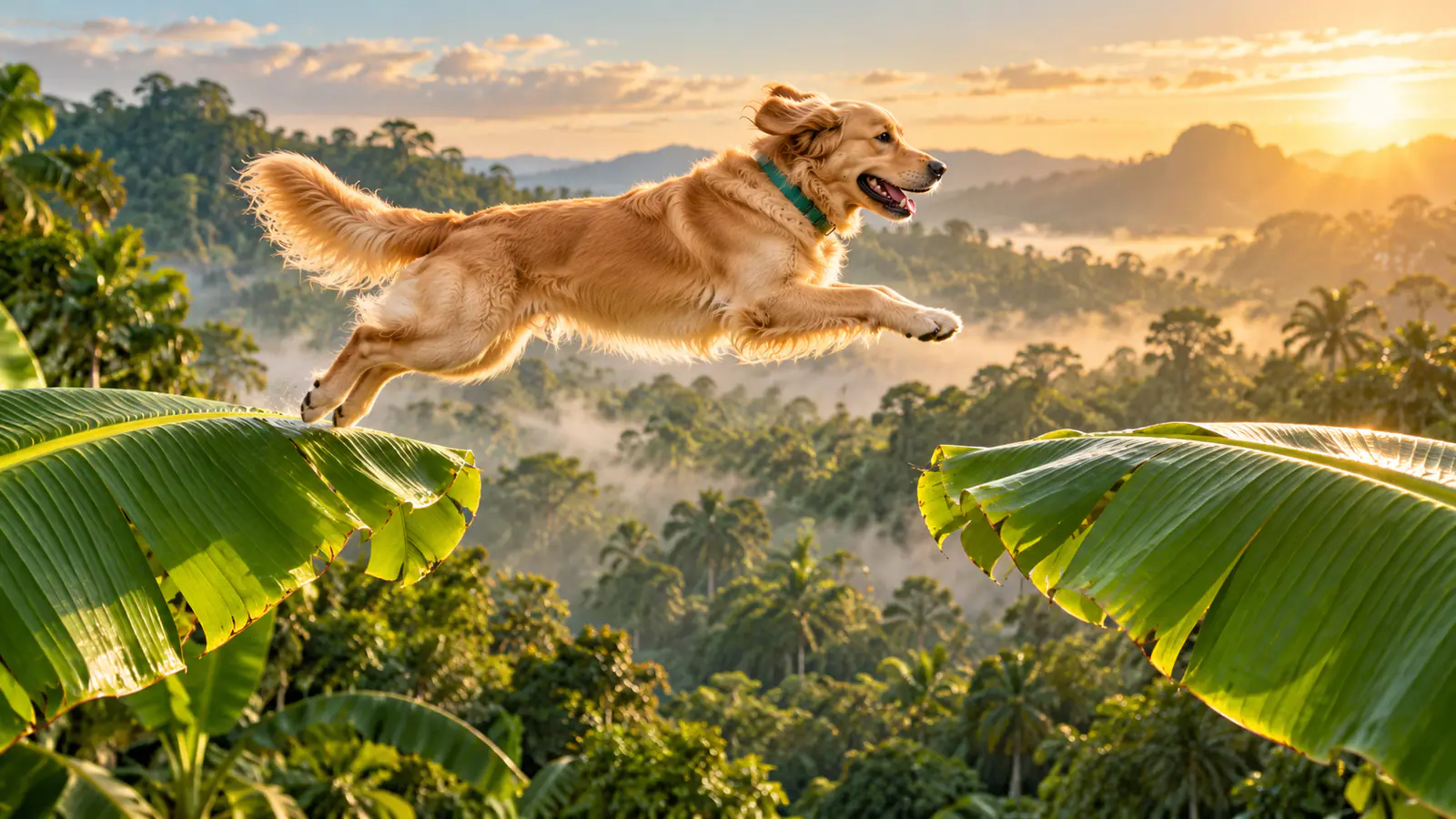
AI concept image of a golden retriever jumping between giant banana leaves in warm morning light

Turn It Into a Shareable Challenge

Because the effect starts from one photo, it is easy to make several versions and compare them. Make one with yourself, one with a friend who agrees to take part, and one with a pet, then post them together as a series. Viewers can guess who will make the biggest leap before each clip plays. Keep the caption short and let the side-tracking view show the jump.

Make My Version
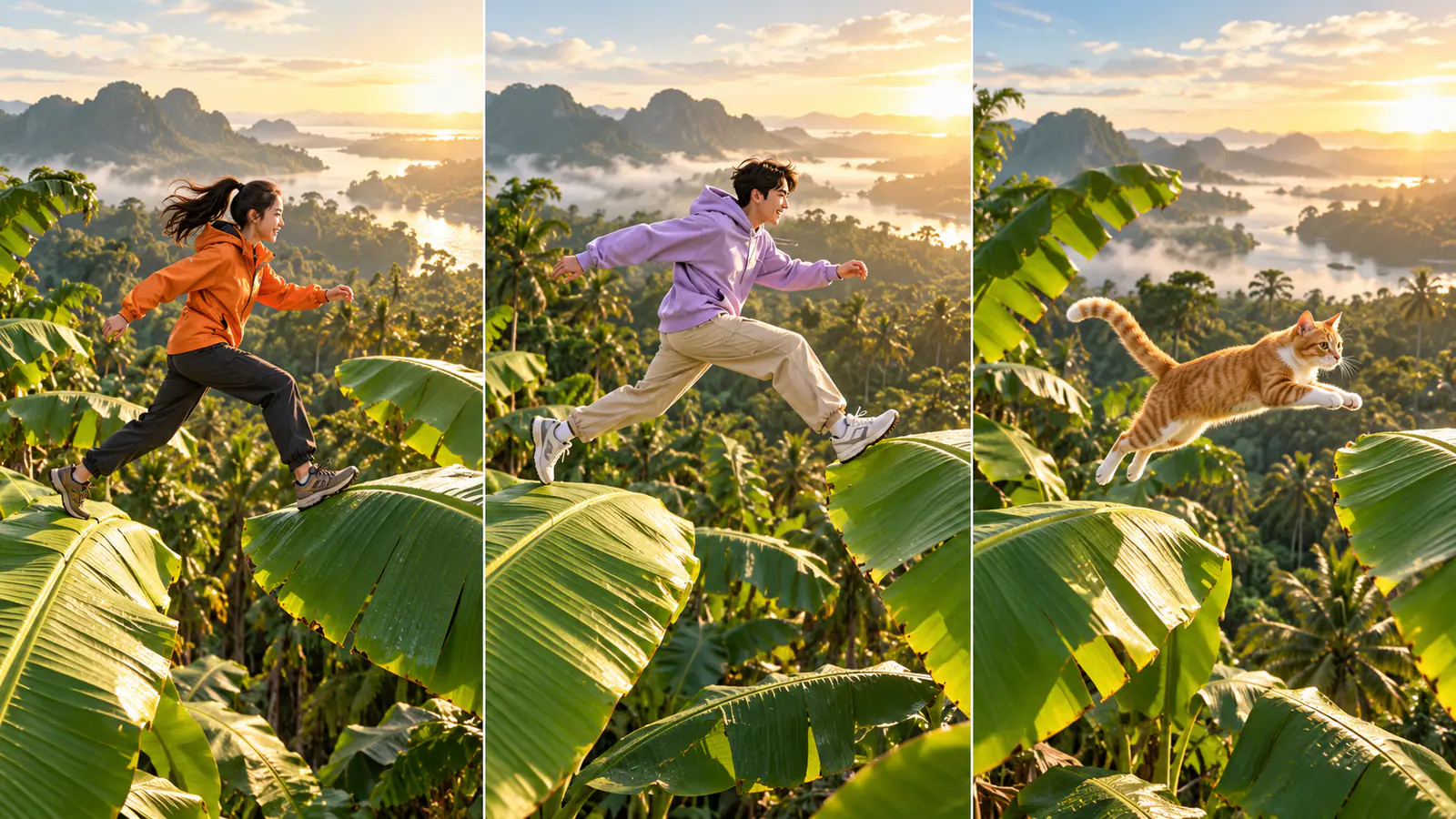
AI concept triptych of a woman, a man, and an orange tabby cat taking separate banana leaf running challenges

Four Details That Shape Your Banana Tree Run

Small choices in the source photo make the treetop sprint easier to read.

A Whole Body You Can See

Open your photo at normal size before uploading it. Look for visible legs or paws, a clear outline, and some space around the subject. A tight close-up of a face gives the effect less to work with when the character needs to run and leap.

A Clean Background

A plain wall, a lawn, or a quiet room separates the subject cleanly. A busy scene with several people or animals can make it unclear who should be running. Crop out bystanders before you upload, and keep the runner centered in the frame.

One Character per Photo

The tool takes a single image, and the page is built around one runner. If your favorite picture shows a group, crop around the person or pet you want on the leaves, and save the other crops for separate versions.

Details People Recognize

Choose features your audience already knows: a bright jacket, glasses, a distinctive coat pattern, or a favorite collar. These details help viewers recognize your character as it moves through the leaves and make the clip feel personal.

Banana Tree Run AI Questions

Answers about the effect, your photo, and sharing the finished clip.

Banana Tree Run AI is an effect that turns one photo into a short video of a character running and jumping across giant banana leaves at the top of a tall tree. The camera tracks from the side, so you see each leaf-to-leaf leap in profile. You can use a photo of yourself or of a pet. The name describes the video idea, and this page handles the whole setup from a single photo.

It belongs to the same banana leaf family of ideas, where a figure crosses a jungle scene by stepping from leaf to leaf. This effect is built around a faster version: running and jumping along a treetop with a side-tracking camera. Choose it when you want the sprint rather than the stroll.

Make Your Banana Tree Run AI Video

Add one photo of you or your pet, start the effect above, and watch the leaf-to-leaf run come together.