VidFomo
Loading...

Hotel Lobby AI Video

Add two images for your Hotel Lobby video.

References
0 / 2
Required Credits
50

Sample Videos

0:00 / 0:00

Hotel Lobby AI Video Generator

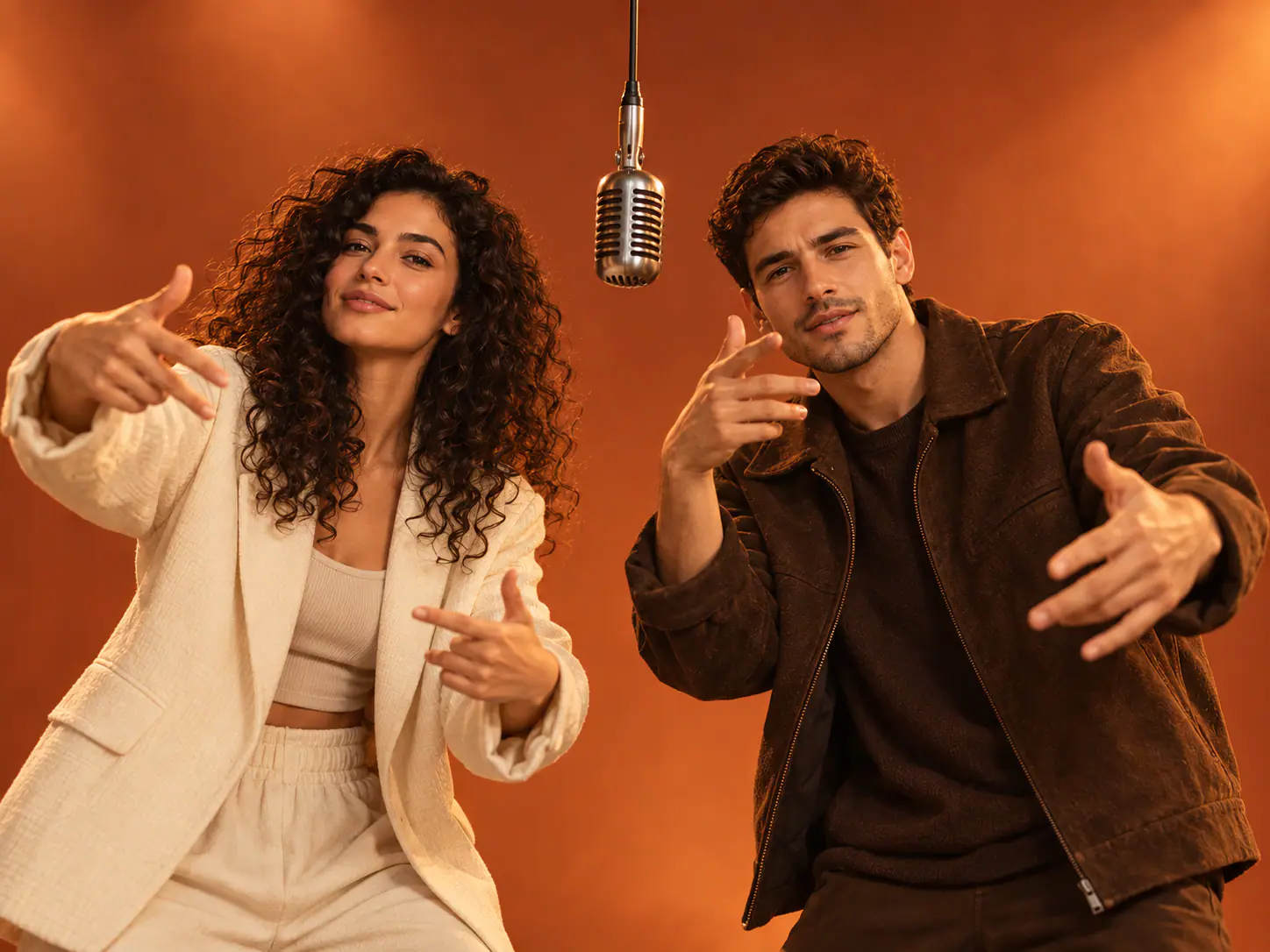
Put yourself and a friend into the orange-stage duet with the Hotel Lobby AI video effect. Start with two photos, choose the shape of your video, and let the effect handle the performance setup. The fun is in the pairing: a familiar face, an unexpected partner, and the shared-microphone scene people recognize from the trend. You do not need to build the scene with a prompt or choose a video model. Bring the photos; start with the ready-made effect.

Hotel Lobby AI video reference cover

How to Make a Hotel Lobby AI Video

Choose your pair, set up the effect, and review the duet as a short performance.

  1. Add Your Two Photos

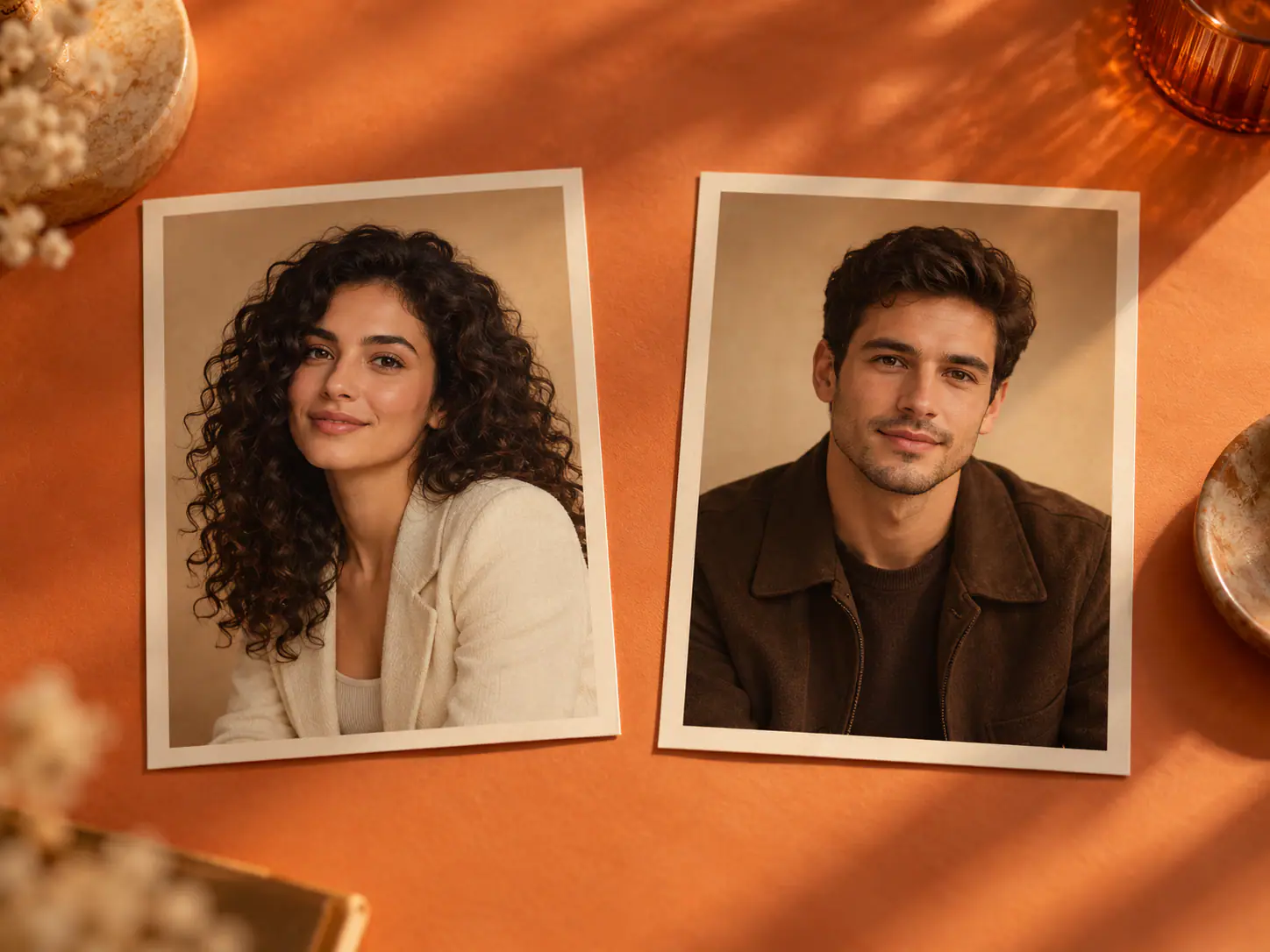
    Add two images in References using Upload files, drag and drop, or Assets Library. Use a separate picture for each person so the two identities are easy to distinguish. Check the thumbnails before moving on: both intended photos should be present, and the counter should read 2 / 2. Replace an accidental duplicate rather than adding more references.

  2. Choose the Video Format

    Keep Hotel Lobby AI Video selected, then open the settings row to choose Aspect Ratio and Resolution. Match the frame to where you want to show the clip: a tall composition for a phone screen, or a wide one when the pair needs more room side by side. These controls adjust the output format; there is no motion prompt to write.

  3. Generate and Check the Duet

    Select Generate to start the effect, then play the completed video in the result area. Watch each performer separately before watching the pair together. Look at recognizable facial details, gestures around the microphone, and whether both figures stay distinct through the movement. A quick check of the middle of the clip often reveals more than judging only its opening frame.

Give Your Duo a Reason to Take the Mic

A strong pairing makes the orange-stage format feel personal. Decide what the two people mean to each other before picking the photos.

Turn a Group-Chat Joke Into a Duet

Think of the friend who finishes your sentences, the cousin with the opposite taste in music, or the colleague who takes karaoke seriously. The joke already exists in the relationship; the orange stage gives it a setting. Choose photos where each person looks like the version your audience knows. A familiar jacket or everyday hairstyle can make the pairing land faster than formal portraits that barely resemble your usual selves. Share the idea with your partner before making the clip, especially when the humor depends on an inside joke.
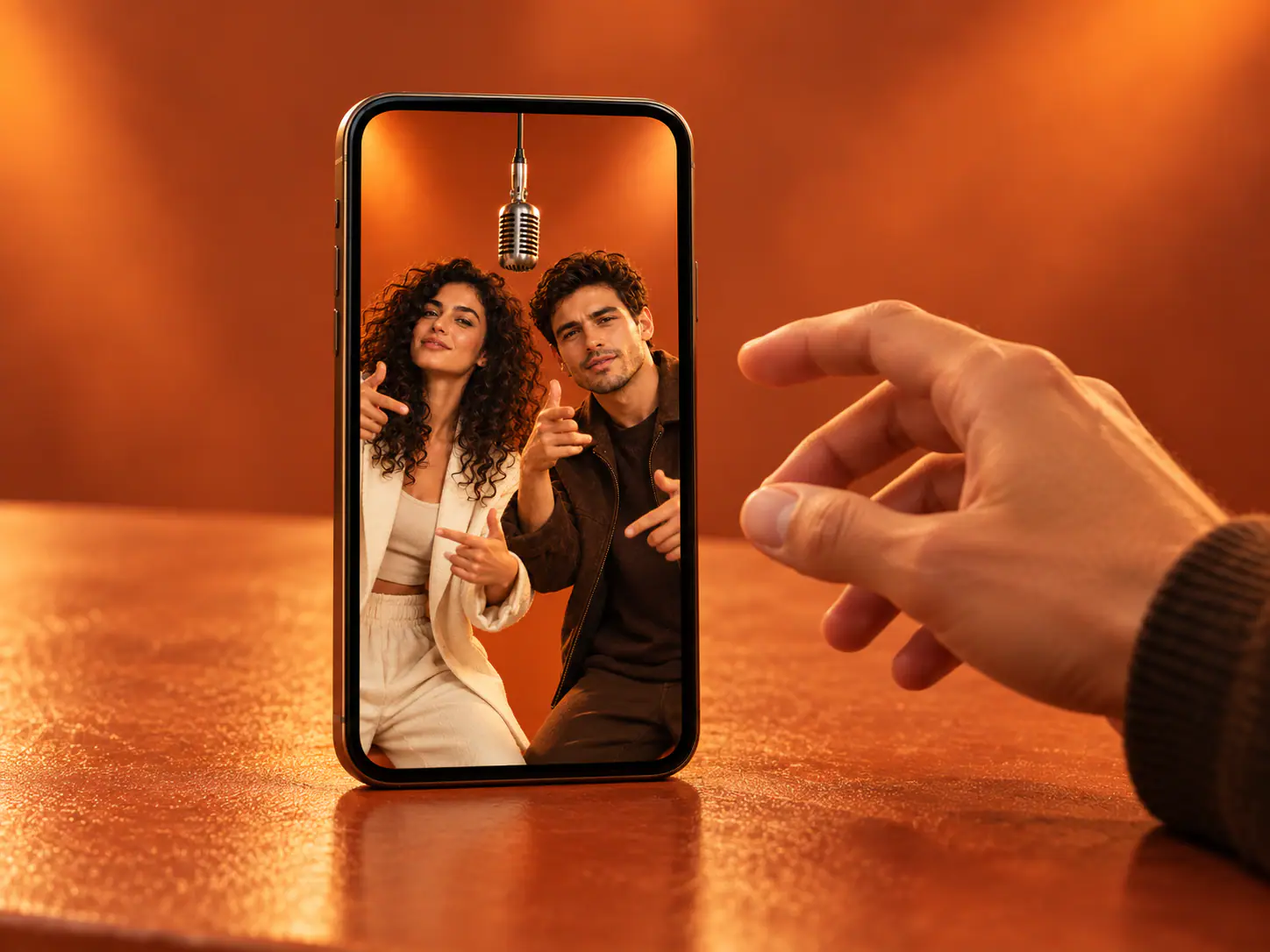
Set Up My Duo
Hotel Lobby concept illustration for duo reference planning

Make an Entrance for Your Celebration

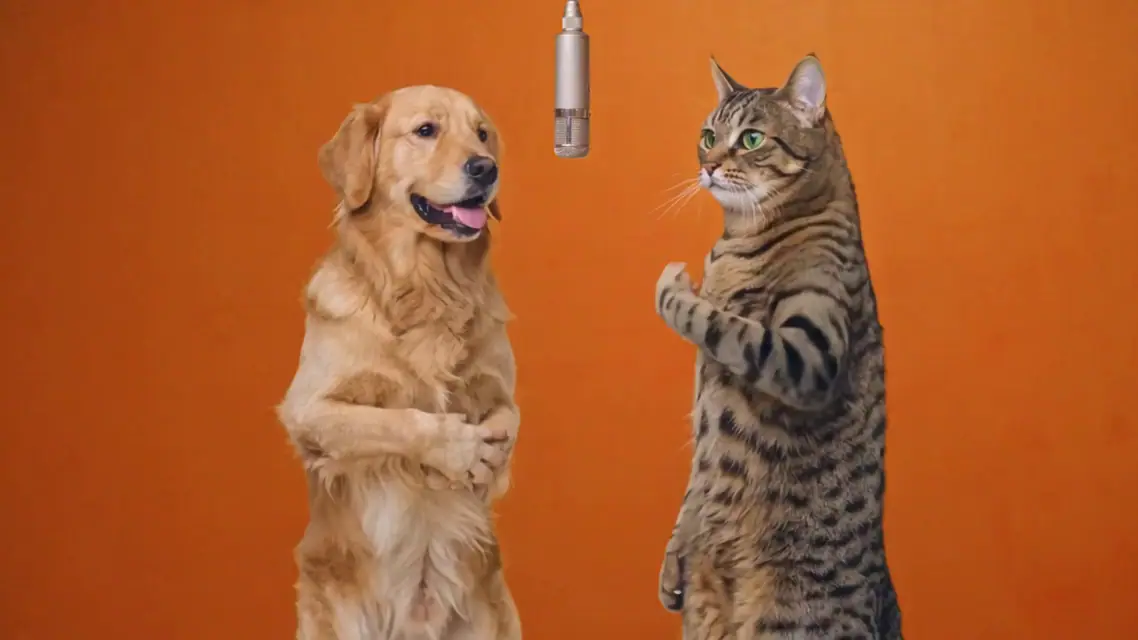
Use the duet as a playful opening for a birthday message, an anniversary slideshow, or a reunion chat. Pick the two people at the center of the occasion rather than trying to fit everyone into one scene. Matching party outfits can connect the clip to the event; contrasting everyday clothes can make the performance feel more unexpected. Keep any greeting or date in the surrounding message or your usual editor. That leaves the two faces and their interaction as the focus of the performance itself.

Plan a Celebration Clip
Hotel Lobby concept illustration for performance planning

Build the Reveal Around Recognition

For a social post, decide what viewers should notice first: the surprising partner, a familiar outfit, or the contrast between the pair. Give that detail room to register before adding a caption that explains the joke. A simple line such as “our next team meeting” can connect the performance to a situation your friends recognize. If you place the clip inside a longer edit, introduce the people first and use the duet as the reveal. The format works as a punchline when the audience already understands the setup.

Choose My Pair
Hotel Lobby concept illustration for sharing a duo video

Four Choices That Shape Your Version

Spend the preparation time on the details viewers will actually see.

A Face You Can Read

Open each source photo at a comfortable viewing size. If the eyes and mouth are hard to see, choose another image rather than sharpening a tiny screenshot. Even light and an unobstructed face give a clearer visual starting point. A simple crop can remove a distracting bystander while keeping the intended person easy to identify.

Clothes That Tell the Joke

Choose the appearance you want people to recognize in the reference itself. A work uniform, a favorite hoodie, or coordinated colors can explain the pairing without extra text. Keep important clothing details away from the photo edge. Tiny lettering is a weaker visual cue than a clear color block or a distinctive silhouette.

Space for Both Performers

Choose the aspect ratio before building the rest of your post. A narrow frame emphasizes the pair vertically; a wide frame gives the surrounding stage more room. If you add captions later, keep them clear of faces and the central microphone. Preview the composition on the device where your audience will watch it.

Sound That Fits the Post

Plan sound as a separate creative choice. The Hotel Lobby name identifies the visual trend; it does not by itself grant access to the original recording. If you add music in a publishing app, choose a track available for that account and use. Listen to the final post preview so the picture and sound begin where you intend.

What Creators Say About Hotel Lobby

Personal duets, birthday surprises, and shared laughs from creators trying the effect.

  • Both of Us Looked Like Ourselves

    I used a photo of myself and one of my cousins to make a Hotel Lobby AI Video for his birthday. What stood out was how the two characters felt like they belonged in the same scene. I could still recognize both of us, which made the whole thing much funnier to share.
    Marcus RiveraContent Creator
  • Easy to Make With Two Photos

    My roommate and I wanted to try the Hotel Lobby trend, but neither of us knows much about video editing. We picked two photos and gave it a shot. I liked that we could focus on choosing the right pictures instead of figuring out complicated editing software. It was a fun little weekend project.
    Emily ParkerCollege Student
  • Perfect for a Funny Reunion Reel

    Our college friend group was putting together a reunion Reel, and I thought a Hotel Lobby-style video would make a funny opening. I used pictures of two friends who used to perform together. Seeing them in the same scene again got everyone laughing, and the clip gave our reunion post a personal touch.
    Jordan MitchellSocial Media Coordinator
  • Better Photos Made a Difference

    My first attempt used an old, poorly lit selfie of my brother, and I wasn't completely happy with how he looked. I tried again with a clearer photo taken straight on. The second result was much closer to what I had in mind. It reminded me that good source photos really matter for this kind of video.
    Daniel FosterPhotography Enthusiast
  • A Simple Way to Try the Trend

    I kept seeing Hotel Lobby videos on social media and wanted to make one with my best friend. I appreciated having a straightforward way to turn our pictures into a video without building the scene manually. Once I saw the result, I sent it to her right away. Her reaction was the best part.
    Samantha BrooksLifestyle Blogger
  • Helped Me Test a Fun Content Idea

    I make short videos for a small entertainment page, and I'm always looking for ideas that feel personal. I tried a few different photo pairings with the Hotel Lobby concept to see which combination worked best. It helped me settle on a direction without spending an entire evening editing a video from scratch.
    Alex ChenDigital Content Creator

Hotel Lobby AI Video Questions

Answers about the trend, the effect, and the choices around your two-photo video.

It is a two-performer video format inspired by Quavo and Takeoff’s “Hotel Lobby” performance on A COLORS SHOW. The recognizable setting is a minimal orange stage with a suspended microphone between the performers. AI versions put a different pair into a related performance scene. Here, “Hotel Lobby” describes that music-video reference rather than the reception area of a hotel.

This page uses an Effect rather than a general model workspace. The selected effect supplies the creative setup, so your part is choosing the references and the available output settings. If you want to write a new scene with your own setting, camera direction, and action, use the general video generator instead of trying to turn this preset into a custom scene editor.

Your Pair. Their Moment at the Mic.

Choose the two faces that make the idea yours, then bring them into the Hotel Lobby effect above.