I Wanna Love You AI: Person and Pet Video Tutorial
Make an I Wanna Love You AI video with a person or pet. Plan the lean and return, use a clear opening photo and review the motion in VidFomo.
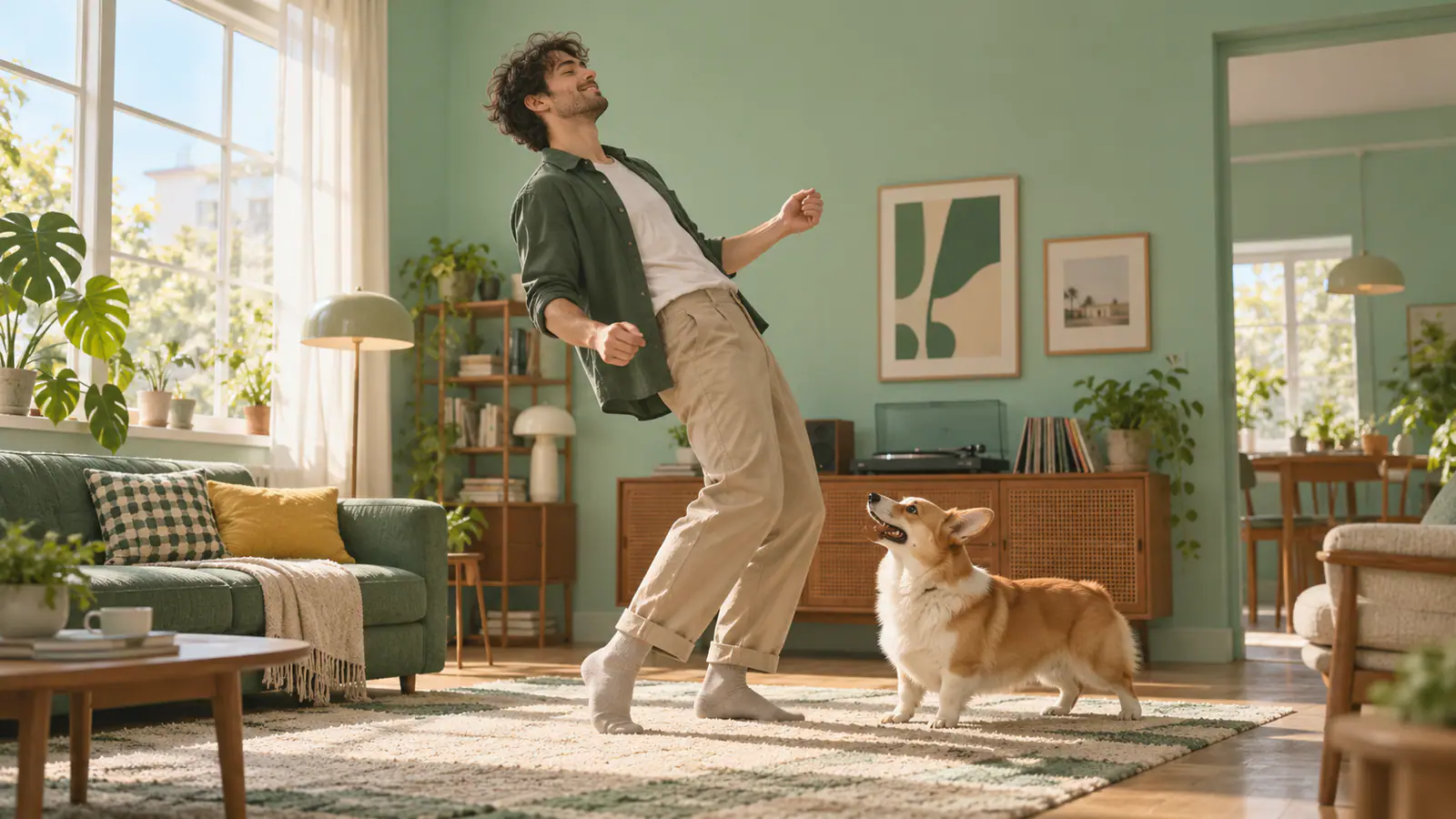
The trend works because the performer turns a simple lean into a sudden change of attitude: upright near the camera, backwards in a dramatic arc, then back as if nothing happened. It can be funny with a friend’s portrait or a pet with a strong expression.
Treat it as a three-beat performance, not a vague request to “make this photo dance.” Choose a roomy photo, describe the lean and return in order, and check it silently before you add audio.
Build the move before you generate
Think in three visible beats:
- The setup: The subject is upright, looking toward the camera, with a small confident or playful performance beat.
- The lean: The whole pose travels backward in one controlled arc. It should feel like an escalating reaction, not a fall, spin, or jump cut.
- The pop-up: At the farthest lean, there is a tiny moment of emphasis. Then the subject returns upright and lands on a simple finishing gesture or expression.
If you only say “lean back,” the middle can detach from the beginning and end. Keep the camera steady so the backward motion has somewhere to register.
For a person, begin with eye contact, a shoulder lift or a small hand gesture. For a pet, use a head tilt or perked ears before a modest backward weight shift and return. Keep the animal's paws grounded and its face visible; use the timing of the return to carry the joke.
Choose a reference photo that can survive the lean
Pick a clear single subject with a readable face or muzzle and enough upper body for the pose. A front-facing or slight angle, sharp focus, even light, and an unobtrusive background give you the clean foundation.
For people, look for a photo where the head, shoulders, and at least part of the torso are visible. Arms should not cross the face, and the chin should not already sit against the top edge. Avoid a crowded group shot. The trend needs one performer, so cropping other people away first is usually safer than asking a generation to decide who should move.
For pets, pick a photo with eyes, ears, muzzle and all four paws easy to distinguish. A full-body standing image gives you a clear starting stance for the weight shift. Avoid railings, blankets or furniture that hide the legs; contrast between the fur and background helps keep the silhouette readable.
Leave empty space around the subject. The face needs room above, beside, and behind it during the lean. A tightly cropped selfie may look ideal at the start, then put the head against an edge as soon as the action begins. Starting slightly wider is usually more useful than trying to rescue a cramped frame afterward.
Create the first motion pass in VidFomo
Open VidFomo’s AI Video Generator and choose Frames to Video when your photo already shows the upright opening pose. Select a model with a Start input, upload the image, and keep the existing setting in the prompt. Choose from the available format and duration controls, check the displayed credit cost, then generate a first motion pass.
Make a first pass with a prompt like this, replacing the bracketed detail with the subject’s real features:
Vertical social-video framing. One [person / cat / dog] faces the camera in a stable selfie-style shot. Begin upright with a small playful performance toward the lens. Then make one smooth, deliberate backward lean in a single arc while keeping the face visible. Hold the farthest lean for a brief beat, then pop back upright and finish with a small confident gesture. Keep [hair, clothing, fur pattern, collar, and background] consistent. No camera spin, no cut, no text, no extra limbs, and no foreground obstruction.
For a person, add a restrained expression and keep the lean small enough to retain the face. For a pet, replace the human-style backward arch with “make a small playful backward weight shift, keep all four paws grounded, then return to the starting stance.” Preserve the same ears, muzzle and fur markings. Increase the exaggeration only after a first result keeps the animal’s anatomy readable.
Use three paused frames as your timing guide:
| Frame | Person version | Pet version |
|---|---|---|
| Setup | Upright pose and eye contact | Four paws grounded, eyes and ears visible |
| Lean | One backward arc with the face in view | Small backward weight shift with a clear muzzle |
| Return | Upright again with a simple expression | Original stance and recognizable markings |
The prompt above is a starting brief; judge each result against these checkpoints before increasing the movement.
Generate a test before styling. Watch silently: a viewer should understand upright → lean → return without a familiar song.
Prevent foreground occlusion and crop failures
Foreground clutter can erase the payoff. A near-lens hand, drink, leash, furniture, or phone can obscure the pose as it shifts. Start with the face and torso free of nearby objects.
In vertical framing, keep the face off the upper corners and avoid cutting across the forehead, elbows, paws, or chest. Since the visual centre shifts during the lean, leave extra room on the travel side.
A few adjustments solve most disappointing results:
- The face approaches the frame edge: return to a wider original, or ask for a smaller backward arc. Do not keep forcing a tight crop.
- The subject seems to pass behind an object: use a cleaner wall, open floor, or uncluttered outdoor background and regenerate from that source.
- The action looks like a collapse instead of a playful lean: remove words such as “dramatic fall,” “spin,” or “dance.” Keep “smooth, controlled backward lean” and “pop back upright.”
- The pet loses its identity: simplify the motion. Preserve the face, ears, paws, and fur markings in the prompt, and avoid asking for human clothes, elaborate props, or a complicated full-body routine in the same attempt.
- Two faces compete for attention: make separate clips. This trend’s rhythm is strongest when one subject owns the frame.
When a result is close, change one variable at a time: lean amount, then finish, then framing. Changing everything at once hides the fix.
Add music after the lean reads clearly
Match a permitted audio accent to the farthest lean and the return. Choose audio available for your account and intended post, or use a track you have independently cleared. For a brand or promotional post on TikTok, check its commercial-use guidance before choosing a track. Check the audio permissions again when reposting elsewhere.
Keep the visual test separate: the setup, lean and return should remain understandable on mute.
Run a practical pre-publish check
Before posting, play it silently, with intended sound, and in a draft on the target platform. Those views expose unclear timing, audio mismatch, crop changes, interface overlays, and caption-area conflicts.
Then check these details:
- Is the person or pet recognizable from the first frame to the last?
- Does the face stay visible through the farthest point of the lean?
- Are there distorted hands, paws, ears, collars, or unexpected extra features?
- Is the background still believable, without an object cutting across the subject?
- Does the ending feel like a return, rather than an abrupt second clip?
- Do you have permission to use the reference photo and, for a person, their likeness?
- Is the selected audio cleared or platform-licensed for the way and place you intend to publish it?
If the answer is no to any visual question, revise the source crop or simplify the action before you post. If the audio answer is unclear, publish with a permitted alternative rather than treating the trend label as a license.
Start with one clean, roomy photo and a modest first test. Once the upright setup, controlled lean, and quick return read clearly, the clip has already completed the trend’s central gag—whether the performer is you, a friend, or the pet who has been waiting for a close-up.